メインコンテンツにスキップ
リペアコミュニティに参加 - アカウントの作成

Gateway MA6 Laptop RAM Replacement

必要な工具と部品

  1. Gateway MA6 Laptop RAM Replacement, Battery: 手順 1、 1の画像 1
    • To prevent injury, make sure the laptop is unplugged before removing the battery.

    • Make sure the switch in the upper right corner of the laptop is switched to the "unlock" position (toward the unlocked padlock icon).

    FixBotに聞いてみる

    コメントを追加

  2. Gateway MA6 Laptop RAM Replacement: 手順 2、 3の画像 1 Gateway MA6 Laptop RAM Replacement: 手順 2、 3の画像 2 Gateway MA6 Laptop RAM Replacement: 手順 2、 3の画像 3
    • Pull the switch on the upper lefthand corner of the laptop towards the unlocked padlock icon.

    • Firmly pull the battery outwards and away from the laptop.

    FixBotに聞いてみる

    コメントを追加

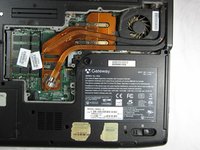
  3. Gateway MA6 Laptop RAM Replacement, RAM: 手順 3、 2の画像 1 Gateway MA6 Laptop RAM Replacement, RAM: 手順 3、 2の画像 2
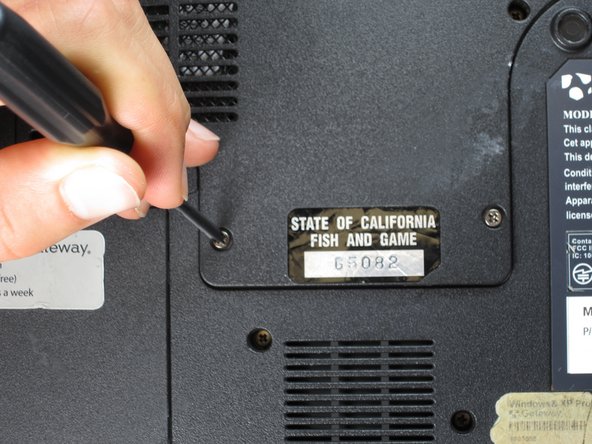
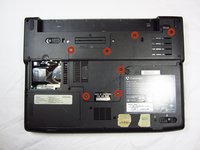
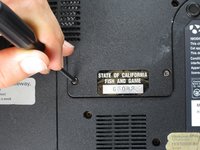
    • Remove the seven 6 mm Phillips #0 screws from the back of the case.

    • Leave all the screws in the back plate and so you don't lose them.

    FixBotに聞いてみる

    コメントを追加

  4. Gateway MA6 Laptop RAM Replacement: 手順 4、 2の画像 1 Gateway MA6 Laptop RAM Replacement: 手順 4、 2の画像 2
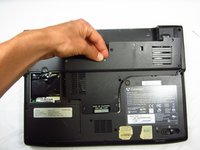
    • Pull upwards on the top of the back cover to remove it.

    FixBotに聞いてみる

    コメントを追加

  5. Gateway MA6 Laptop RAM Replacement: 手順 5、 3の画像 1 Gateway MA6 Laptop RAM Replacement: 手順 5、 3の画像 2 Gateway MA6 Laptop RAM Replacement: 手順 5、 3の画像 3
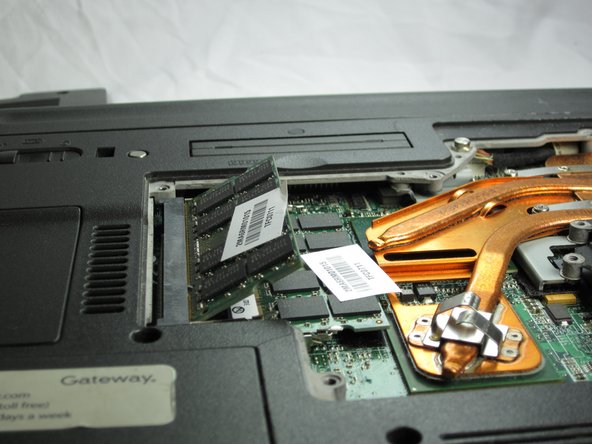
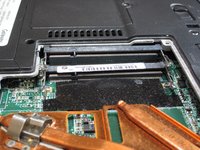
    • Pull outwards on the silver metal pins to release the upper RAM module.

    • The module will automatically lift up 30° after it has been released.

    FixBotに聞いてみる

    コメントを追加

  6. Gateway MA6 Laptop RAM Replacement: 手順 6、 2の画像 1 Gateway MA6 Laptop RAM Replacement: 手順 6、 2の画像 2
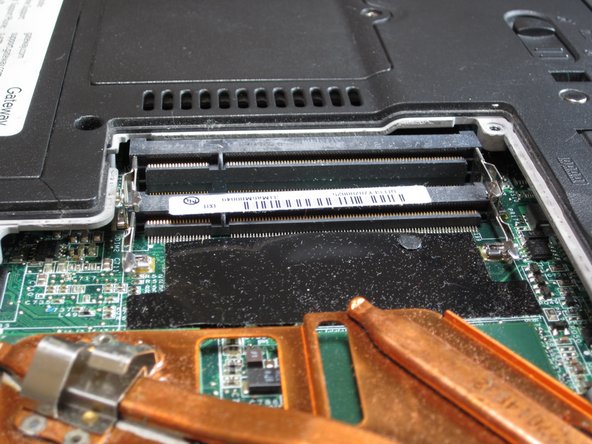
    • Firmly grasp the outer portion of the RAM module, and pull it outward to remove it from the port.

    • Repeat the same process for the lower RAM module.

    FixBotに聞いてみる

    コメントを追加

終わりに

To reassemble your device, follow these instructions in reverse order.

キャンセル: このガイドを終了できませんでした。

作成者

3人の作成者と共同で作成されました。

Chris Naughton

メンバー登録日: 04/07/14

724 ポイント

5のガイドは作成済み

チーム

Cal Poly, Team 6-2, Forte Spring 2014 Cal Poly, Team 6-2, Forte Spring 2014人のメンバー

CPSU-FORTE-S14S6G2

5 メンバー

20のガイドは作成済み

0件のガイドコメント

コメントを追加

統計データ:

過去 24時間: 3

過去 7 日: 5

過去 30 日: 41

今までの合計 1,511