はじめに
If you need to replace the Garmin STRIKER 4 motherboard, access it with this guide. Some reasons you may be replacing the motherboard include button sensors not working or last-resort fixes to other problems with the screen and readings. Be careful when prying away the old motherboard to avoid any further damage to the casing.
必要な工具と部品
-
-
-
-
Remove all six 6 mm screws using a Phillips #0 screwdriver.
-
Detach and flip the backside to open the device.
-
-
-
-
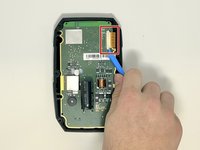
Slide out the screen cable from the motherboard using the iFixit opening tool or your fingernail.
-
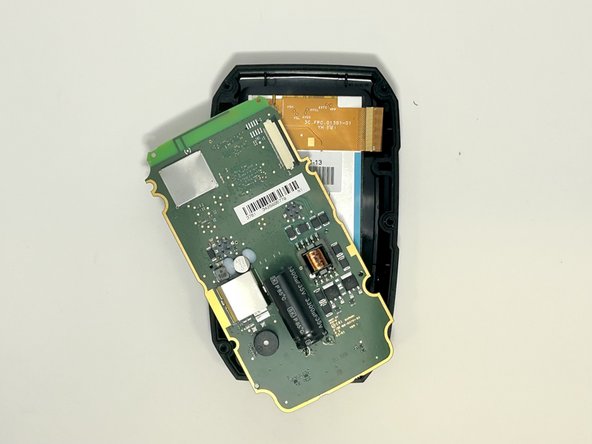
Remove the motherboard from the device.
-
-


 FixBotに聞いてみる


To reassemble your device, follow these instructions in reverse order.

チーム

Utah Tech University, Team 1-5, McMurrin Fall 2023 Utah Tech University, Team 1-5, McMurrin Fall 2023人のメンバー
UTAHTECH-MCMURRIN-F23S1G5
3 メンバー
12のガイドは作成済み
