はじめに
If you need to replace the Garmin STRIKER 4 digital display, access it with this guide. Some reasons you may be replacing the screen include dead pixels in the screen or the screen not turning on at all. Be careful when prying away the old screen to avoid any further damage to the casing.
必要な工具と部品
-
-
-
Remove all six 6 mm screws using a Phillips #0 screwdriver.
-
Detach and flip the backside to open the device.
-
-
-
-
-
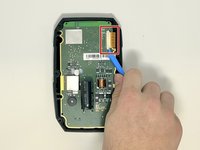
Slide out the screen cable from the motherboard using the iFixit opening tool or your fingernail.
-
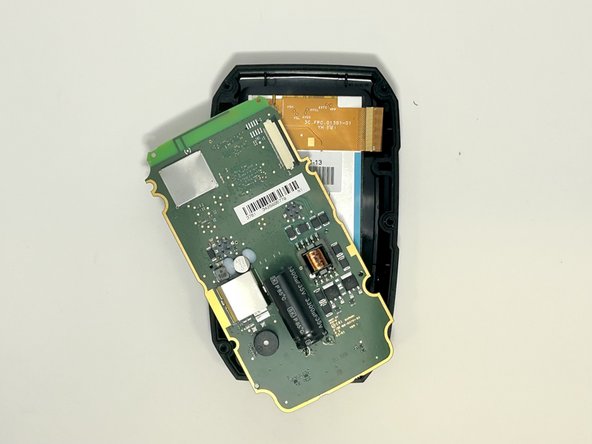
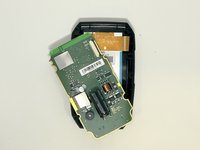
Remove the motherboard from the device.
-
-
-
-
-
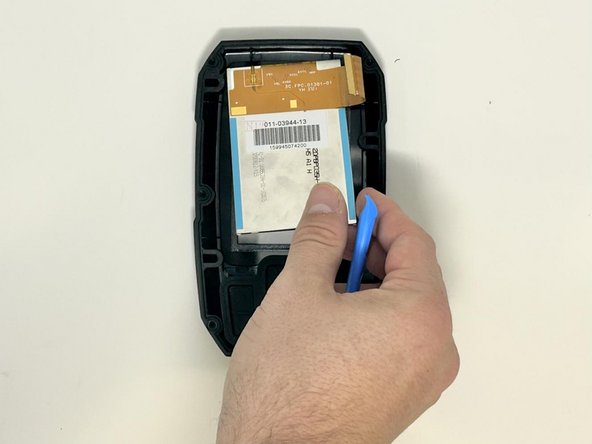
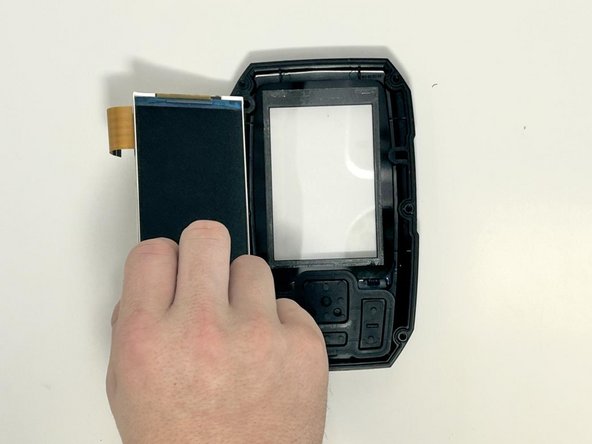
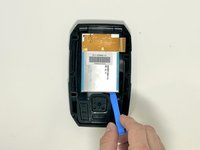
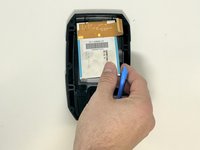
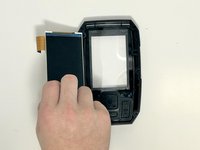
Use the iFixit opening tool to gently lift the screen from the casing.
-
-


 FixBotに聞いてみる



To reassemble your device, follow these instructions in reverse order.
2 の人々がこのガイドを完成させました。

チーム

Utah Tech University, Team 1-5, McMurrin Fall 2023 Utah Tech University, Team 1-5, McMurrin Fall 2023人のメンバー
UTAHTECH-MCMURRIN-F23S1G5
3 メンバー
12のガイドは作成済み
