メインコンテンツにスキップ
リペアコミュニティに参加 - アカウントの作成

Garmin DriveSmart 71 EX Case Disassembly

必要な工具と部品

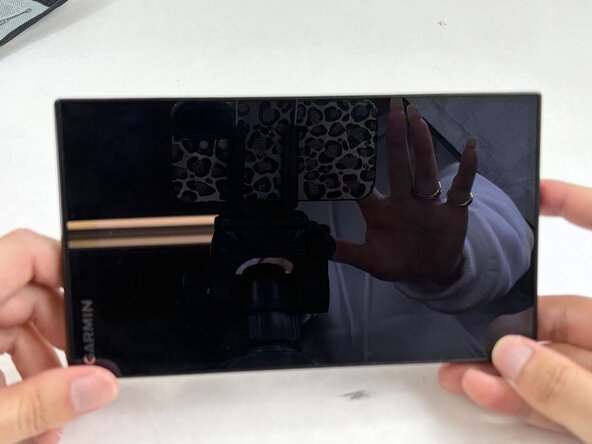
    1. Garmin DriveSmart 71 EX Case Disassembly, Case: 手順 1、 1の画像 1
      • Unplug and power off the device.

      FixBotに聞いてみる

      コメントを追加

    2. Garmin DriveSmart 71 EX Case Disassembly: 手順 2、 1の画像 1
      • Remove the four 5 mm T5 Torx screws securing the rear case.

      FixBotに聞いてみる

      コメントを追加

    3. Garmin DriveSmart 71 EX Case Disassembly: 手順 3、 3の画像 1 Garmin DriveSmart 71 EX Case Disassembly: 手順 3、 3の画像 2 Garmin DriveSmart 71 EX Case Disassembly: 手順 3、 3の画像 3
      • Insert an opening pick into the seam between the front and back cover.

      • Carefully slide the opening pick around the perimeter of the device to release the clips securing the front and rear case.

      • Open the case with care not to strain the display ribbon cable or the microphone cable.

      • You may hear small snapping sounds as the clips release. Don't worry, this is normal.

      FixBotに聞いてみる

      コメントを追加

終わりに

To reassemble your device, follow these instructions in reverse order.

キャンセル: このガイドを終了できませんでした。

Connor Bassolino

メンバー登録日: 03/29/22

25,244 ポイント

125のガイドは作成済み

0件のガイドコメント

コメントを追加

統計データ:

過去 24時間: 0

過去 7 日: 1

過去 30 日: 22

今までの合計 62