メインコンテンツにスキップ
リペアコミュニティに参加 - アカウントの作成

Fujifilm FinePix Z5 Optical Lens Replacement

必要な工具と部品

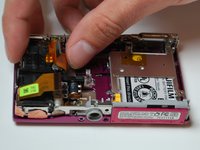
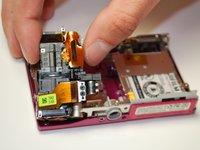
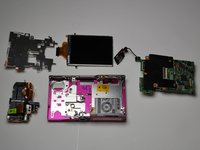
    1. Fujifilm FinePix Z5 Optical Lens Replacement, Optical Lens: 手順 1、 3の画像 1 Fujifilm FinePix Z5 Optical Lens Replacement, Optical Lens: 手順 1、 3の画像 2 Fujifilm FinePix Z5 Optical Lens Replacement, Optical Lens: 手順 1、 3の画像 3
      • Remove the two screws from the right side of the camera and the two screws from the left side.

      • Use a small #00 Phillips flat head screwdriver.

      • Keep all the screws in a container and the two different types separate.

      FixBotに聞いてみる

      コメントを追加

    2. Fujifilm FinePix Z5 Optical Lens Replacement: 手順 2、 1の画像 1
      • Remove the three screws from the bottom of the camera.

      • Use a three-prong screwdriver for two of the three screws; keep these screws separate.

      FixBotに聞いてみる

      コメントを追加

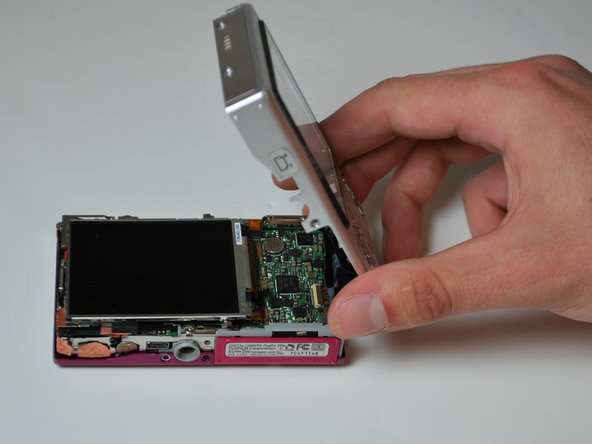
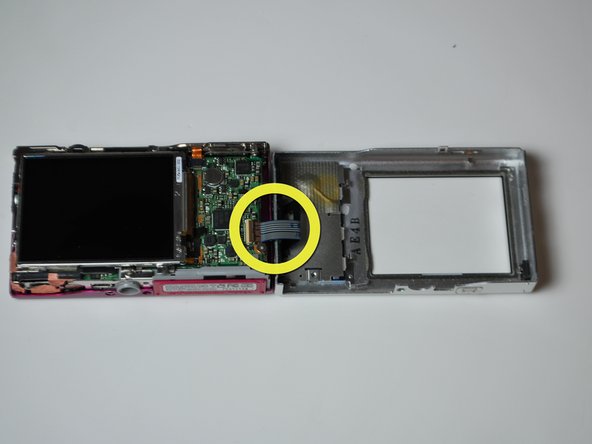
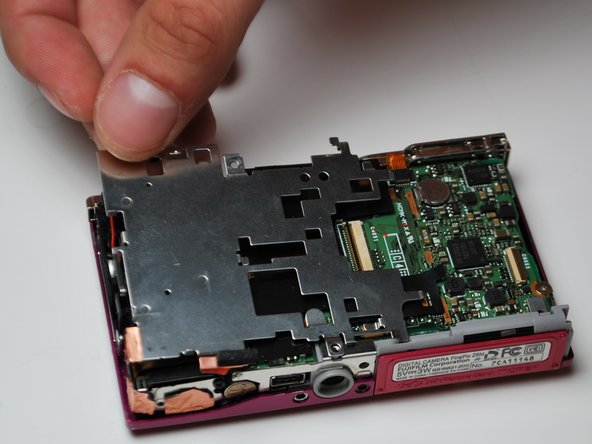
    3. Fujifilm FinePix Z5 Optical Lens Replacement: 手順 3、 3の画像 1 Fujifilm FinePix Z5 Optical Lens Replacement: 手順 3、 3の画像 2 Fujifilm FinePix Z5 Optical Lens Replacement: 手順 3、 3の画像 3
      • Remove the back by carefully flipping it open to the right side.

      • There will be a ribbon cable attaching the front panel to the motherboard, be sure not to tear this.

      FixBotに聞いてみる

      コメントを追加

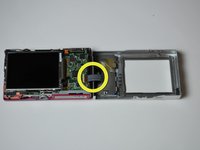
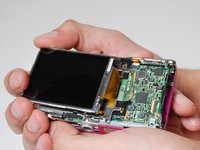
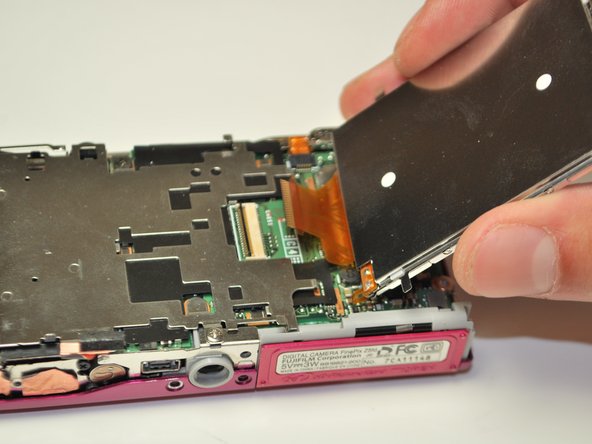
    4. Fujifilm FinePix Z5 Optical Lens Replacement: 手順 4、 2の画像 1 Fujifilm FinePix Z5 Optical Lens Replacement: 手順 4、 2の画像 2
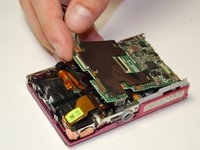
      • Pull the LCD screen to the left slightly, then lift and flip it open to the right.

      • There is an orange ribbon cable attaching the LCD screen to the motherboard, be careful not to tear it.

      FixBotに聞いてみる

      コメントを追加

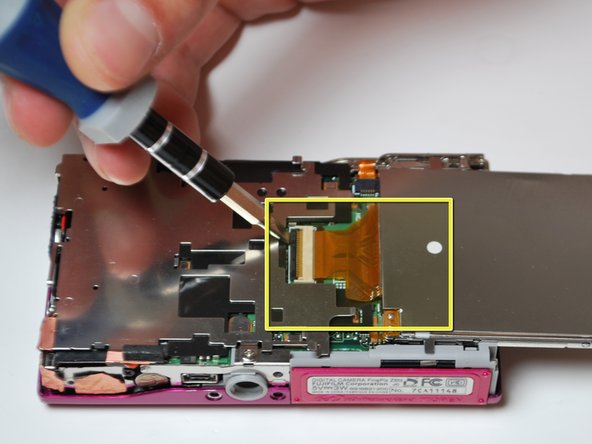
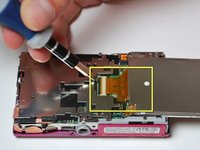
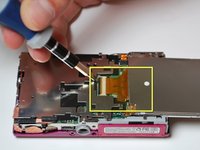
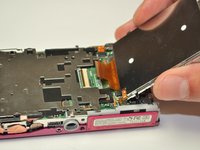
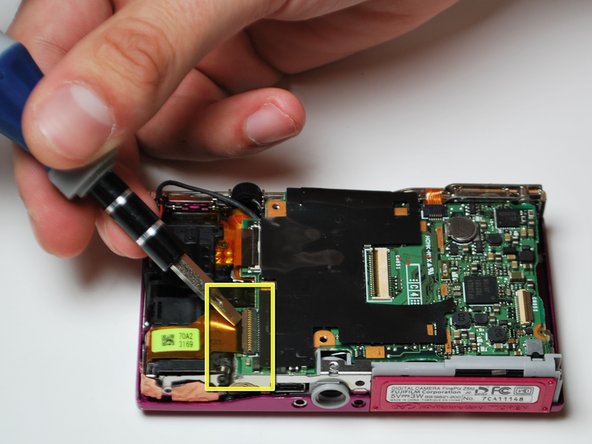
    5. Fujifilm FinePix Z5 Optical Lens Replacement: 手順 5、 2の画像 1 Fujifilm FinePix Z5 Optical Lens Replacement: 手順 5、 2の画像 2
      • Using a plastic opening tool to flip open the black lever to release the ribbon cable.

      • Gently slide the cable out of the lock; the LCD screen is now free to be removed.

      FixBotに聞いてみる

      コメントを追加

    6. Fujifilm FinePix Z5 Optical Lens Replacement: 手順 6、 3の画像 1 Fujifilm FinePix Z5 Optical Lens Replacement: 手順 6、 3の画像 2 Fujifilm FinePix Z5 Optical Lens Replacement: 手順 6、 3の画像 3
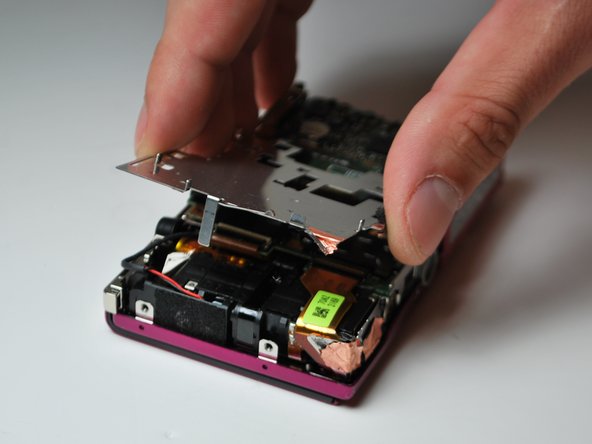
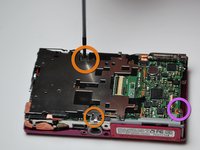
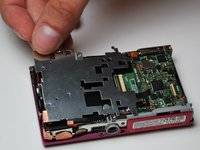
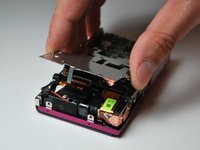
      • Remove the two screws that are holding the silver paneling on.

      • There is a gold foil which will tear upon removal of the silver paneling, this is normal.

      • Remove the screw anchoring the motherboard on the right.

      FixBotに聞いてみる

      コメントを追加

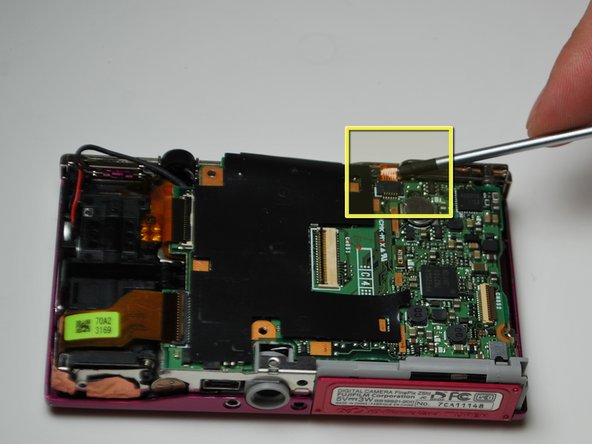
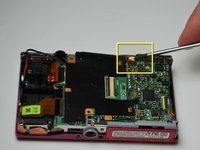
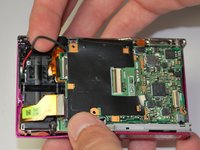
    7. Fujifilm FinePix Z5 Optical Lens Replacement: 手順 7、 3の画像 1 Fujifilm FinePix Z5 Optical Lens Replacement: 手順 7、 3の画像 2 Fujifilm FinePix Z5 Optical Lens Replacement: 手順 7、 3の画像 3
      • Detach the two ribbon cables on the left side of the camera the same way the LCD cable was detached.

      • Detach the gold ribbon cable on the top middle of the camera as well.

      FixBotに聞いてみる

      コメントを追加

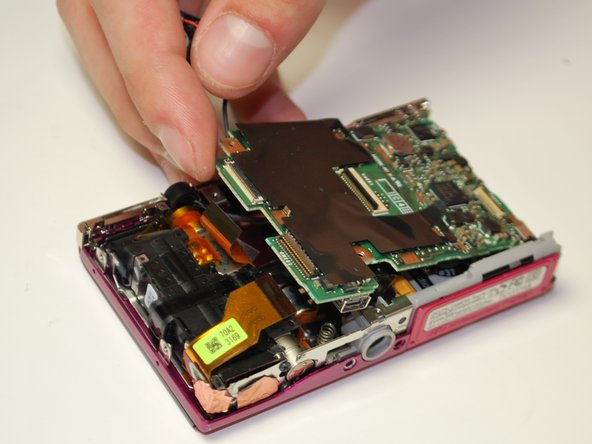
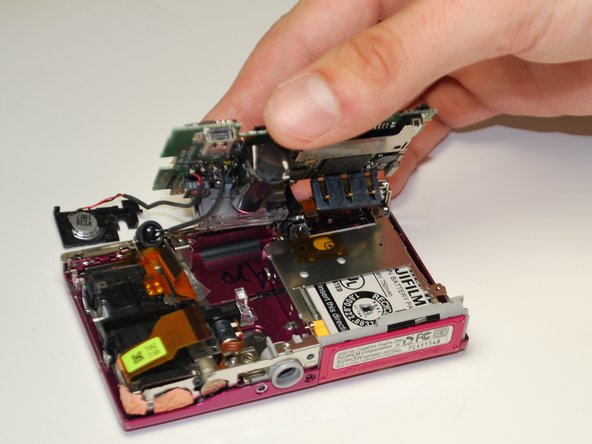
    8. Fujifilm FinePix Z5 Optical Lens Replacement: 手順 8、 3の画像 1 Fujifilm FinePix Z5 Optical Lens Replacement: 手順 8、 3の画像 2 Fujifilm FinePix Z5 Optical Lens Replacement: 手順 8、 3の画像 3
      • Hold wires on the left with an index finger, to keep them out of the way.

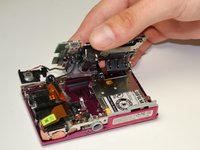
      • Carefully wiggle out the motherboard. The flash and the speaker will come with it.

      • Make sure you have a motherboard that includes the flash and the speaker; these items are both soldered onto the motherboard.

      FixBotに聞いてみる

      コメントを追加

    9. Fujifilm FinePix Z5 Optical Lens Replacement: 手順 9、 3の画像 1 Fujifilm FinePix Z5 Optical Lens Replacement: 手順 9、 3の画像 2 Fujifilm FinePix Z5 Optical Lens Replacement: 手順 9、 3の画像 3
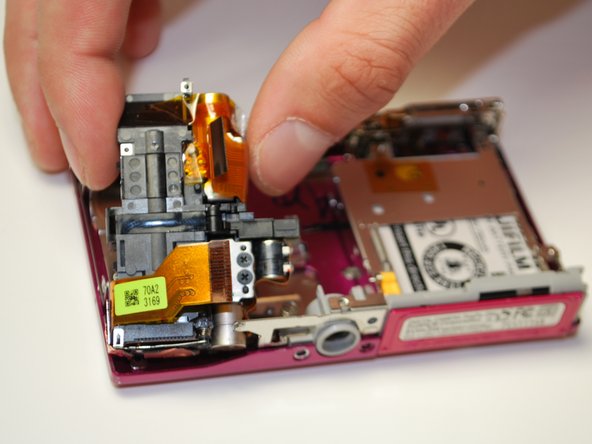
      • Lift the lens off of the camera base (there is nothing anchoring it down).

      FixBotに聞いてみる

      コメントを追加

終わりに

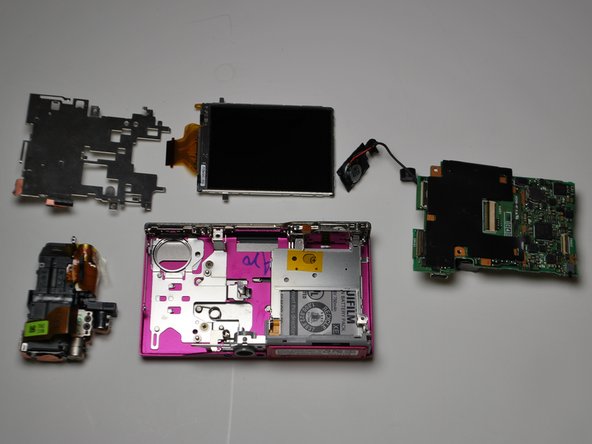
To reassemble your device, follow these instructions in reverse order.

キャンセル: このガイドを終了できませんでした。

作成者

5人の作成者と共同で作成されました。

Inga Direktorchuk

メンバー登録日: 02/10/12

72 ポイント

2のガイドは作成済み

チーム

James Madison, Team 3-4, Klein Spring 2012 James Madison, Team 3-4, Klein Spring 2012人のメンバー

JMU-KLEIN-S12S3G4

3 メンバー

12のガイドは作成済み

0件のガイドコメント

コメントを追加

統計データ:

過去 24時間: 2

過去 7 日: 10

過去 30 日: 30

今までの合計 1,334