はじめに
If your Fujifilm FinePix T500 is producing blurry images or is cracked or broken, use this guide to replace the camera lens. The camera lens transmits light to a fixed focal point. A faulty camera lens will transmit dark images, or no images at all. Fortunately, the camera lens can be replaced in just a few steps. It is important to approach the repair with proper techniques and tools to ensure a smooth replacement.
必要な工具と部品
-
-
-
Open the battery compartment and remove the battery.
-
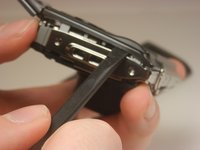
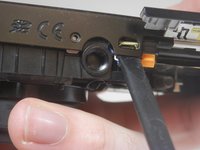
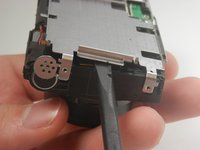
Carefully pry the front half of the casing away from the camera.
-
Pay close attention to the sensor cover—a small piece of translucent plastic—as it may fall out of place. If it does, place it back in its original position.
-
-
-
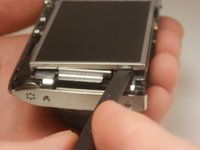
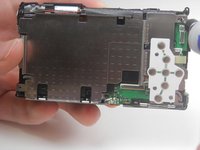
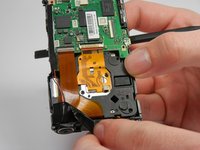
Lift the LCD screen out of the camera.
-
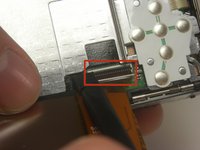
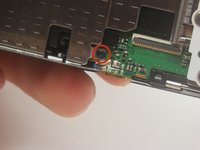
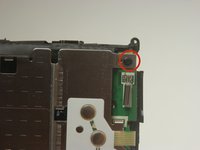
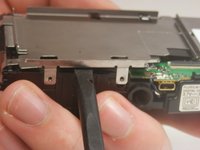
Locate the tab securing the ribbon cable that connects the screen to the motherboard. Using a spudger, gently lift the tab to release the ribbon. Carefully disconnect the screen from the motherboard.
-
-
-
-
-
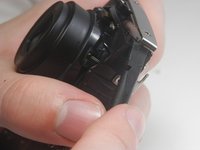
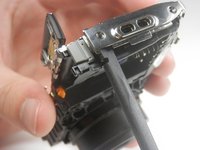
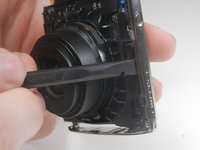
Pry off the center casing of the camera. Separate the top and side sections individually before fully removing the casing.
-
-
-
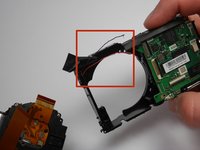
Peel back the strip of black tape to reveal a red and black wire.
-
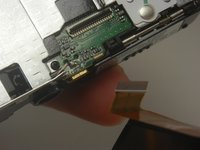
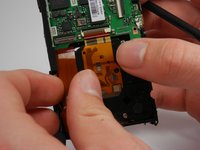
Detach the orange ribbon by gently pulling on it.
-
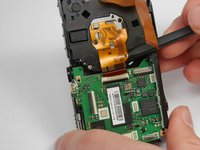
Detach the golden ribbon by gently lifting it with the spudger.
-
-
-
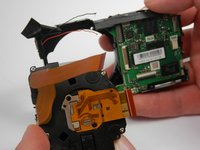
The lens should now be free to simply be pushed out of its socket.
-
The black and red wires that were exposed previously may be in the way of removing the lens and may break. If they do, you will need to solder these wires back into place upon reassembly.
-


 FixBotに聞いてみる














To reassemble your device, follow these instructions in reverse order.

チーム

USF Tampa, Team 19-3, Blackwell Winter 2015 USF Tampa, Team 19-3, Blackwell Winter 2015人のメンバー
USFT-BLACKWELL-W15S19G3
4 メンバー
10のガイドは作成済み
