はじめに
This Flip Ultra HD had numerous faults. It is well used and needs a bit of work. This repair is straight forward and does not require a lot of tools.
必要な工具と部品
-
-
-
Here is the Flip Ultra HD and it shows lots of use.
-
The USB latch does not return to the upright position when the USB arm is retracted.
-
Slide the battery latch to unlock
 FixBotに聞いてみる
-
-
-
-
Slide the front panel down and up to remove.
-
Remove the battery by pulling up on the tab
-
Peel the identification sticker back about half way.
-
-
-
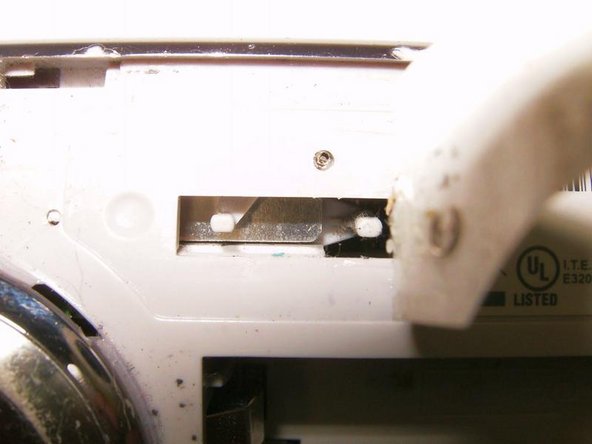
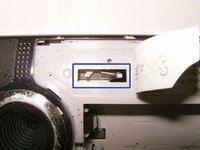
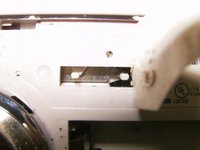
Beneath the sticker is a rectangular opening that houses the spring for the USB latch return. In this case it is clearly broken
-
Use a pair of Needle Nose Pliers to remove and replace the spring
-
-


To reassemble your device, follow these instructions in reverse order.
ある他の人がこのガイドを完成しました。

