メインコンテンツにスキップ

Disassembling the Blue-Bot

  1. Disassembling the Blue-Bot, Introduction: 手順 1、 1の画像 1
    • In this guide we will take a look at the internals of TTS's Blue-Bot and how we can completely disassemble it.

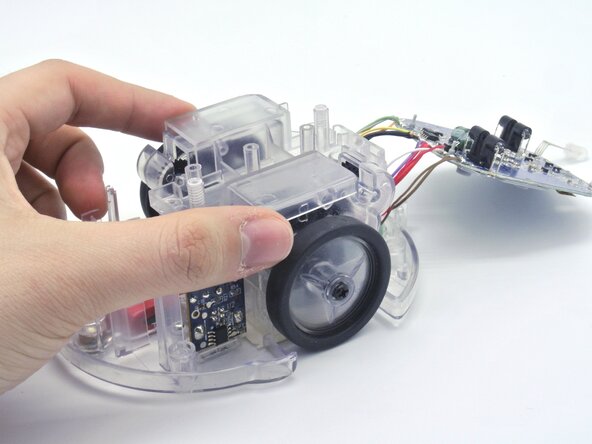
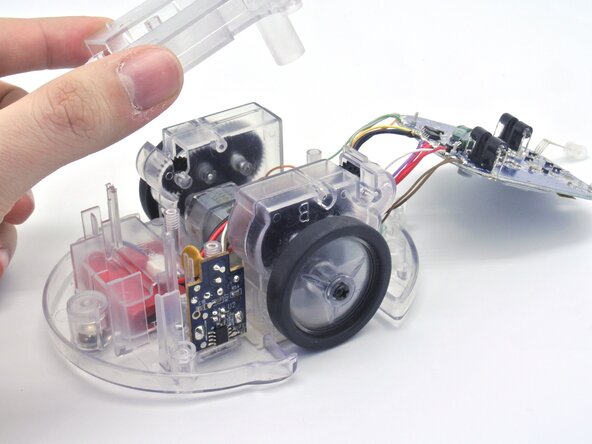
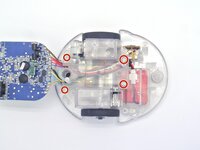
  2. Disassembling the Blue-Bot, Getting inside the robot: 手順 2、 3の画像 1 Disassembling the Blue-Bot, Getting inside the robot: 手順 2、 3の画像 2 Disassembling the Blue-Bot, Getting inside the robot: 手順 2、 3の画像 3
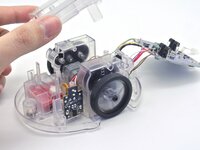
    • To open the Blue-Bot, remove the Phillips M3 screws and lift up the top cover.

  3. Disassembling the Blue-Bot, Removing the battery: 手順 3、 3の画像 1 Disassembling the Blue-Bot, Removing the battery: 手順 3、 3の画像 2 Disassembling the Blue-Bot, Removing the battery: 手順 3、 3の画像 3
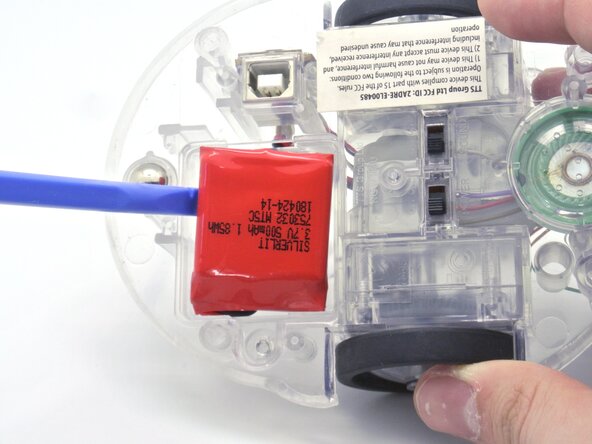
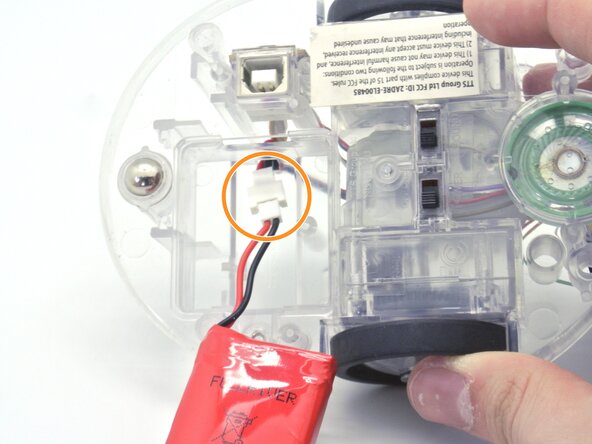
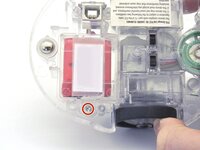
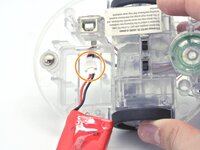
    • On the bottom of the robot, remove the Tri-angle screw.

    • This will reveal the battery that you need to disconnect to remove it.

  4. Disassembling the Blue-Bot, Unglue the LEDs: 手順 4、 2の画像 1 Disassembling the Blue-Bot, Unglue the LEDs: 手順 4、 2の画像 2
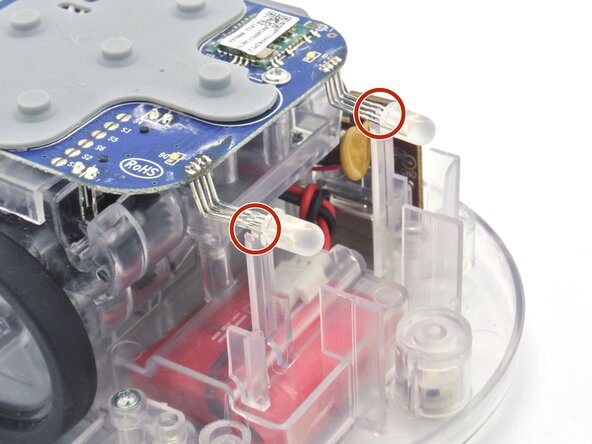
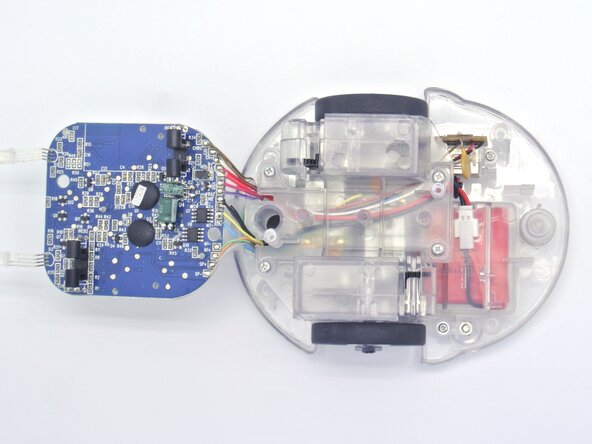
    • Now that the cover is off, we have access to the the PCB but before removing it the LEDs for the eyes are glued on the chassis.

    • With a hairdryer or a heat gun, we can soften the glue to remove it easily.

    • You can also remove the glue by force but you have to be careful to not break the LEDs.

  5. Disassembling the Blue-Bot, Unscrewing the PCB: 手順 5、 2の画像 1 Disassembling the Blue-Bot, Unscrewing the PCB: 手順 5、 2の画像 2
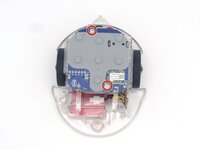
    • The next step is to remove the screws holding the PCB to the chassis.

    • Remove the two M3 screws and simply lift up the PCB.

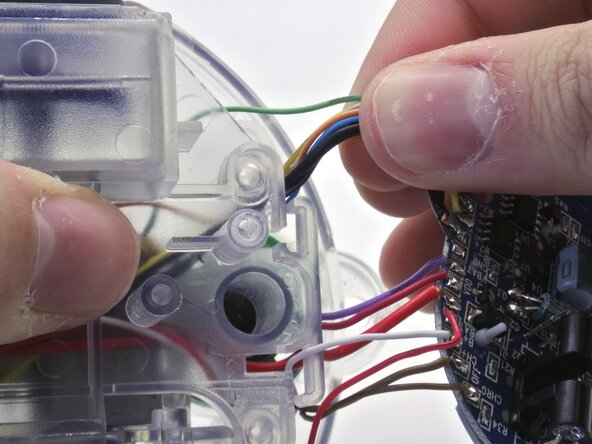
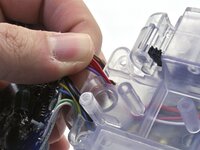
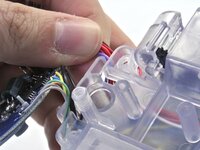
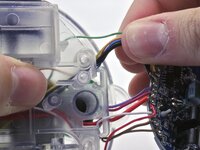
  6. Disassembling the Blue-Bot, Getting the cables out of the way: 手順 6、 3の画像 1 Disassembling the Blue-Bot, Getting the cables out of the way: 手順 6、 3の画像 2 Disassembling the Blue-Bot, Getting the cables out of the way: 手順 6、 3の画像 3
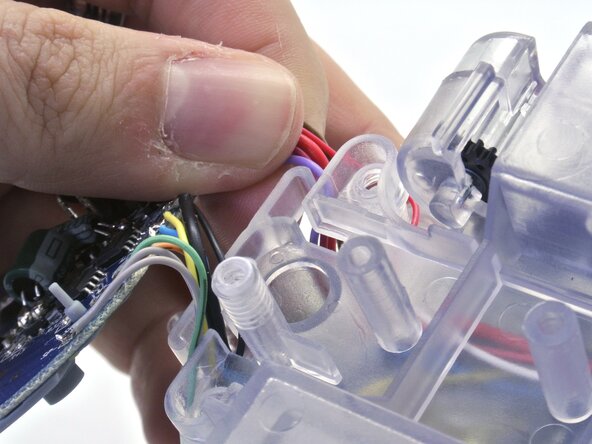
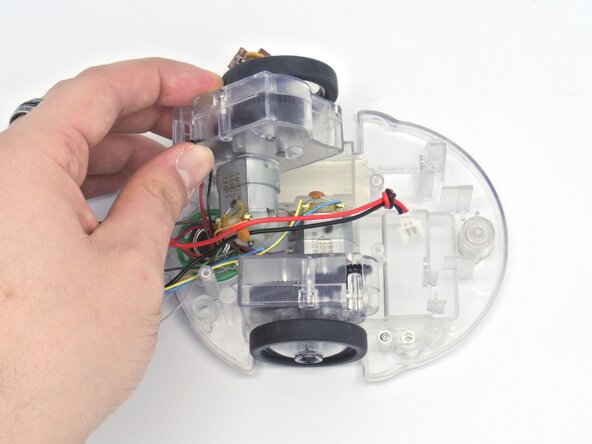
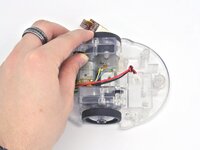
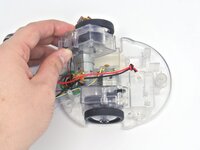
    • Before removing the plastic cover holding the motors we need to remove the PCB cables inserted in it.

    • These cables are very thin and weakly attached to the PCB so you need to remove them one by one and be sure not put too much force on them.

  7. Disassembling the Blue-Bot, Removing the plastic cover: 手順 7、 3の画像 1 Disassembling the Blue-Bot, Removing the plastic cover: 手順 7、 3の画像 2 Disassembling the Blue-Bot, Removing the plastic cover: 手順 7、 3の画像 3
    • Remove the four Phillips M3 screws.

    • Simply lift the plastic cover and remove it.

  8. Disassembling the Blue-Bot, Removing the USB connector: 手順 8、 1の画像 1
    • To remove the USB connector, unscrew the two M3 screws on the side of the connector and lift.

  9. Disassembling the Blue-Bot, Removing the motors: 手順 9、 2の画像 1 Disassembling the Blue-Bot, Removing the motors: 手順 9、 2の画像 2
    • Now that everything is out of the way, you can just lift the motors up as shown.

  10. Disassembling the Blue-Bot, Getting to the Switches: 手順 10、 2の画像 1 Disassembling the Blue-Bot, Getting to the Switches: 手順 10、 2の画像 2
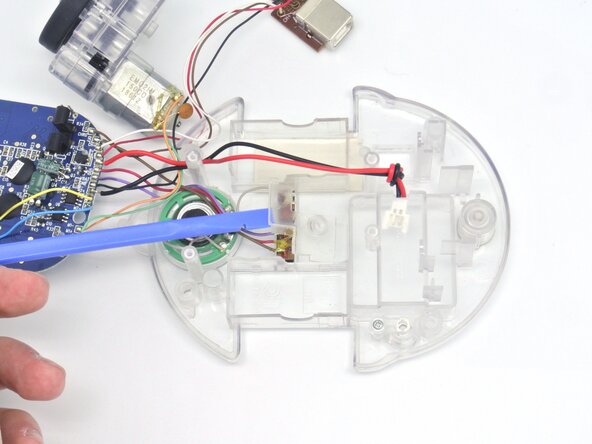
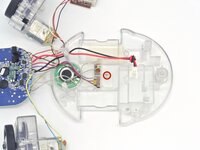
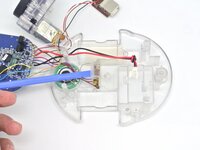
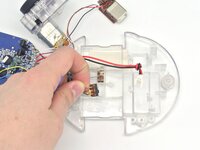
    • Remove the Phillips screw holding the plastic cover to get to the power and speaker switches.

  11. Disassembling the Blue-Bot, Removing the Switches and Speaker: 手順 11、 2の画像 1 Disassembling the Blue-Bot, Removing the Switches and Speaker: 手順 11、 2の画像 2
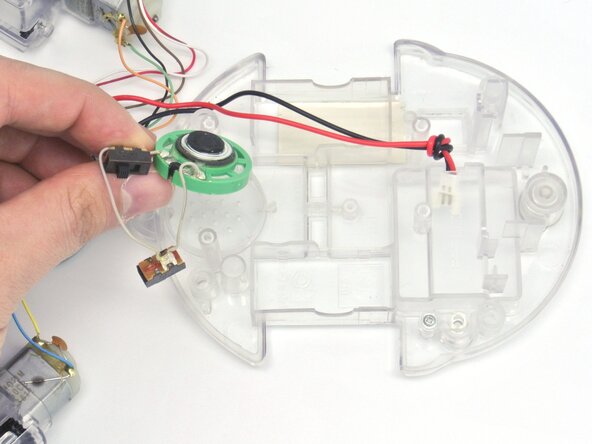
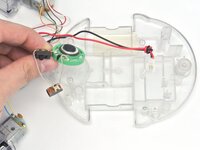
    • You can now remove the switches and the speaker from the chassis.

  12. Disassembling the Blue-Bot, Conclusion: 手順 12、 1の画像 1
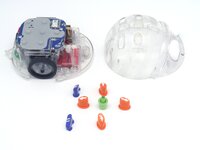
    • This concludes the Blue-Bot disassembly with all its different parts shown here.

    • Note: The only way to remove the battery connector is to remove solder on the PCB attaching the cable and pass the able through the hole.

終わりに

To reassemble your device, follow these instructions in reverse order!

ある他の人がこのガイドを完成しました。

作成者

1人の作成者と共同作成されました。

Alexandre Aires Viegas

メンバー登録日: 03/07/25

1,506 ポイント

5のガイドは作成済み

0件のガイドコメント

コメントを追加

統計データ:

過去 24時間: 0

過去 7 日: 11

過去 30 日: 38

今までの合計 342