メインコンテンツにスキップ
リペアコミュニティに参加 - アカウントの作成

Disassembling Samsung SPH-A760 Screen

必要な工具と部品

  1. Disassembling Samsung SPH-A760 Screen, Battery: 手順 1、 2の画像 1 Disassembling Samsung SPH-A760 Screen, Battery: 手順 1、 2の画像 2
    • Push open the latch and remove the battery.

  2. Disassembling Samsung SPH-A760 Screen, Antenna: 手順 2、 2の画像 1 Disassembling Samsung SPH-A760 Screen, Antenna: 手順 2、 2の画像 2
    • Twist off the antenna.

    • Pop off the transparent cylinder.

  3. Disassembling Samsung SPH-A760 Screen, Motherboard: 手順 3、 1の画像 1
    • Remove the five screws as shown.

  4. Disassembling Samsung SPH-A760 Screen: 手順 4、 1の画像 1
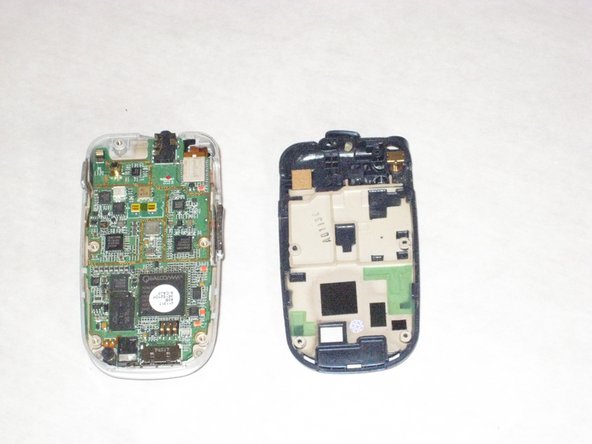
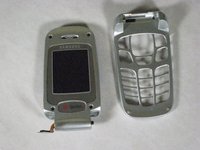
    • Carefully pry the back plate off.

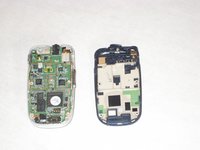
  5. Disassembling Samsung SPH-A760 Screen: 手順 5、 2の画像 1 Disassembling Samsung SPH-A760 Screen: 手順 5、 2の画像 2
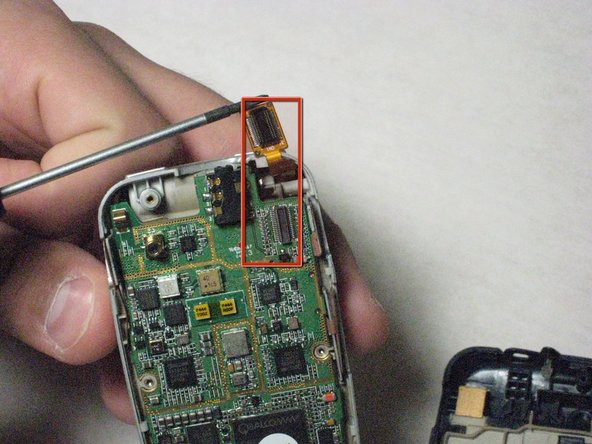
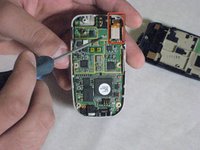
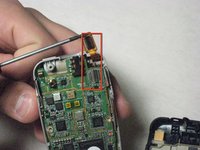
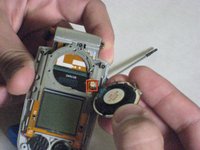
    • Carefully detach golden screen connector.

  6. Disassembling Samsung SPH-A760 Screen: 手順 6、 2の画像 1 Disassembling Samsung SPH-A760 Screen: 手順 6、 2の画像 2
    この手順で使用する道具:
    Tweezers
    $4.99
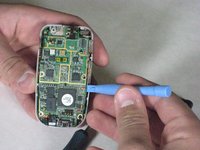
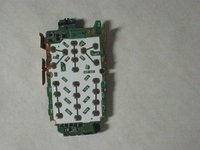
    • Pop out the logic board with spudger.

    • Caution: Do not touch with bare hands, use tweezers or wash hands before contact.

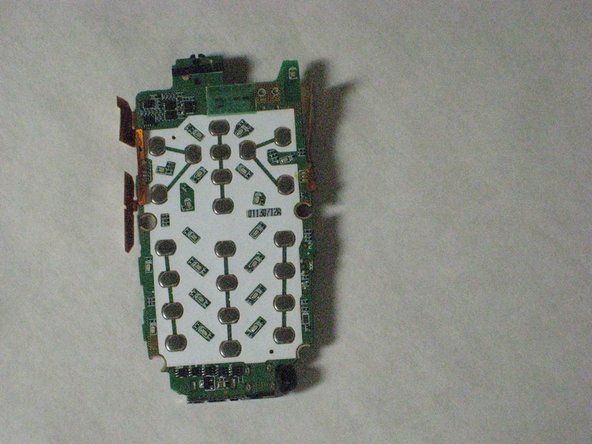
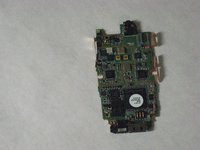
  7. Disassembling Samsung SPH-A760 Screen: 手順 7、 2の画像 1 Disassembling Samsung SPH-A760 Screen: 手順 7、 2の画像 2
    • Place the logic board on a clean tray.

  8. Disassembling Samsung SPH-A760 Screen, Speakers: 手順 8、 2の画像 1 Disassembling Samsung SPH-A760 Screen, Speakers: 手順 8、 2の画像 2
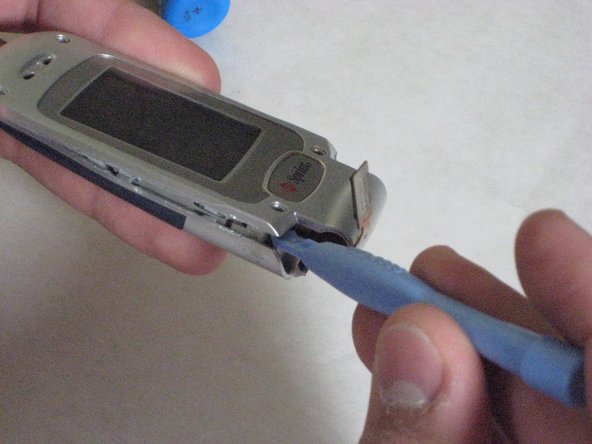
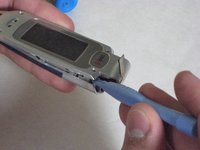
    • Remove the hinge on the phone.

    • Put pressure on the spring with the screwdriver to unhinge phone.

    • Make sure to pull the gold wire through, don't let it rip.

  9. Disassembling Samsung SPH-A760 Screen: 手順 9、 3の画像 1 Disassembling Samsung SPH-A760 Screen: 手順 9、 3の画像 2 Disassembling Samsung SPH-A760 Screen: 手順 9、 3の画像 3
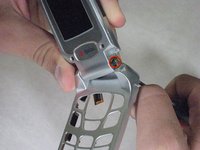
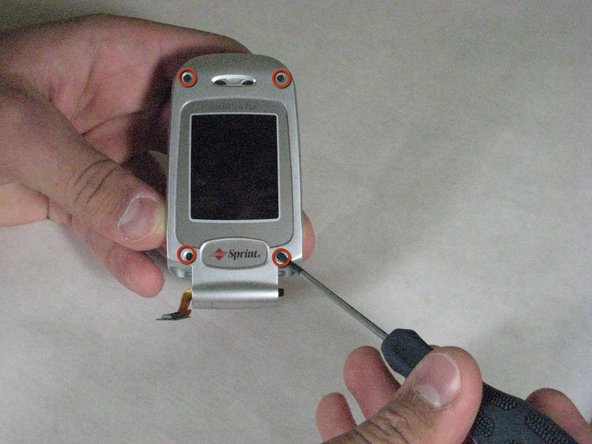
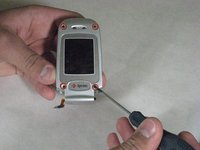
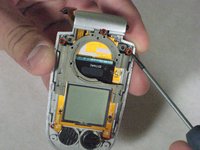
    • Remove the four screws as shown

    • Use the spudger to pry it open, excessive force may be necessary.

  10. Disassembling Samsung SPH-A760 Screen: 手順 10、 3の画像 1 Disassembling Samsung SPH-A760 Screen: 手順 10、 3の画像 2 Disassembling Samsung SPH-A760 Screen: 手順 10、 3の画像 3
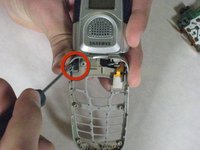
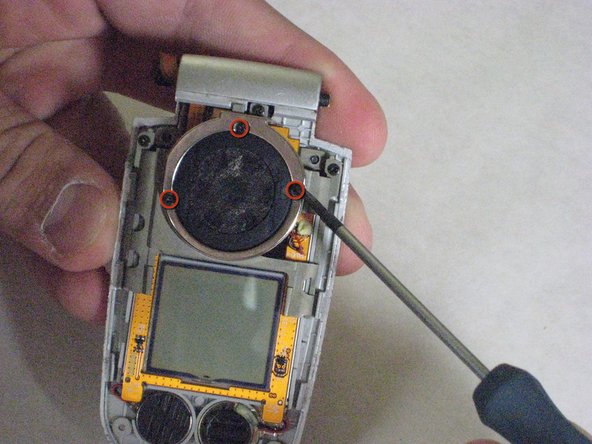
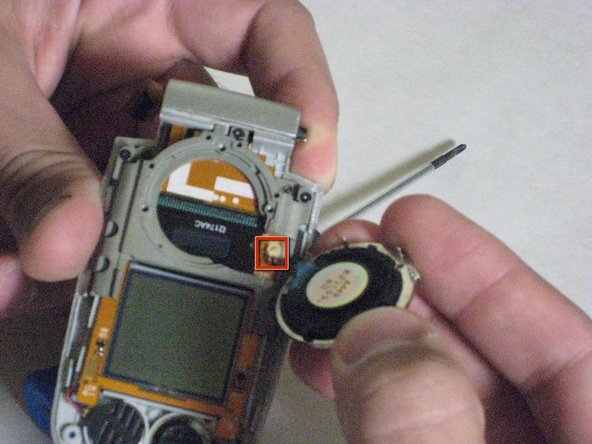
    • Remove the three screws that hold the big speaker

    • Caution: The wires are attached to the screen and should be removed with care.

  11. Disassembling Samsung SPH-A760 Screen, Screen: 手順 11、 2の画像 1 Disassembling Samsung SPH-A760 Screen, Screen: 手順 11、 2の画像 2
    • Remove the three screws as shown.

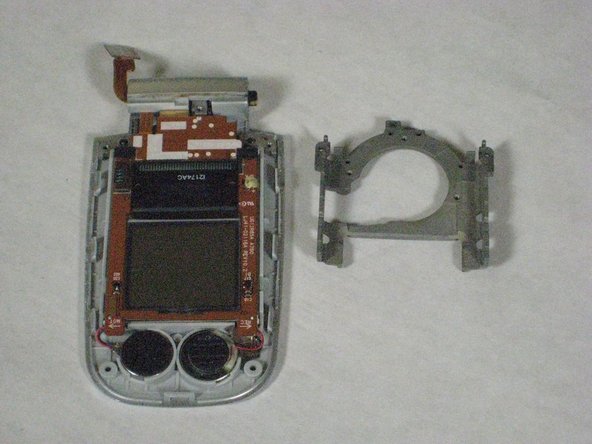
    • Pull off the metal bracket.

  12. Disassembling Samsung SPH-A760 Screen: 手順 12、 3の画像 1 Disassembling Samsung SPH-A760 Screen: 手順 12、 3の画像 2 Disassembling Samsung SPH-A760 Screen: 手順 12、 3の画像 3
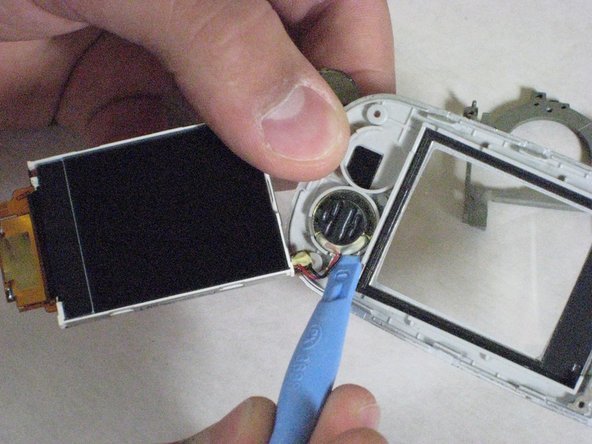
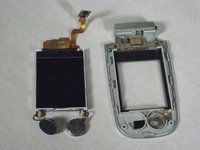
    • Use the spudger to pop off the screen.

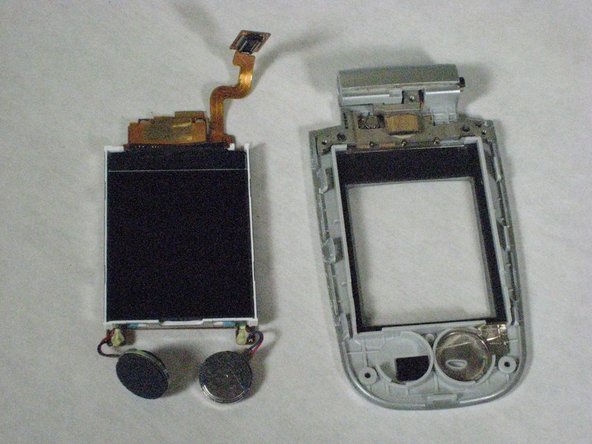
    • Pop off the Microphone/Speaker as well.

    • Place all of the components on a clean tray and clean environment.

終わりに

To reassemble your device, follow these instructions in reverse order.

作成者

5人の作成者と共同で作成されました。

David

メンバー登録日: 04/19/10

25 ポイント

6のガイドは作成済み

チーム

Cal Poly, Team 10-43, Garner Spring 2010 Cal Poly, Team 10-43, Garner Spring 2010人のメンバー

CPSU-GARNER-S10S10G43

5 メンバー

12のガイドは作成済み

0件のガイドコメント

コメントを追加

統計データ:

過去 24時間: 1

過去 7 日: 5

過去 30 日: 21

今までの合計 2,087