メインコンテンツにスキップ

Disassembling Power Mac G5 Side Panel

必要条件のみ
これは前提条件のみのガイドです!このガイドは別の手順の一部であり、単独で使用されません。
  1. Disassembling Power Mac G5 Side Panel, Side Panel: 手順 1、 1の画像 1
    • To avoid electrocution, shut down the computer. Do not open the computer or attempt to install any items inside it while the computer is on.

    • To avoid being burned, wait at least 10 minutes to allow the computer's internal components to cool.

  2. Disassembling Power Mac G5 Side Panel: 手順 2、 1の画像 1
    • Remove all the cables, including the power cables before opening the unit.

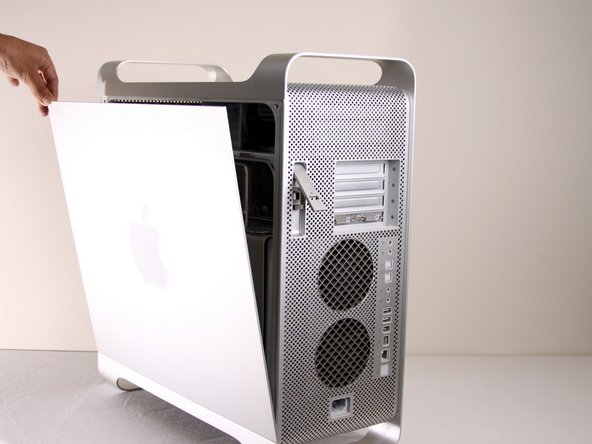
  3. Disassembling Power Mac G5 Side Panel: 手順 3、 2の画像 1 Disassembling Power Mac G5 Side Panel: 手順 3、 2の画像 2
    • Lift the tab to unlock the side panel.

    • The panel should fall out. If the panel does not fall out by itself pull a little from the edges.

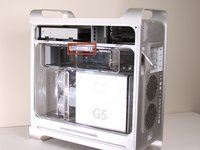
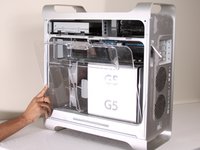
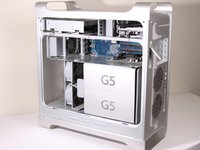
  4. Disassembling Power Mac G5 Side Panel: 手順 4、 3の画像 1 Disassembling Power Mac G5 Side Panel: 手順 4、 3の画像 2 Disassembling Power Mac G5 Side Panel: 手順 4、 3の画像 3
    • Remove the air deflector (the clear plastic cover) by pulling on the handle.

ゴール

2 の人々がこのガイドを完成させました。

作成者

8人の作成者と共同で作成されました。

Jessica Chaidez

メンバー登録日: 01/13/10

8,052 ポイント

3のガイドは作成済み

チーム

Cal Poly, Team 5-8, Forte Winter 2010 Cal Poly, Team 5-8, Forte Winter 2010人のメンバー

CPSU-FORTE-W10S5G8

7 メンバー

30のガイドは作成済み

0件のガイドコメント

コメントを追加

統計データ:

過去 24時間: 0

過去 7 日: 0

過去 30 日: 2

今までの合計 3,659