メインコンテンツにスキップ
リペアコミュニティに参加 - アカウントの作成

Disassembling Kodak Advantix F350 Front Cover

必要な工具と部品

    1. Disassembling Kodak Advantix F350 Front Cover, Back Cover: 手順 1、 1の画像 1
      • Turn off the camera.

      • Locate the power switch on the front of the camera below the camera lens.

      • Slide the switch to the off position.

      FixBotに聞いてみる

      コメントを追加

    2. Disassembling Kodak Advantix F350 Front Cover: 手順 2、 2の画像 1 Disassembling Kodak Advantix F350 Front Cover: 手順 2、 2の画像 2
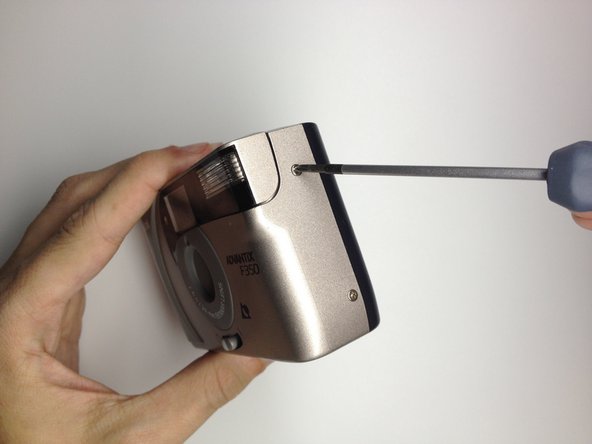
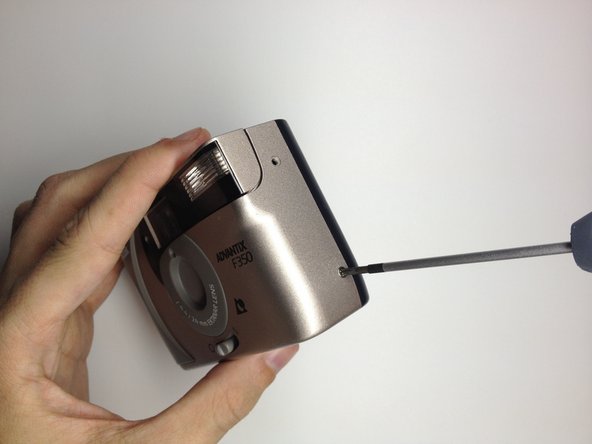
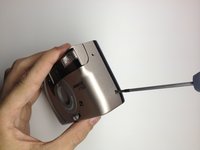
      • Locate the 3 screws that hold the back cover to the camera.

      • One screw is located on the film opener side of the camera.

      • The other screws are located on the opposite side of the camera.

      FixBotに聞いてみる

      コメントを追加

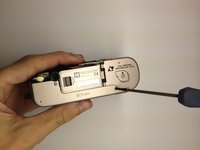
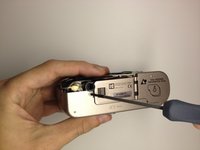
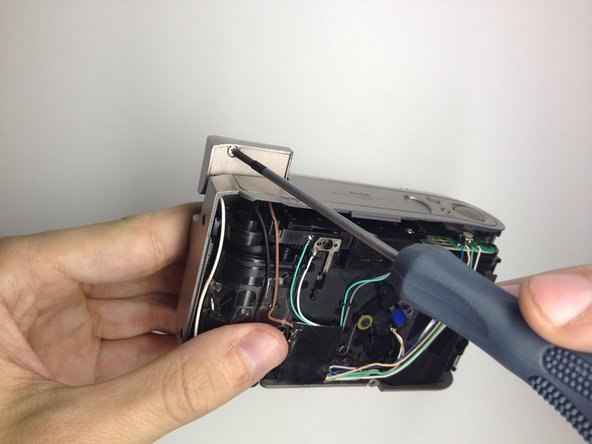
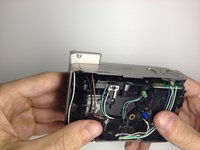
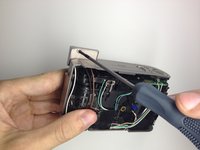
    3. Disassembling Kodak Advantix F350 Front Cover: 手順 3、 3の画像 1 Disassembling Kodak Advantix F350 Front Cover: 手順 3、 3の画像 2 Disassembling Kodak Advantix F350 Front Cover: 手順 3、 3の画像 3
      • Use the Phillips #00 Precision Screwdriver and remove the screws on the back cover.

      FixBotに聞いてみる

      コメントを追加

    4. Disassembling Kodak Advantix F350 Front Cover: 手順 4、 2の画像 1 Disassembling Kodak Advantix F350 Front Cover: 手順 4、 2の画像 2
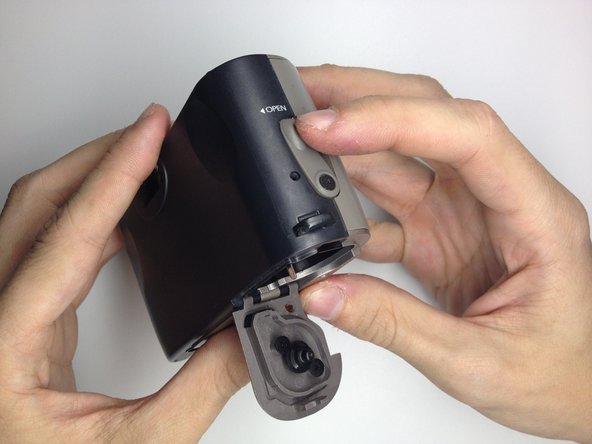
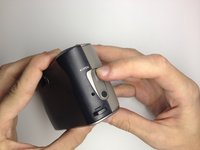
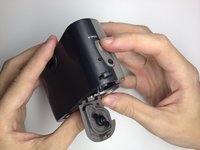
      • Open the film door to remove the back cover.

      • Slide the film door lever to the left until the film door opens.

      FixBotに聞いてみる

      コメントを追加

    5. Disassembling Kodak Advantix F350 Front Cover: 手順 5、 2の画像 1 Disassembling Kodak Advantix F350 Front Cover: 手順 5、 2の画像 2
      • Use a plastic opening tool to pry the case open until a small gap is present.

      • Repeat this process at the top and bottom of the film door to loosen it.

      FixBotに聞いてみる

      コメントを追加

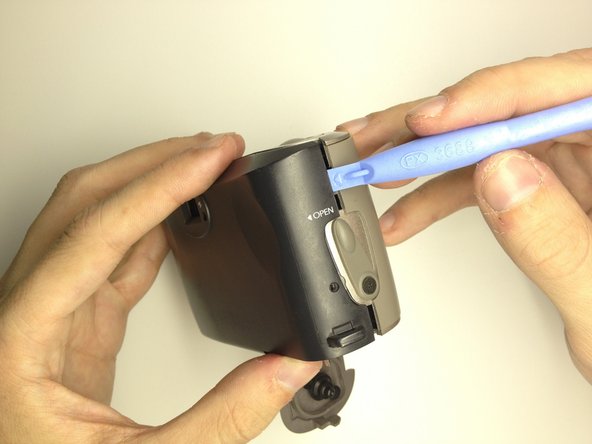
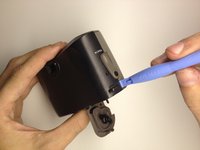
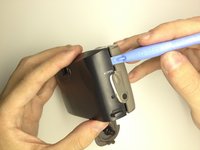
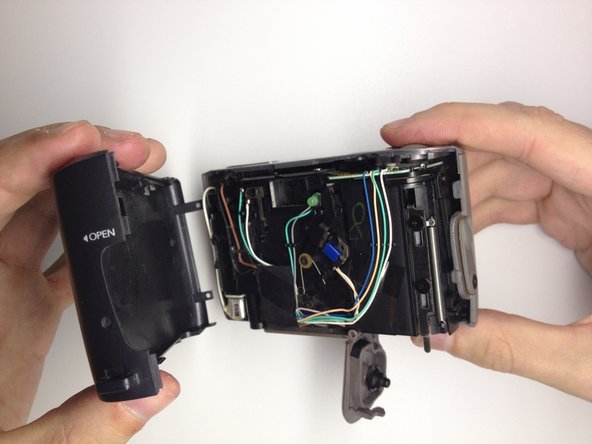
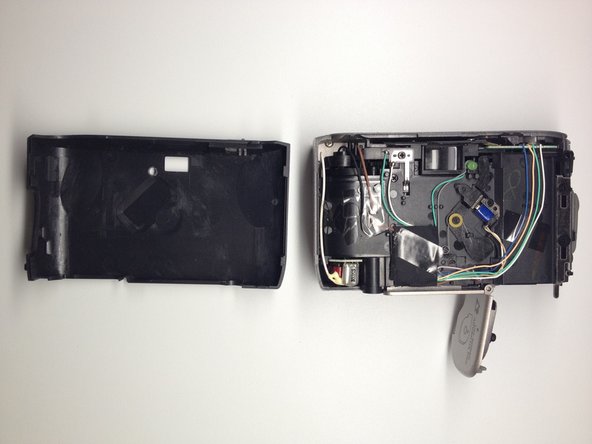
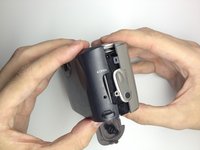
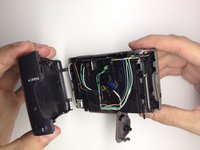
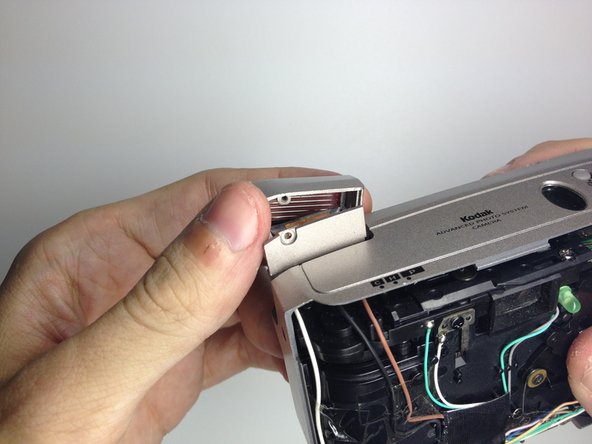
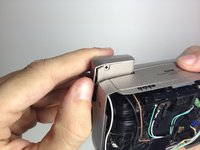
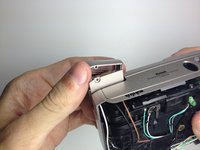
    6. Disassembling Kodak Advantix F350 Front Cover: 手順 6、 3の画像 1 Disassembling Kodak Advantix F350 Front Cover: 手順 6、 3の画像 2 Disassembling Kodak Advantix F350 Front Cover: 手順 6、 3の画像 3
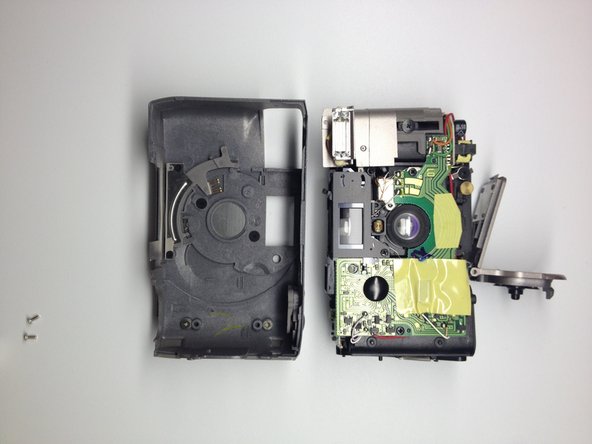
      • Grab the top and bottom of the case firmly as shown.

      • Gently remove the back of the camera case with a slight twisting motion.

      FixBotに聞いてみる

      コメントを追加

    1. Disassembling Kodak Advantix F350 Front Cover, Front Cover: 手順 7、 2の画像 1 Disassembling Kodak Advantix F350 Front Cover, Front Cover: 手順 7、 2の画像 2
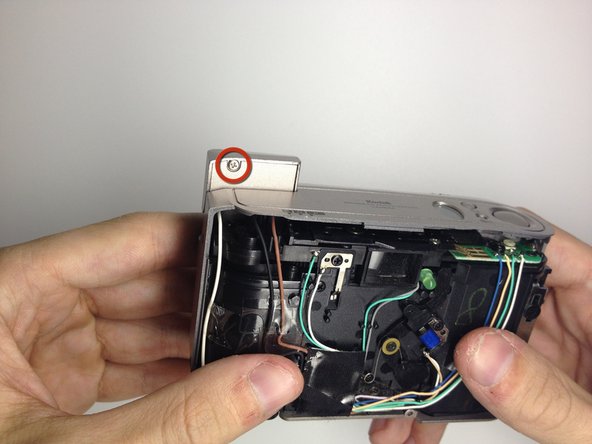
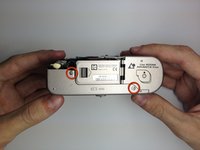
      • Locate the 3 screws on the camera that hold the front cover of the camera to the camera body.

      • The first 2 are located on the bottom of the camera.

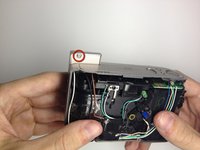
      • The last screw is located behind the flash module.

      • Turn the camera on, and raise the flash module to locate the flash module screw.

      FixBotに聞いてみる

      コメントを追加

    2. Disassembling Kodak Advantix F350 Front Cover: 手順 8、 2の画像 1 Disassembling Kodak Advantix F350 Front Cover: 手順 8、 2の画像 2
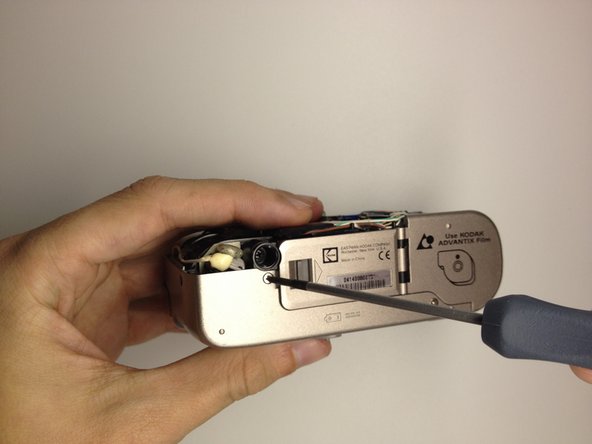
      • Remove the 2 screws at the base of the camera housing.

      • Use the Phillips #00 Precision Screwdriver and remove the screws.

      • Repeat this process for the screw behind the flash module.

      FixBotに聞いてみる

      コメントを追加

    3. Disassembling Kodak Advantix F350 Front Cover: 手順 9、 2の画像 1 Disassembling Kodak Advantix F350 Front Cover: 手順 9、 2の画像 2
      • Remove the screw located under the flash module using the Phillips #00 Precision Screwdriver.

      FixBotに聞いてみる

      コメントを追加

    4. Disassembling Kodak Advantix F350 Front Cover: 手順 10、 2の画像 1 Disassembling Kodak Advantix F350 Front Cover: 手順 10、 2の画像 2
      • Remove the flash cover.

      • Remove the flash module by twisting it up and outward of the camera housing.

      • The cover can now be be removed.

      FixBotに聞いてみる

      コメントを追加

    5. Disassembling Kodak Advantix F350 Front Cover: 手順 11、 2の画像 1 Disassembling Kodak Advantix F350 Front Cover: 手順 11、 2の画像 2
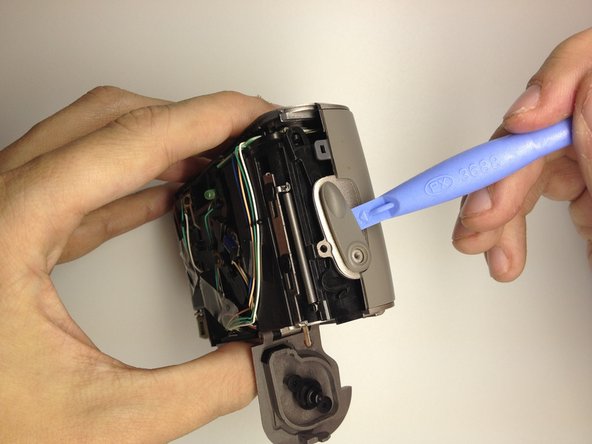
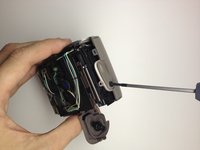
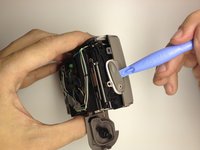
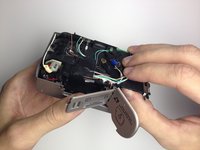
      • Remove the film door lever.

      • Remove the screw holding the film lever in place by using a Phillips #00 Precision Screwdriver.

      • Using a plastic opening tool, gently pry the switch upwards to remove it.

      FixBotに聞いてみる

      コメントを追加

    6. Disassembling Kodak Advantix F350 Front Cover: 手順 12、 1の画像 1
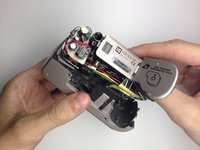
      • Open the battery door by pushing the lever towards the arrow indicated.

      FixBotに聞いてみる

      コメントを追加

    7. Disassembling Kodak Advantix F350 Front Cover: 手順 13、 3の画像 1 Disassembling Kodak Advantix F350 Front Cover: 手順 13、 3の画像 2 Disassembling Kodak Advantix F350 Front Cover: 手順 13、 3の画像 3
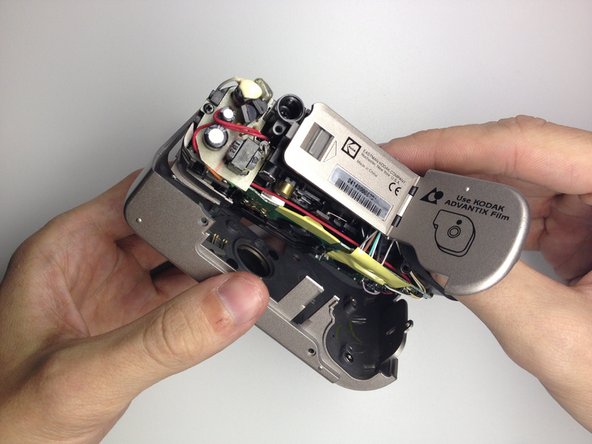
      • Remove the front cover.

      • Insert your thumb in the film hole and gently pry the bottom loose.

      • Once the front is loose, gently pull it out.

      FixBotに聞いてみる

      コメントを追加

終わりに

To reassemble your device, follow these instructions in reverse order.

キャンセル: このガイドを終了できませんでした。

作成者

7人の作成者と共同で作成されました。

David Cottrell

メンバー登録日: 10/04/11

103 ポイント

5のガイドは作成済み

チーム

UW Stout, Team 1-2, Zhou Fall 2011 UW Stout, Team 1-2, Zhou Fall 2011人のメンバー

UWSTOUT-ZHOU-F11S1G2

4 メンバー

15のガイドは作成済み

0件のガイドコメント

コメントを追加

統計データ:

過去 24時間: 0

過去 7 日: 6

過去 30 日: 30

今までの合計 1,358