メインコンテンツにスキップ
リペアコミュニティに参加 - アカウントの作成

DigiLand DL8006 Motherboard Replacement

必要な工具と部品

    1. DigiLand DL8006 Motherboard Replacement, Motherboard: 手順 1、 2の画像 1 DigiLand DL8006 Motherboard Replacement, Motherboard: 手順 1、 2の画像 2
      • Remove the backing of the tablet to reveal the internal components using a plastic opening tool.

      FixBotに聞いてみる

      コメントを追加

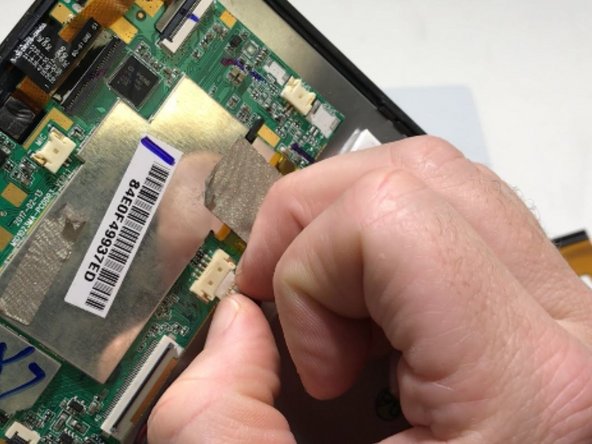
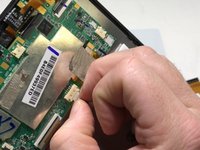
    2. DigiLand DL8006 Motherboard Replacement: 手順 2、 1の画像 1
      • Peel back the metallic tape connecting the motherboard to the tablet body with your fingers.

      FixBotに聞いてみる

      コメントを追加

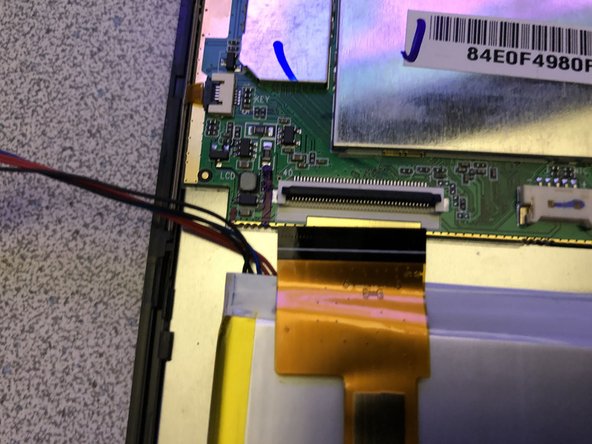
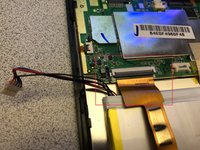
    3. DigiLand DL8006 Motherboard Replacement: 手順 3、 3の画像 1 DigiLand DL8006 Motherboard Replacement: 手順 3、 3の画像 2 DigiLand DL8006 Motherboard Replacement: 手順 3、 3の画像 3
      • Remove the battery plug from the motherboard.

      • Fingers may be used to gently wiggle the connector out if it becomes stuck.

      • If battery wires are under the ribbon, Do Step #4 first.

      FixBotに聞いてみる

      コメントを追加

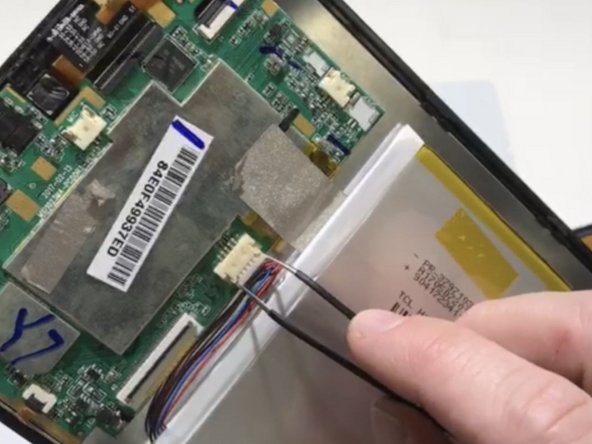
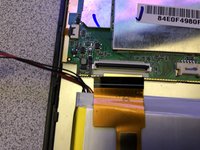
    4. DigiLand DL8006 Motherboard Replacement: 手順 4、 2の画像 1 DigiLand DL8006 Motherboard Replacement: 手順 4、 2の画像 2
      この手順で使用する道具:
      Tweezers
      $4.99
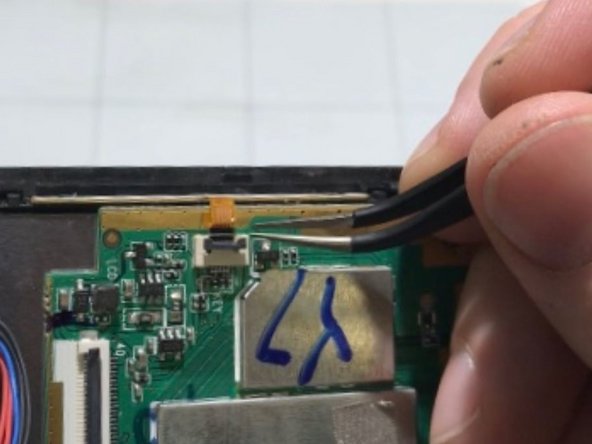
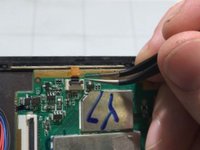
      • Opening the locking tab of the ZIF connector and carefully remove the upper section of the ribbon cable from the motherboard using tweezers.

      FixBotに聞いてみる

      コメントを追加

    5. DigiLand DL8006 Motherboard Replacement: 手順 5、 2の画像 1 DigiLand DL8006 Motherboard Replacement: 手順 5、 2の画像 2
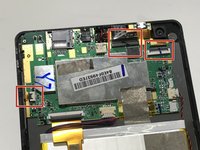
      • Disconnect the three remaining ribbons by opening the locking tabs of the ZIF connectors and gently pulling the cables out.

      • Use tweezers to manipulate the connectors and ribbons to prevent damage.

      FixBotに聞いてみる

      コメントを追加

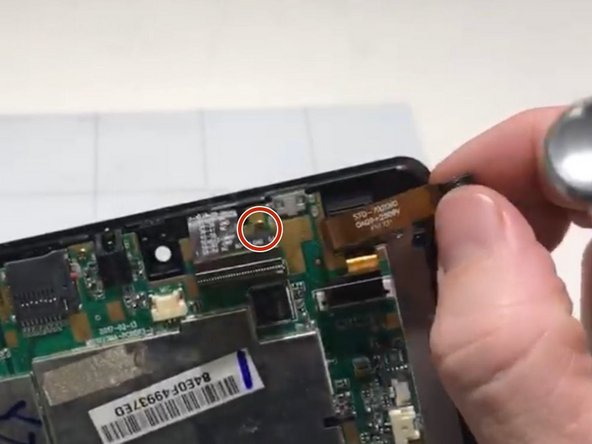
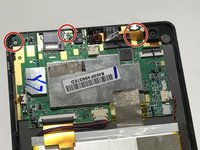
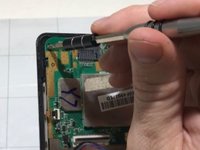
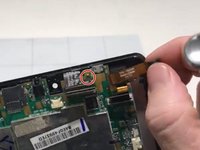
    6. DigiLand DL8006 Motherboard Replacement: 手順 6、 3の画像 1 DigiLand DL8006 Motherboard Replacement: 手順 6、 3の画像 2 DigiLand DL8006 Motherboard Replacement: 手順 6、 3の画像 3
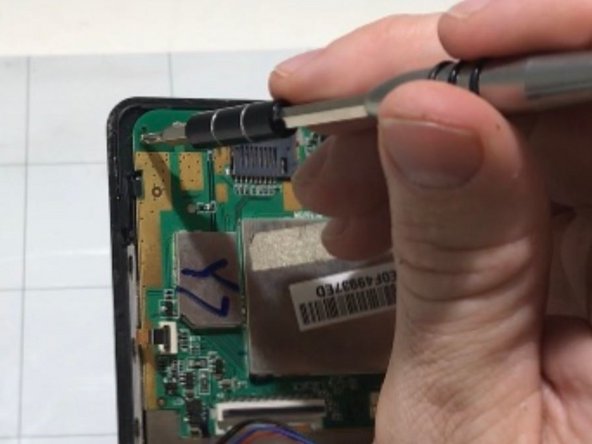
      • Remove the 3 mounting screws from the motherboard with a Phillips #0 screwdriver.

      • One of the screws is located under a ribbon. You will need to gently peel back the cable to access it (see image 3).

      FixBotに聞いてみる

      コメントを追加

    7. DigiLand DL8006 Motherboard Replacement: 手順 7、 1の画像 1
      • Gently remove the motherboard from the case.

      FixBotに聞いてみる

      コメントを追加

終わりに

To reassemble your device, follow these instructions in reverse order.

キャンセル: このガイドを終了できませんでした。

ある他の人がこのガイドを完成しました。

作成者

7人の作成者と共同で作成されました。

Alec Trela

メンバー登録日: 10/30/19

327 ポイント

2のガイドは作成済み

チーム

University of Memphis, Team S2-G5, Kim Fall 2019 University of Memphis, Team S2-G5, Kim Fall 2019人のメンバー

UM-KIM-F19S2G5

3 メンバー

5のガイドは作成済み

0件のガイドコメント

コメントを追加

統計データ:

過去 24時間: 0

過去 7 日: 6

過去 30 日: 16

今までの合計 476