メインコンテンツにスキップ
リペアコミュニティに参加 - アカウントの作成

Crosley CR42 Power Cable Replacement

必要な工具と部品

    1. Crosley CR42 Power Cable Replacement, Power Cable: 手順 1、 2の画像 1 Crosley CR42 Power Cable Replacement, Power Cable: 手順 1、 2の画像 2
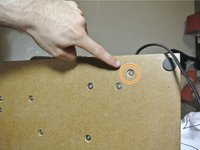
      • Turn the device around until you are looking at the line-out port.

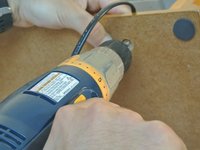
      • With a cordless drill or Phillips #0 screwdriver, remove the ten 12-mm screws.

      FixBotに聞いてみる

      コメントを追加

    2. Crosley CR42 Power Cable Replacement: 手順 2、 3の画像 1 Crosley CR42 Power Cable Replacement: 手順 2、 3の画像 2 Crosley CR42 Power Cable Replacement: 手順 2、 3の画像 3
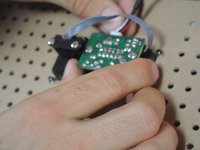
      • Gently remove the back of the device. It should be connected by two wires.

      FixBotに聞いてみる

      コメントを追加

    3. Crosley CR42 Power Cable Replacement: 手順 3、 3の画像 1 Crosley CR42 Power Cable Replacement: 手順 3、 3の画像 2 Crosley CR42 Power Cable Replacement: 手順 3、 3の画像 3
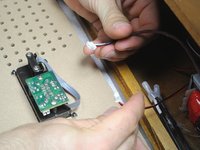
      • Gently remove both wires.

      • After de-threading the antenna wire, remove the back of the device and set it aside.

      FixBotに聞いてみる

      コメントを追加

    4. Crosley CR42 Power Cable Replacement: 手順 4、 3の画像 1 Crosley CR42 Power Cable Replacement: 手順 4、 3の画像 2 Crosley CR42 Power Cable Replacement: 手順 4、 3の画像 3
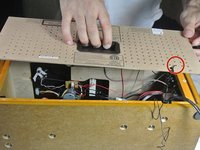
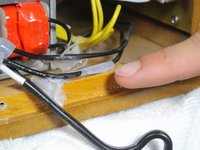
      • Locate where the power cable connects to the device.

      • Pick up the device and locate the screw holding the small black peg to the device. Unscrew it and set the screw aside.

      FixBotに聞いてみる

      コメントを追加

    5. Crosley CR42 Power Cable Replacement: 手順 5、 3の画像 1 Crosley CR42 Power Cable Replacement: 手順 5、 3の画像 2 Crosley CR42 Power Cable Replacement: 手順 5、 3の画像 3
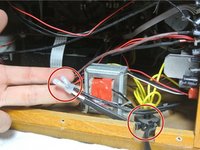
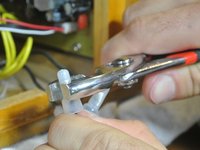
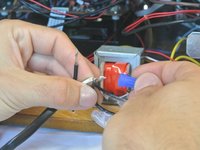
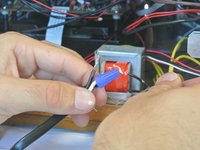
      • With the pliers, remove the wire connectors. You may need to be forceful

      • It is wise to attach a marking in order to recognize how the wires should be reattached.

      FixBotに聞いてみる

      コメントを追加

    6. Crosley CR42 Power Cable Replacement: 手順 6、 3の画像 1 Crosley CR42 Power Cable Replacement: 手順 6、 3の画像 2 Crosley CR42 Power Cable Replacement: 手順 6、 3の画像 3
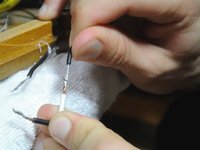
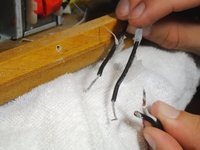
      • Pull apart both groups of wires.

      • After getting your replacement power cord, make sure you recognize how the wires should reattach.

      FixBotに聞いてみる

      コメントを追加

    7. Crosley CR42 Power Cable Replacement: 手順 7、 3の画像 1 Crosley CR42 Power Cable Replacement: 手順 7、 3の画像 2 Crosley CR42 Power Cable Replacement: 手順 7、 3の画像 3
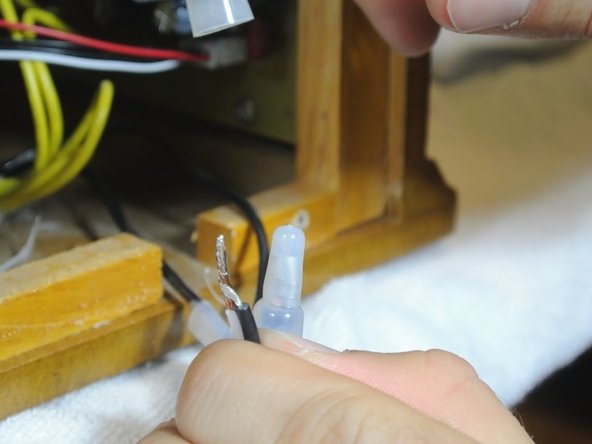
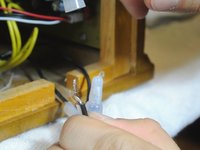
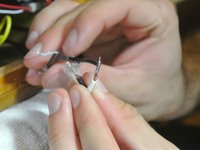
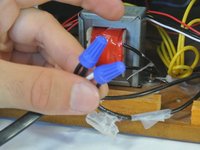
      • Twist the connecting wires together.

      • Attach the twist-on wire connectors to the exposed wires.

      FixBotに聞いてみる

      コメントを追加

終わりに

To reassemble your device, follow these instructions in reverse order.

キャンセル: このガイドを終了できませんでした。

ある他の人がこのガイドを完成しました。

作成者

7人の作成者と共同で作成されました。

Eric Dybsetter

メンバー登録日: 01/26/14

193 ポイント

1ガイドが承認済み

チーム

Cal Poly, Team 1-38, Maness Winter 2014 Cal Poly, Team 1-38, Maness Winter 2014人のメンバー

CPSU-MANESS-W14S1G38

4 メンバー

20のガイドは作成済み

0件のガイドコメント

コメントを追加

統計データ:

過去 24時間: 5

過去 7 日: 12

過去 30 日: 49

今までの合計 6,963