メインコンテンツにスキップ
リペアコミュニティに参加 - アカウントの作成

BlackBerry World Edition 8830 Keyboard Replacement

必要な工具と部品

  1. BlackBerry World Edition 8830 Keyboard Replacement, Battery: 手順 1、 3の画像 1 BlackBerry World Edition 8830 Keyboard Replacement, Battery: 手順 1、 3の画像 2 BlackBerry World Edition 8830 Keyboard Replacement, Battery: 手順 1、 3の画像 3
    • Before beginning this installation, make sure phone is powered off .

    • Turn phone over to the backside.

    • Press down on the lower portion of the back cover.

    • Slide the lower portion down to remove the cover and reveal the battery.

    FixBotに聞いてみる

    コメントを追加

  2. BlackBerry World Edition 8830 Keyboard Replacement: 手順 2、 1の画像 1
    • Remove the battery from the phone.

    FixBotに聞いてみる

    コメントを追加

  3. BlackBerry World Edition 8830 Keyboard Replacement, Front and Back Casing: 手順 3、 2の画像 1 BlackBerry World Edition 8830 Keyboard Replacement, Front and Back Casing: 手順 3、 2の画像 2
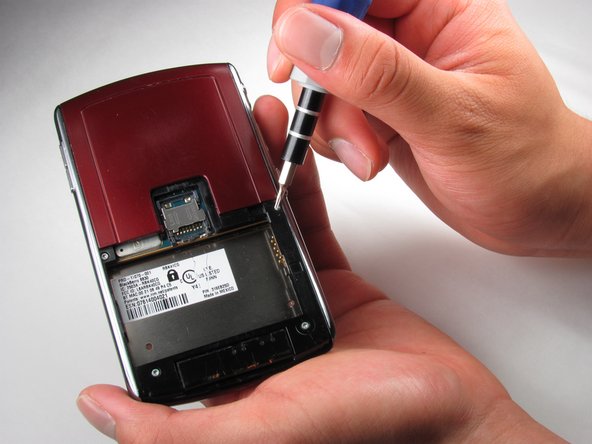
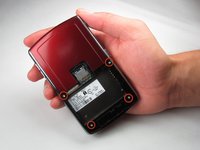
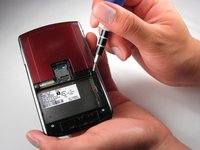
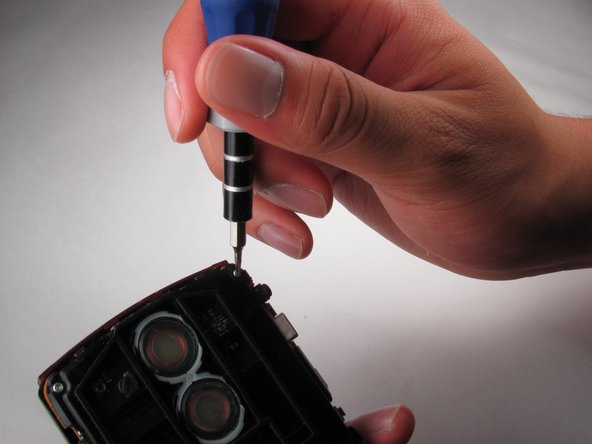
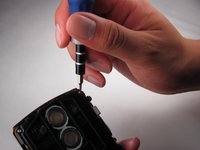
    • Once the battery is removed, remove the four 9.2 mm screws with the T4 Torx Screwdriver.

    FixBotに聞いてみる

    コメントを追加

  4. BlackBerry World Edition 8830 Keyboard Replacement: 手順 4、 3の画像 1 BlackBerry World Edition 8830 Keyboard Replacement: 手順 4、 3の画像 2 BlackBerry World Edition 8830 Keyboard Replacement: 手順 4、 3の画像 3
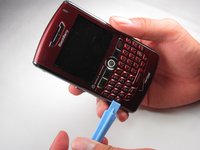
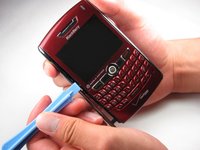
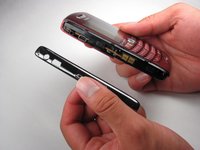
    • Remove side panels with the Plastic Opening Tool by sliding it along the edge of the panel until you can pry it off with the tool.

    FixBotに聞いてみる

    コメントを追加

  5. BlackBerry World Edition 8830 Keyboard Replacement: 手順 5、 2の画像 1 BlackBerry World Edition 8830 Keyboard Replacement: 手順 5、 2の画像 2
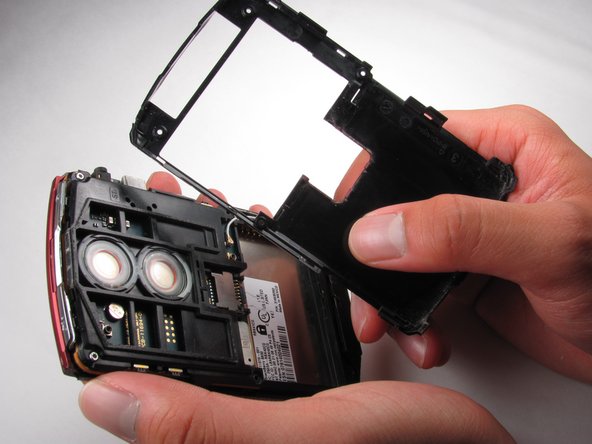
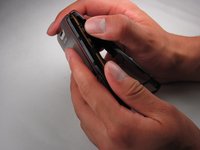
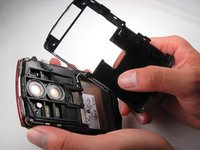
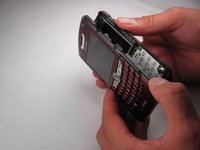
    • Remove the back casing using the Plastic Opening Tool

    • Once the back casing is removed the top two buttons are likely to pop out.

    FixBotに聞いてみる

    コメントを追加

  6. BlackBerry World Edition 8830 Keyboard Replacement: 手順 6、 3の画像 1 BlackBerry World Edition 8830 Keyboard Replacement: 手順 6、 3の画像 2 BlackBerry World Edition 8830 Keyboard Replacement: 手順 6、 3の画像 3
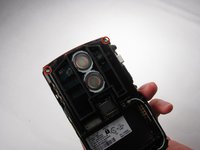
    • Locate the two 9.2mm screws on the upper inside casing

    • Remove them using the T4 Torx Screwdriver

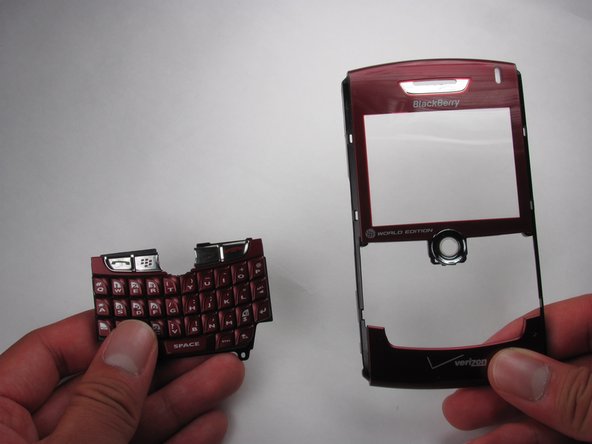
    • Slide off the front casing once the screws are removed.

    • Trackball will fall out once the casing is removed.

    FixBotに聞いてみる

    コメントを追加

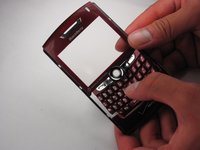
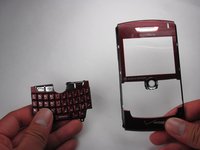
  7. BlackBerry World Edition 8830 Keyboard Replacement, Keyboard: 手順 7、 3の画像 1 BlackBerry World Edition 8830 Keyboard Replacement, Keyboard: 手順 7、 3の画像 2 BlackBerry World Edition 8830 Keyboard Replacement, Keyboard: 手順 7、 3の画像 3
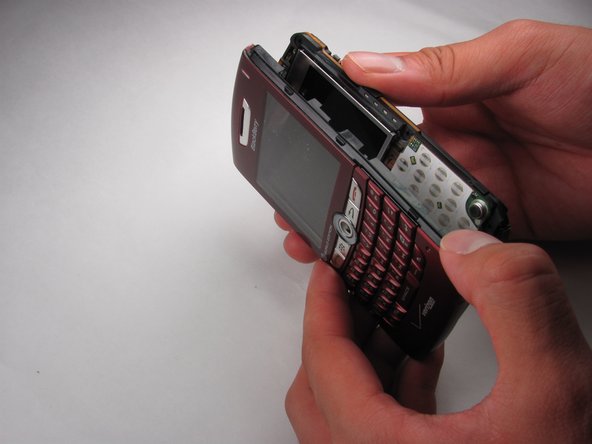
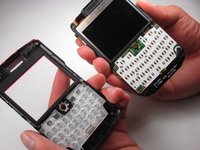
    • Remove the keyboard from the front casing.

    FixBotに聞いてみる

    コメントを追加

終わりに

To reassemble your device, follow these instructions in reverse order.

キャンセル: このガイドを終了できませんでした。

作成者

3人の作成者と共同で作成されました。

Martha de Maria y Campos

メンバー登録日: 04/12/12

142 ポイント

5のガイドは作成済み

チーム

Cal Poly, Team 17-27, Amido Spring 2012 Cal Poly, Team 17-27, Amido Spring 2012人のメンバー

CPSU-AMIDO-S12S17G27

4 メンバー

16のガイドは作成済み

0件のガイドコメント

コメントを追加

統計データ:

過去 24時間: 0

過去 7 日: 7

過去 30 日: 31

今までの合計 861