-
-
-
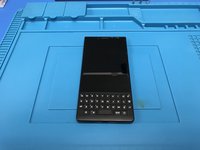
The start of our disassembly. Turn off your device before start.
-
Remove the sim card bracket.
 FixBotに聞いてみる
-
-
-
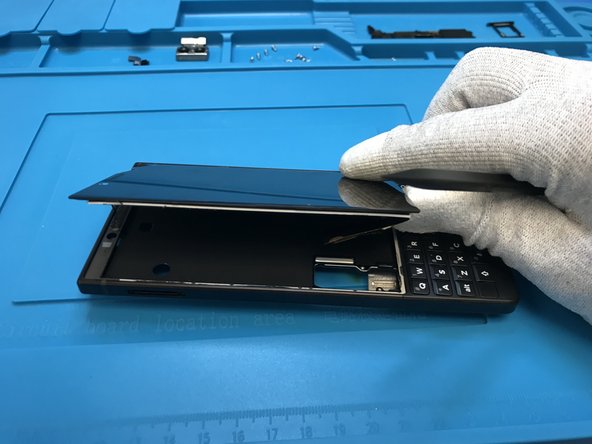
Apply heat to the back of the phone to remove the plastic cover.
-
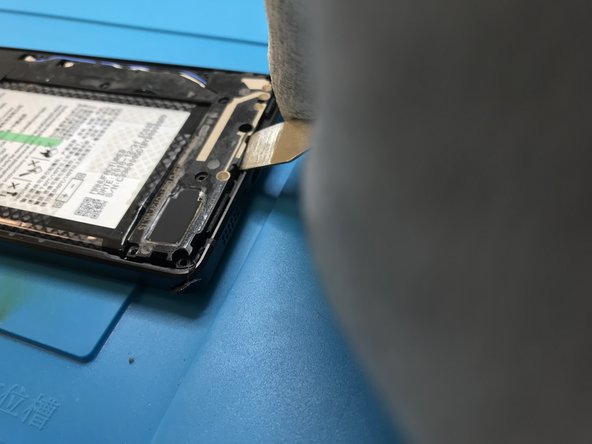
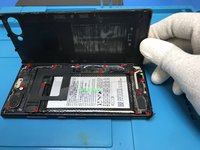
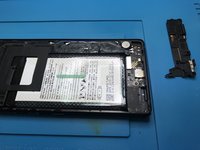
With a pry tool of your preference start to lift up the back cover. Be careful on that part of the process.
-
-
-
-
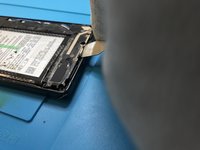
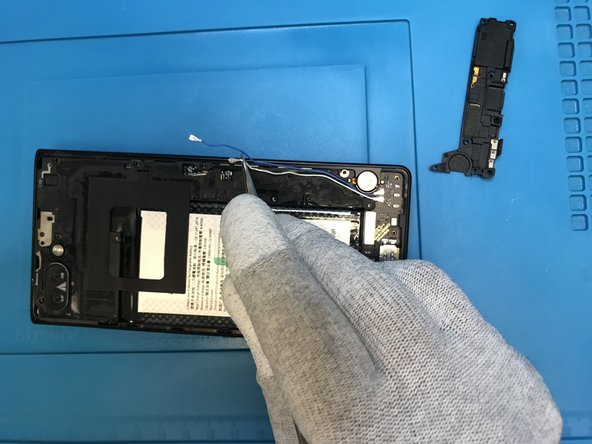
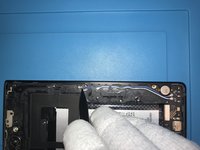
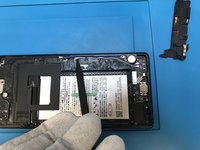
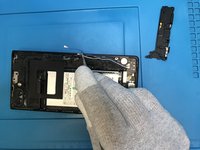
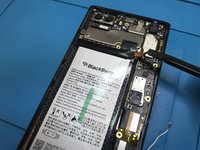
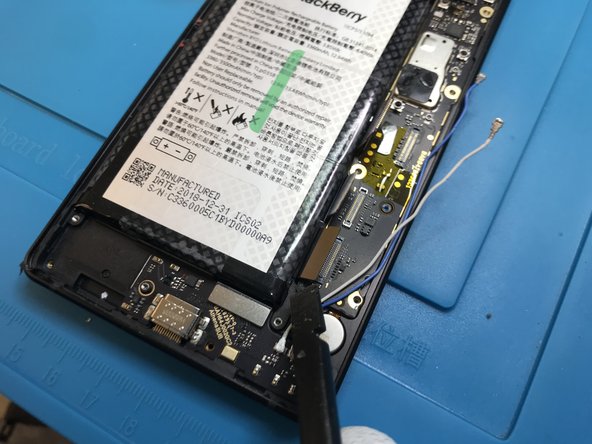
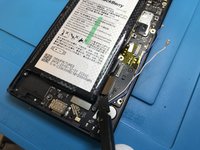
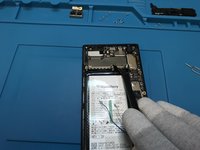
Use the point of a plastic spudger to lift the antenna cable connector up off of its socket on the logic board.
-
-
-
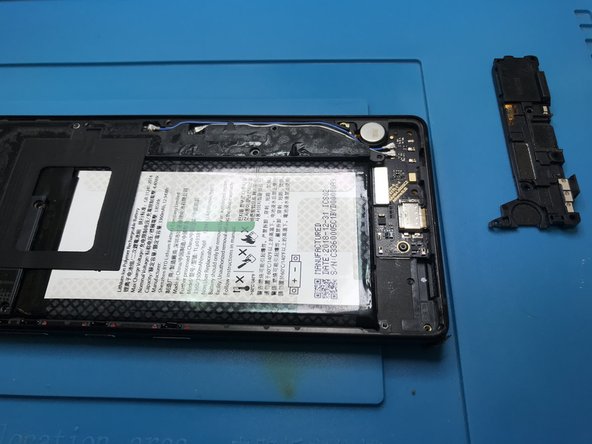
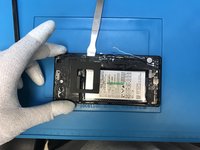
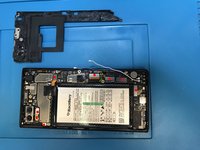
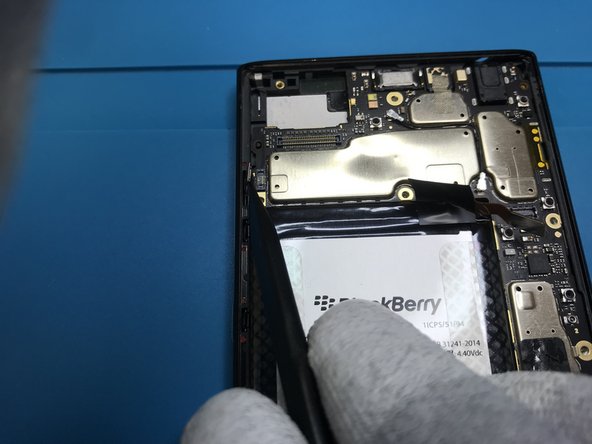
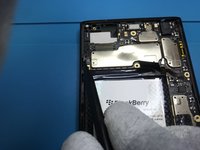
Be gentle lifting up the back bracket.
-
I marked in red all the flex cables connected on the motherboard. You got to remove them all.
-
Start disconnecting the battery flex cable.
-
-
-
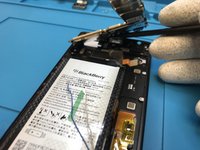
Disconnect and remove the rear camera.
-
Then continue disconnecting the other flex cables.
-
Don't forget to use a plastic tool.
-
-
-
Disconnect all the flex cables.
-
Start from the bottom .
-
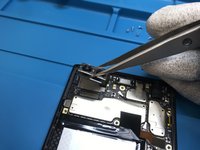
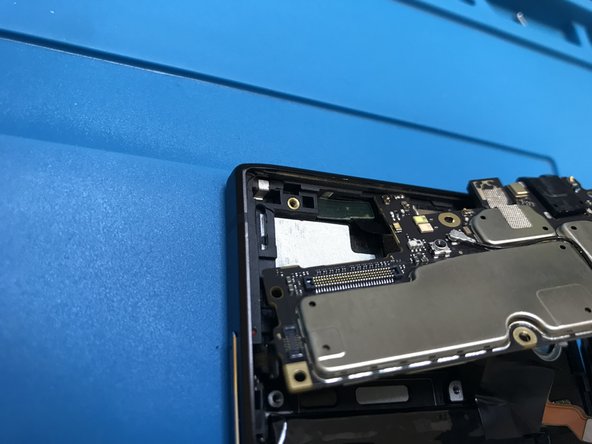
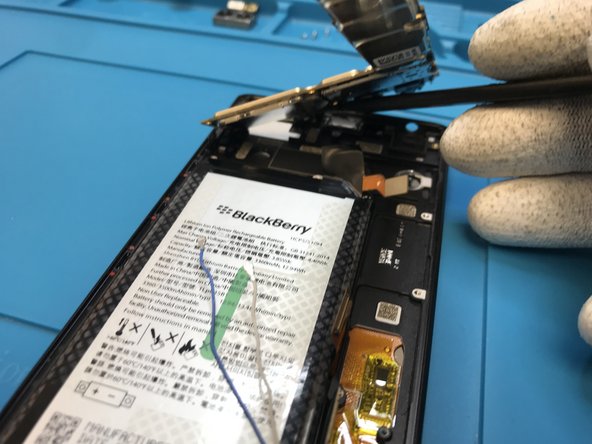
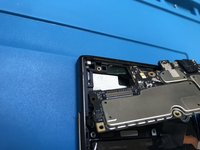
Lift up gentle and check the last photo,there's a little detail on the proximity sensor. You'll have to disconnect it after lift up the motherboard.
-
Observation : this way worked better for me without damaging the proximity sensor. It doesn't change anything try to heat up a little bit and removing it before remove the motherboard.
-
-











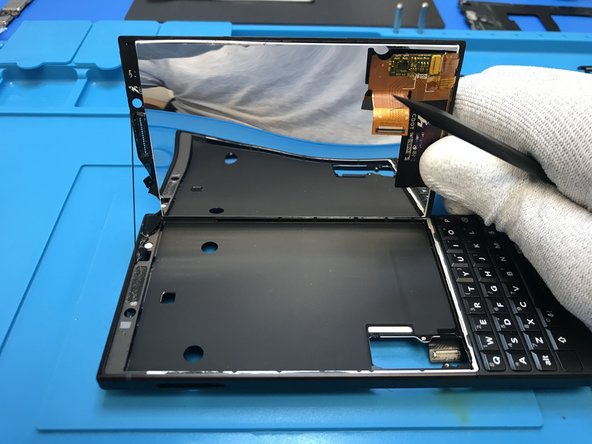

To reassemble your device, follow these instructions in reverse order.
15 の人々がこのガイドを完成させました。

4件のガイドコメント
The antenna connector on the daughter board can be broken off really easily. Pop off the connectors carefully. A hot air workstation will make quick work of re attaching tho.
Thanks for this tear down! At what step can the battery be removed? It *appears* to be mid-step-5
Same her no Network so my Key2 ist useless :/
