メインコンテンツにスキップ
リペアコミュニティに参加 - アカウントの作成

Bissell OptiClean Cyclonic Vacuum Filter Replacements

必要な工具と部品

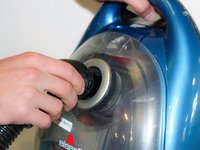
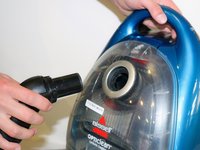
  1. Bissell OptiClean Cyclonic Vacuum Filter Replacements, Flex Hose with Handle: 手順 1、 2の画像 1 Bissell OptiClean Cyclonic Vacuum Filter Replacements, Flex Hose with Handle: 手順 1、 2の画像 2
    • Grab hold of both the flex hose handle and the extension wand.

    • Pull straight out to detach the handle from the extension wand.

  2. Bissell OptiClean Cyclonic Vacuum Filter Replacements: 手順 2、 1の画像 1
    • Locate the lock clip on the other end of the flex hose.

  3. Bissell OptiClean Cyclonic Vacuum Filter Replacements: 手順 3、 2の画像 1 Bissell OptiClean Cyclonic Vacuum Filter Replacements: 手順 3、 2の画像 2
    • Hold down the lock clip to unlock the flex hose from the vacuum.

    • Remove the flex hose from the vacuum.

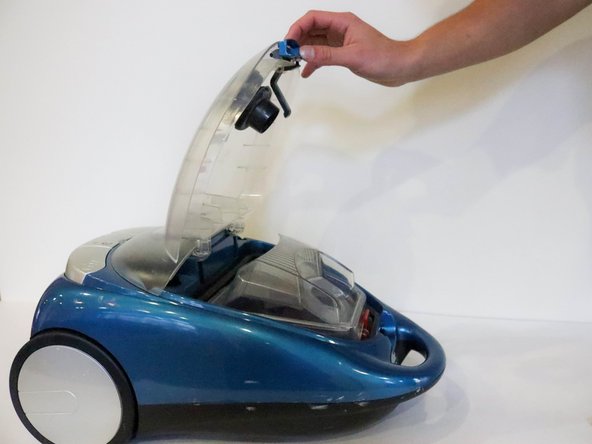
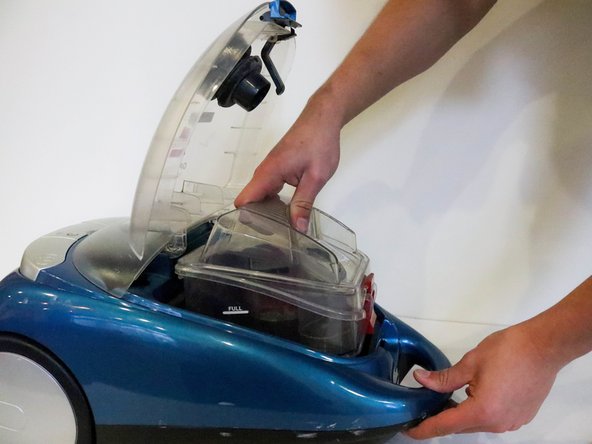
  4. Bissell OptiClean Cyclonic Vacuum Filter Replacements, Filters: 手順 4、 3の画像 1 Bissell OptiClean Cyclonic Vacuum Filter Replacements, Filters: 手順 4、 3の画像 2 Bissell OptiClean Cyclonic Vacuum Filter Replacements, Filters: 手順 4、 3の画像 3
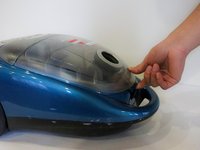
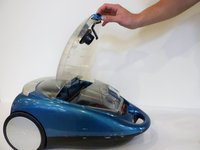
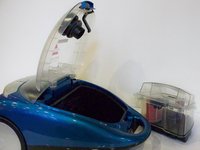
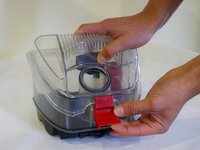
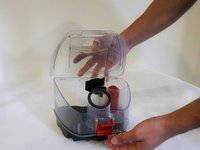
    • After removing hose, place vacuum on back and unclip the top compartment.

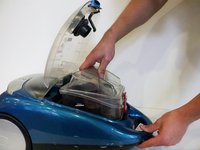
    • Open the compartment.

    • Pull the dirt collection box out of the vacuum.

  5. Bissell OptiClean Cyclonic Vacuum Filter Replacements: 手順 5、 3の画像 1 Bissell OptiClean Cyclonic Vacuum Filter Replacements: 手順 5、 3の画像 2 Bissell OptiClean Cyclonic Vacuum Filter Replacements: 手順 5、 3の画像 3
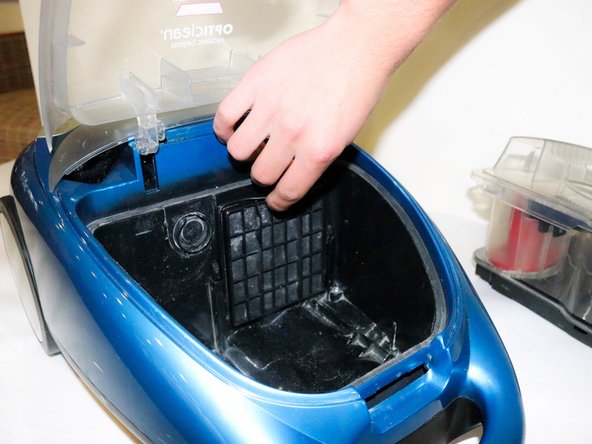
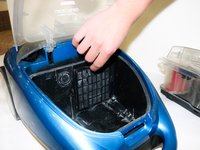
    • Place dirt collection box to the side.

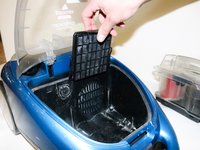
    • Locate the Pre-Motor Filter.

    • Pull the filter out by grabbing the pull tab on top.

  6. Bissell OptiClean Cyclonic Vacuum Filter Replacements: 手順 6、 3の画像 1 Bissell OptiClean Cyclonic Vacuum Filter Replacements: 手順 6、 3の画像 2 Bissell OptiClean Cyclonic Vacuum Filter Replacements: 手順 6、 3の画像 3
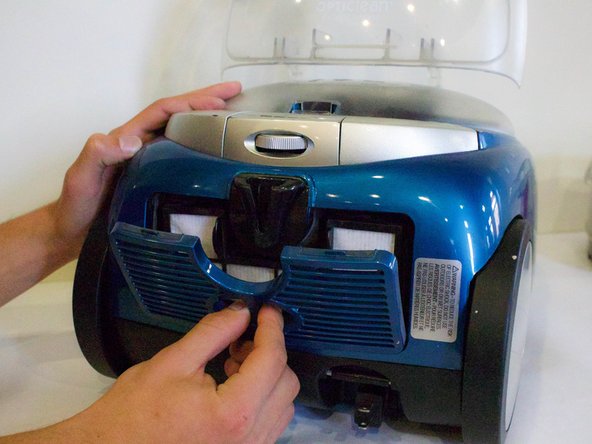
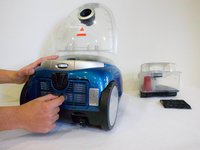
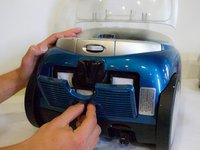
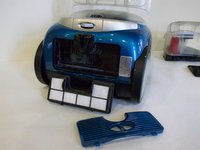
    • Turn vacuum around and locate the filter cover on the bottom.

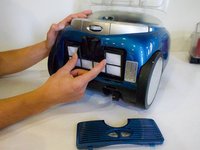
    • Place fingers in the opening and pull off the filter cover.

    • Place fingers on each tab on the Post-Motor HEPA Media Filter and pull out.

  7. Bissell OptiClean Cyclonic Vacuum Filter Replacements: 手順 7、 3の画像 1 Bissell OptiClean Cyclonic Vacuum Filter Replacements: 手順 7、 3の画像 2 Bissell OptiClean Cyclonic Vacuum Filter Replacements: 手順 7、 3の画像 3
    • Take filter out to clean or replace.

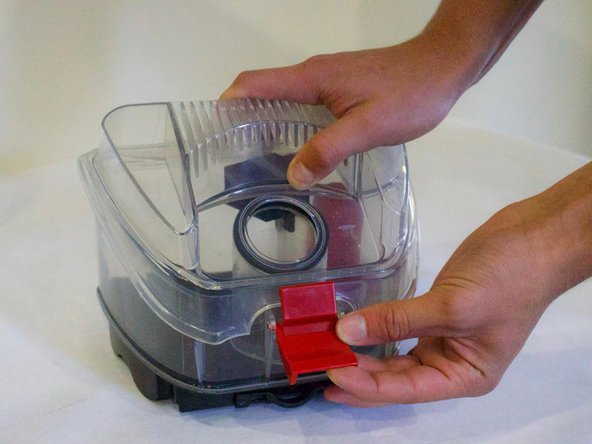
    • To clean Dirt Collection Box, unlatch lid and take off.

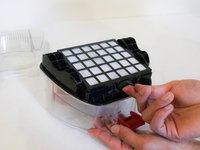
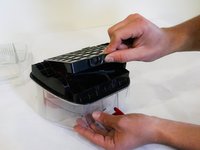
  8. Bissell OptiClean Cyclonic Vacuum Filter Replacements: 手順 8、 3の画像 1 Bissell OptiClean Cyclonic Vacuum Filter Replacements: 手順 8、 3の画像 2 Bissell OptiClean Cyclonic Vacuum Filter Replacements: 手順 8、 3の画像 3
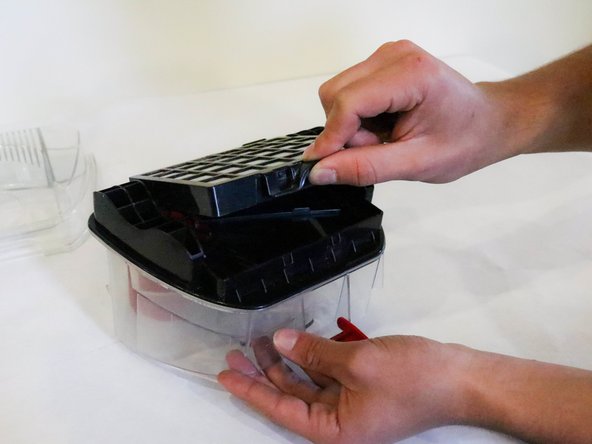
    • Flip Dirt Collection Box over and locate the push tab.

    • Push the Dirt Cup HEPA Media Filter up to take it off.

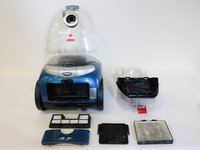
    • Picture 3 Shows all the filters taken out of the vacuum.

終わりに

To reassemble your device, follow these instructions in reverse order.

作成者

2人の作成者と共同で作成されました。

Austin Marshall

メンバー登録日: 01/18/18

130 ポイント

1ガイドが承認済み

チーム

Cal Poly, Team S12-G1, Banghart Winter 2018 Cal Poly, Team S12-G1, Banghart Winter 2018人のメンバー

CPSU-BANGHART-W18S12G1

5 メンバー

5のガイドは作成済み

0件のガイドコメント

コメントを追加

統計データ:

過去 24時間: 0

過去 7 日: 7

過去 30 日: 32

今までの合計 983