メインコンテンツにスキップ
リペアコミュニティに参加 - アカウントの作成

ArmorAll AA255 Motor Replacement

必要な工具と部品

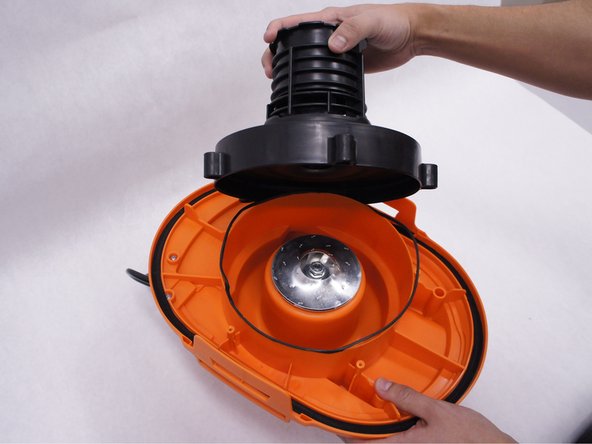
  1. ArmorAll AA255 Motor Replacement, Lower Motor Housing: 手順 1、 1の画像 1
    • Remove the orange main housing unit from the vacuum bucket by pulling outward on the handle tabs while lifting upward as shown.

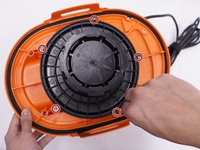
  2. ArmorAll AA255 Motor Replacement: 手順 2、 1の画像 1
    • Remove the five 15mm PH2 screws.

  3. ArmorAll AA255 Motor Replacement: 手順 3、 1の画像 1
    • Remove the 15 mm T20 screw. This screw is located nearest the power cord.

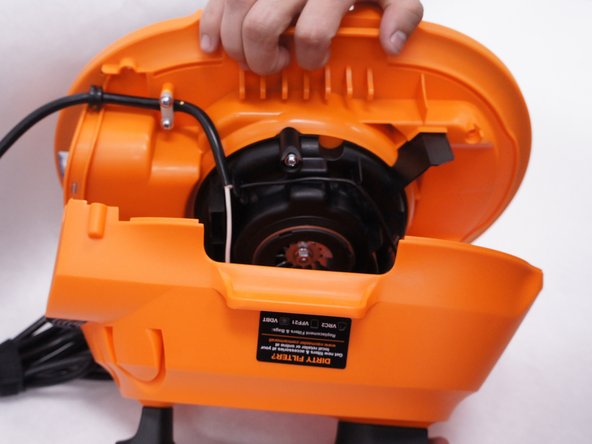
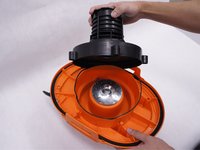
  4. ArmorAll AA255 Motor Replacement: 手順 4、 2の画像 1 ArmorAll AA255 Motor Replacement: 手順 4、 2の画像 2
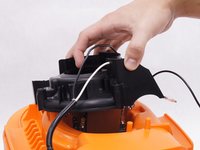
    • Gently separate the upper and lower sections of the main housing.

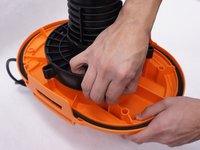
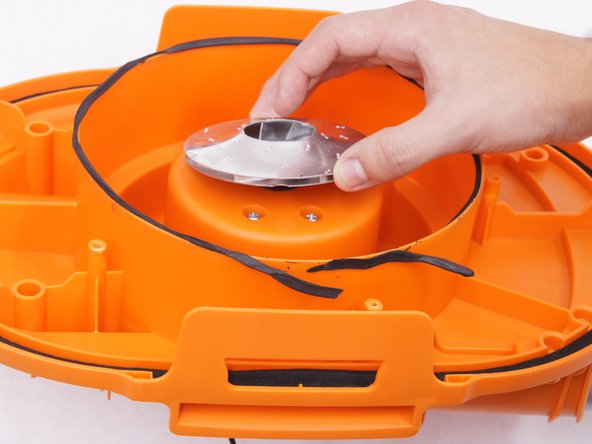
  5. ArmorAll AA255 Motor Replacement, Motor: 手順 5、 3の画像 1 ArmorAll AA255 Motor Replacement, Motor: 手順 5、 3の画像 2 ArmorAll AA255 Motor Replacement, Motor: 手順 5、 3の画像 3
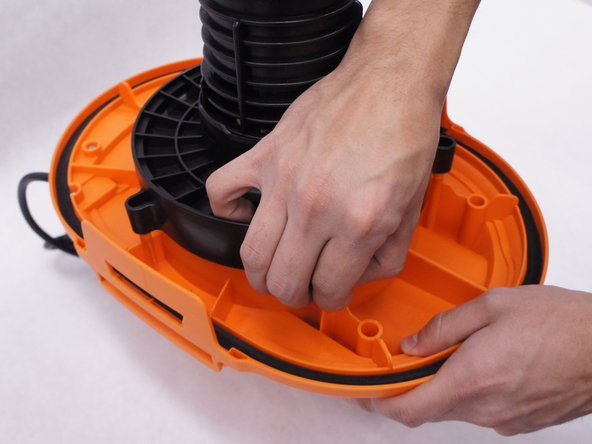
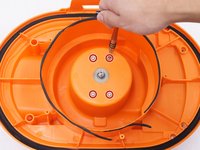
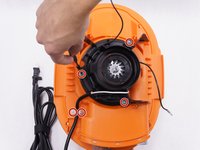
    • Use a PH2 screwdriver to remove the five 15mm screws on the ball cage under the main housing.

    • Pull the ball cage to remove it from the main housing.

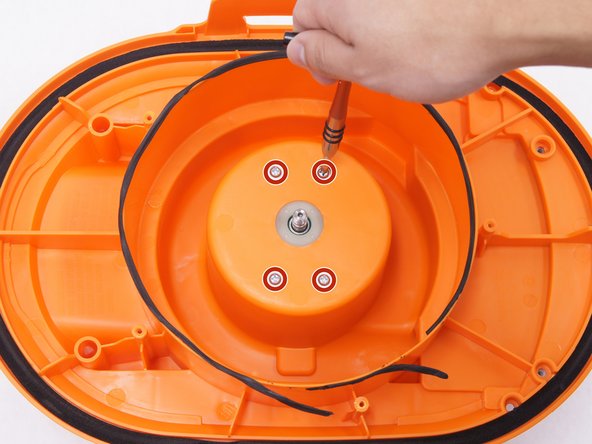
  6. ArmorAll AA255 Motor Replacement: 手順 6、 3の画像 1 ArmorAll AA255 Motor Replacement: 手順 6、 3の画像 2 ArmorAll AA255 Motor Replacement: 手順 6、 3の画像 3
    • Remove one 13mm nut from the main housing.

    • The metal ring under the nut has sharp edges. You may need to use a tool such as pliers to prevent injury.

    • Remove metal ring from the main housing.

    • Use a PH2 screwdriver to remove the four 12mm screws from the main housing.

  7. ArmorAll AA255 Motor Replacement: 手順 7、 3の画像 1 ArmorAll AA255 Motor Replacement: 手順 7、 3の画像 2 ArmorAll AA255 Motor Replacement: 手順 7、 3の画像 3
    • Turn the whole body over to separate motor cover.

    • Use a PH2 screwdriver to remove the five 15mm screw.

    • Remove the white power wire from the motor cover.

    • Pull the motor cover from the main housing.

  8. ArmorAll AA255 Motor Replacement: 手順 8、 2の画像 1 ArmorAll AA255 Motor Replacement: 手順 8、 2の画像 2
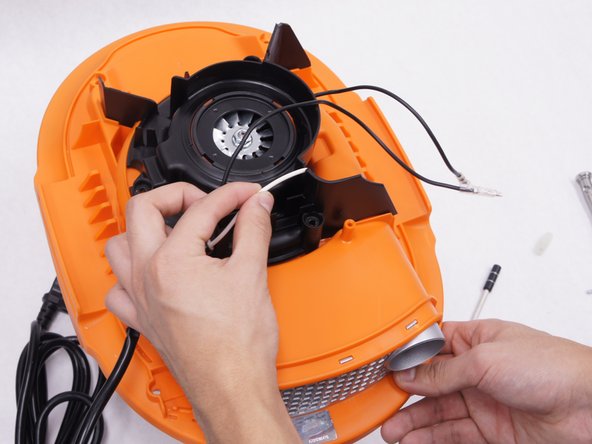
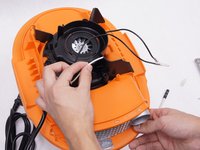
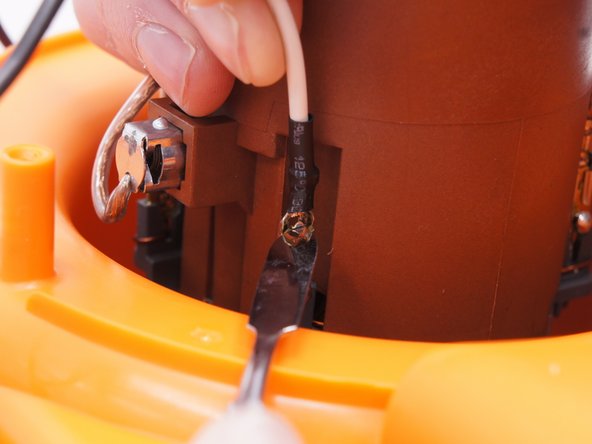
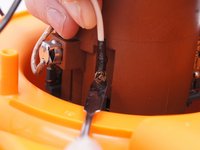
    • Use a plastic opening tool to remove two cables from the motor. One white cable is from the power cord, and one black cable is from the switch.

    • When working with electronics, it's important to choose a tool that's ESD-safe to avoid accidental damage to the device. The regular black nylon spudger or a plastic opening tool should be used whenever possible.

    • You may need to mark the color of the wire on each terminal for reassembly.

  9. ArmorAll AA255 Motor Replacement: 手順 9、 2の画像 1 ArmorAll AA255 Motor Replacement: 手順 9、 2の画像 2
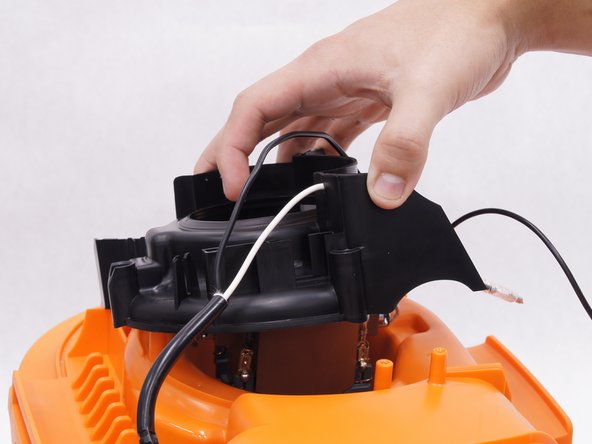
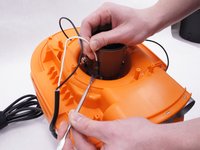
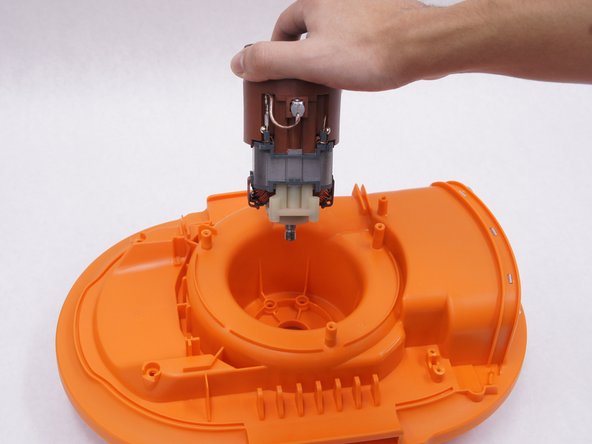
    • The motor is ready for replacement. Pull the motor to separate.

終わりに

To reassemble your device, follow these instructions in reverse order.

6 の人々がこのガイドを完成させました。

作成者

3人の作成者と共同で作成されました。

YeaJun Yoo

メンバー登録日: 02/11/16

302 ポイント

1ガイドが承認済み

チーム

IUPUI, Team 2-1, Baechle Spring 2016 IUPUI, Team 2-1, Baechle Spring 2016人のメンバー

IUPUI-BAECHLE-S16S2G1

4 メンバー

6のガイドは作成済み

4件のガイドコメント

What is the motor product no? It will help if there is a link to buy the motor

Austin K - 返信

Medida de los carboncitos que lleva el motor?

SERVANDO ARTEA FAVELA - 返信

Buenas nochew necesito saber si existe a la venta la hélice o ventiladora que hace la succión de la aspiradora. Porfavor alguien puede ayudarme dejo mi correo erikazavala2882@gmail.com desde Honduras.

erikazavala2882 - 返信

Part #for motor ???? Mine just the carbon brush is worn. Need replacement part # for motor or brushes ????

A Anderson - 返信

コメントを追加

統計データ:

過去 24時間: 2

過去 7 日: 19

過去 30 日: 78

今までの合計 5,254