メインコンテンツにスキップ
リペアコミュニティに参加 - アカウントの作成

Amazon Echo LED/Microphone Board Replacement

必要な工具と部品

    1. Amazon Echo LED/Microphone Board Replacement, Power and Speaker Driver Board: 手順 1、 1の画像 1
      • Power off and unplug your Echo before disassembly. Failure to do so could result in injury or damage to the device.

      • Peel off the rubber footing from the bottom of the Echo.

      • Do not pull the rubber footing too hard, as it could stretch out of shape. Use a spudger to help remove the foot if you have any trouble.

      FixBotに聞いてみる

      コメントを追加

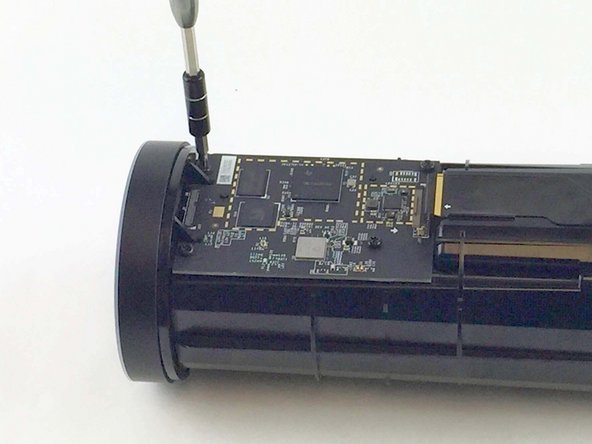
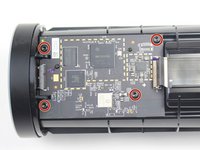
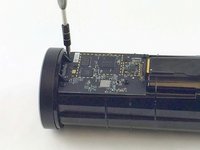
    2. Amazon Echo LED/Microphone Board Replacement: 手順 2、 3の画像 1 Amazon Echo LED/Microphone Board Replacement: 手順 2、 3の画像 2 Amazon Echo LED/Microphone Board Replacement: 手順 2、 3の画像 3
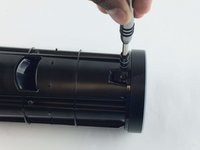
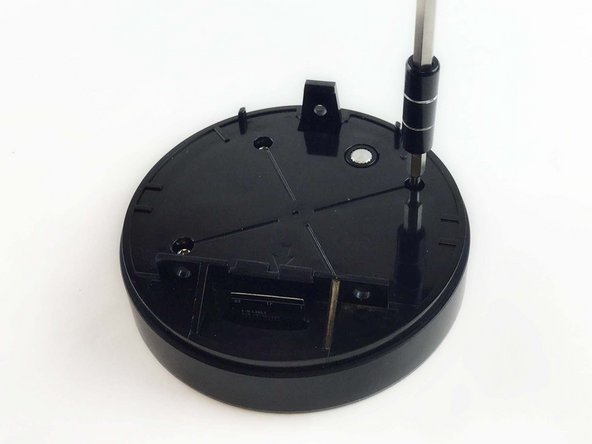
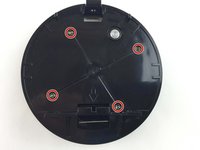
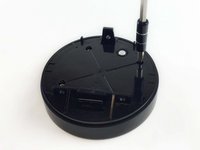
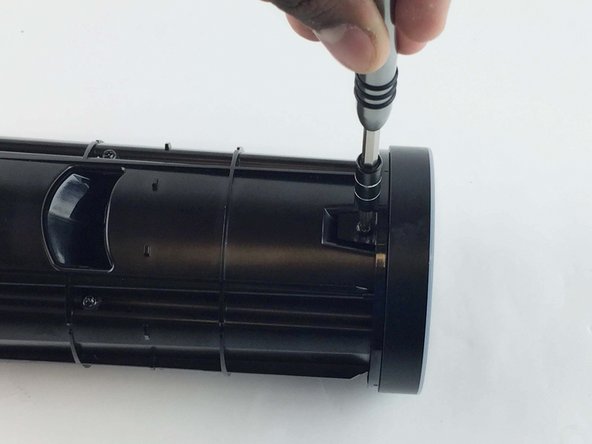
      • Remove the four 42.8 mm T10 Torx screws from the bottom of the Echo.

      FixBotに聞いてみる

      コメントを追加

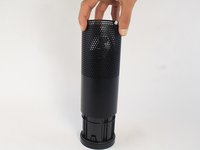
    3. Amazon Echo LED/Microphone Board Replacement: 手順 3、 1の画像 1
      • Slowly lift the plate containing the board. Be careful not to disconnect any of the wires.

      FixBotに聞いてみる

      コメントを追加

    4. Amazon Echo LED/Microphone Board Replacement: 手順 4、 1の画像 1
      この手順で使用する道具:
      Tweezers
      $4.99
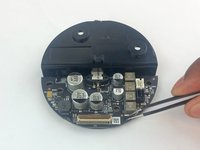
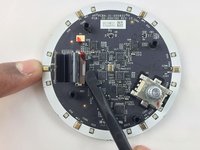
      • Using tweezers, carefully disconnect the two red and black cables from their sockets on the board.

      • Tugging on the wires may damage the device. Pull from the plastic connectors instead.

      FixBotに聞いてみる

      コメントを追加

    5. Amazon Echo LED/Microphone Board Replacement: 手順 5、 2の画像 1 Amazon Echo LED/Microphone Board Replacement: 手順 5、 2の画像 2
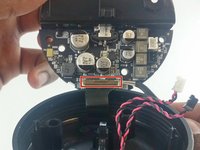
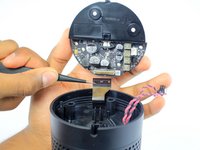
      • Lift the brown plastic latch on the ZIF connector securing the driver board ribbon cable.

      • Pull the ribbon cable from its connector. The plate and board should now be free from the Echo.

      FixBotに聞いてみる

      コメントを追加

    6. Amazon Echo LED/Microphone Board Replacement: 手順 6、 3の画像 1 Amazon Echo LED/Microphone Board Replacement: 手順 6、 3の画像 2 Amazon Echo LED/Microphone Board Replacement: 手順 6、 3の画像 3
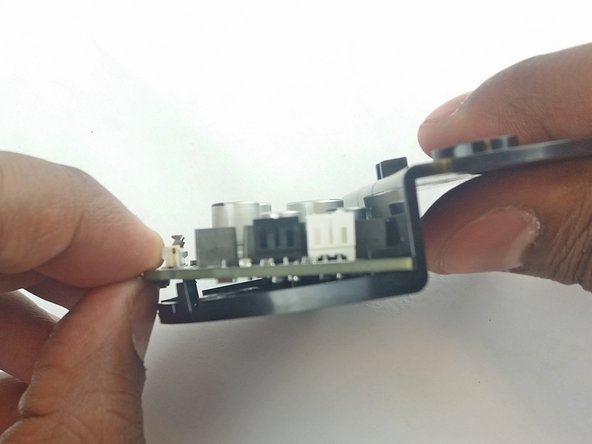
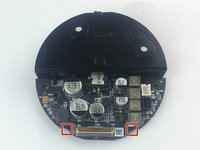
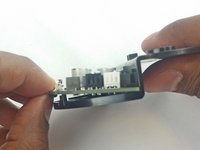
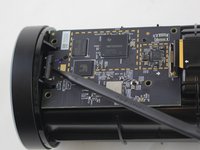
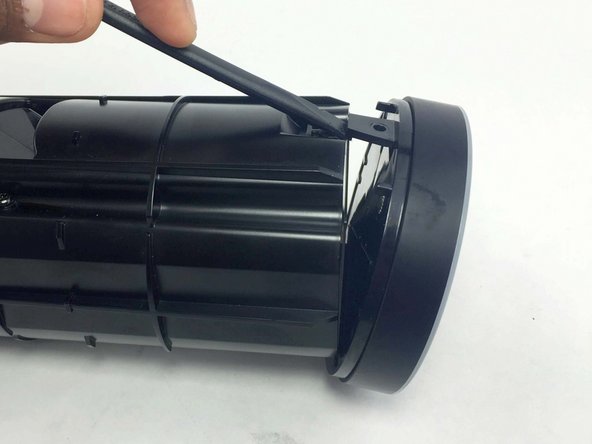
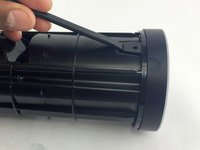
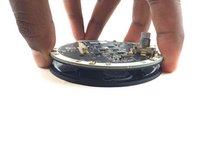
      • Using the spudger, pull back the two plastic clips on the plate.

      • Lift the board up and pull it away from the plate.

      FixBotに聞いてみる

      コメントを追加

    1. Amazon Echo LED/Microphone Board Replacement, Motherboard: 手順 7、 2の画像 1 Amazon Echo LED/Microphone Board Replacement, Motherboard: 手順 7、 2の画像 2
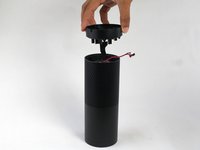
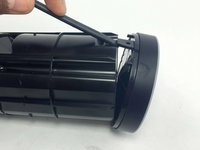
      • Remove the plastic plate from the bottom of the device. Then remove the plastic shrouding.

      FixBotに聞いてみる

      コメントを追加

    2. Amazon Echo LED/Microphone Board Replacement: 手順 8、 1の画像 1
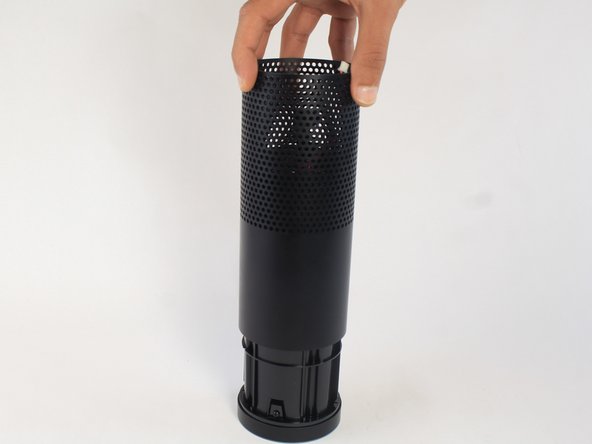
      • Peel off the black fabric wrapped around the device.

      • Be careful not to rip the fabric. Use a spudger to help remove the adhesive if you have any trouble.

      FixBotに聞いてみる

      コメントを追加

    3. Amazon Echo LED/Microphone Board Replacement: 手順 9、 2の画像 1 Amazon Echo LED/Microphone Board Replacement: 手順 9、 2の画像 2
      • Remove the four 9.7 mm T10 screws.

      FixBotに聞いてみる

      コメントを追加

    4. Amazon Echo LED/Microphone Board Replacement: 手順 10、 3の画像 1 Amazon Echo LED/Microphone Board Replacement: 手順 10、 3の画像 2 Amazon Echo LED/Microphone Board Replacement: 手順 10、 3の画像 3
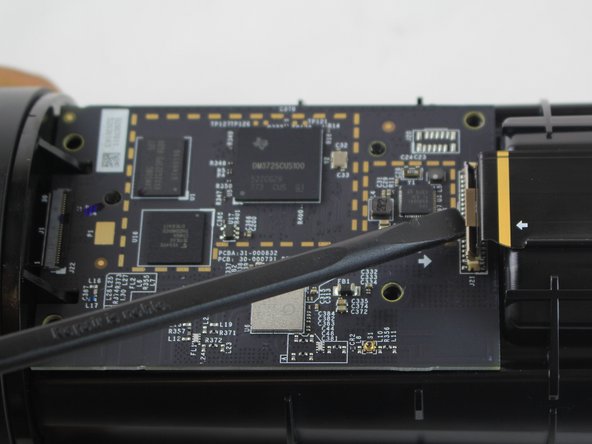
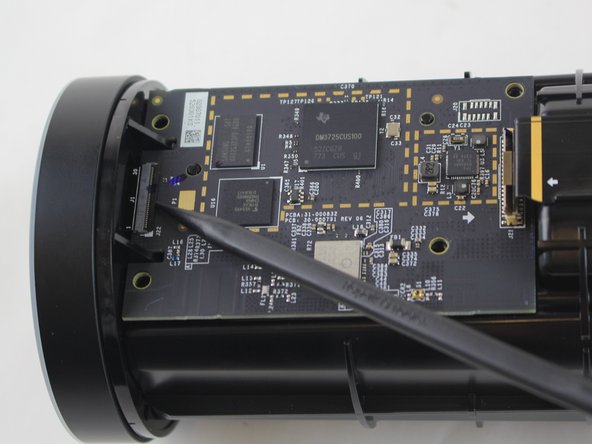
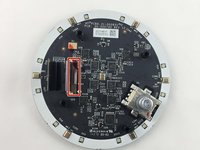
      • Lift the brown and black plastic latches securing the ZIF connectors at each end of the motherboard.

      • Pull the two ribbon cables from their connectors on the motherboard.

      FixBotに聞いてみる

      コメントを追加

    5. Amazon Echo LED/Microphone Board Replacement: 手順 11、 1の画像 1
      • Lift the motherboard up from the Echo.

      FixBotに聞いてみる

      コメントを追加

    1. Amazon Echo LED/Microphone Board Replacement, LED/Microphone Board: 手順 12、 2の画像 1 Amazon Echo LED/Microphone Board Replacement, LED/Microphone Board: 手順 12、 2の画像 2
      • Remove the 9.7 mm T10 Torx screw from the opposite side of the Echo.

      FixBotに聞いてみる

      コメントを追加

    2. Amazon Echo LED/Microphone Board Replacement: 手順 13、 2の画像 1 Amazon Echo LED/Microphone Board Replacement: 手順 13、 2の画像 2
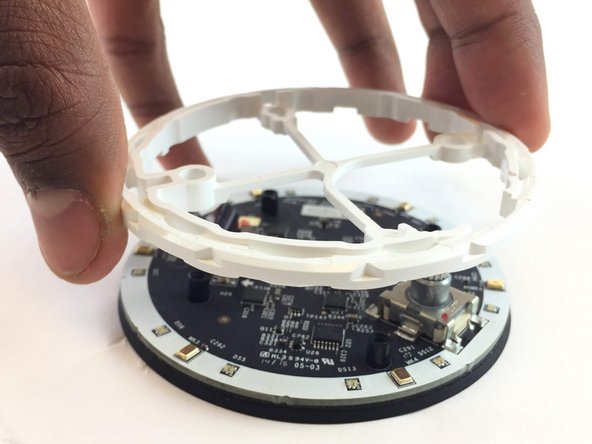
      • Unclip and remove the top volume ring assembly from the Echo.

      FixBotに聞いてみる

      コメントを追加

    3. Amazon Echo LED/Microphone Board Replacement: 手順 14、 2の画像 1 Amazon Echo LED/Microphone Board Replacement: 手順 14、 2の画像 2
      • Unscrew the four 9.7 mm T9 torx screws from the bottom of the volume ring assembly.

      FixBotに聞いてみる

      コメントを追加

    4. Amazon Echo LED/Microphone Board Replacement: 手順 15、 1の画像 1
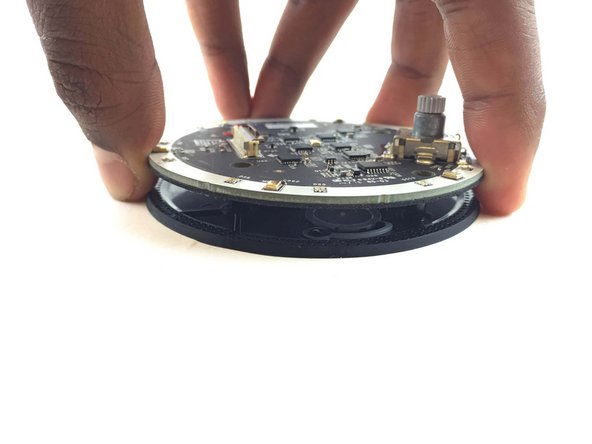
      • Turn the assembly over and lift up the plate with the buttons.

      FixBotに聞いてみる

      コメントを追加

    5. Amazon Echo LED/Microphone Board Replacement: 手順 16、 2の画像 1 Amazon Echo LED/Microphone Board Replacement: 手順 16、 2の画像 2
      • Turn the plate over, then lift and remove black gear and the white plastic ring.

      FixBotに聞いてみる

      コメントを追加

    6. Amazon Echo LED/Microphone Board Replacement: 手順 17、 3の画像 1 Amazon Echo LED/Microphone Board Replacement: 手順 17、 3の画像 2 Amazon Echo LED/Microphone Board Replacement: 手順 17、 3の画像 3
      • Remove the ribbon cable by lifting the brown latch on the ZIF connector.

      • Lift the LED/Microphone board from the plate.

      FixBotに聞いてみる

      コメントを追加

終わりに

To reassemble your device, follow these instructions in reverse order.

キャンセル: このガイドを終了できませんでした。

6 の人々がこのガイドを完成させました。

作成者

2人の作成者と共同で作成されました。

Alexander Albert

メンバー登録日: 02/04/16

1,169 ポイント

6のガイドは作成済み

チーム

USF Tampa, Team 3-3, Wollert Spring 2016 USF Tampa, Team 3-3, Wollert Spring 2016人のメンバー

USFT-WOLLERT-S16S3G3

4 メンバー

19のガイドは作成済み

2件のガイドコメント

So in Step 15, I’m having a problem reassembling the Plate with buttons back into the volume ring… can someone give me any tricks/pointers please?

JaxyB - 返信 共有
Where can i buy this LED/Microphone board for replacement?

Tuan Nguyen - 返信 共有
コメントを追加

統計データ:

過去 24時間: 4

過去 7 日: 16

過去 30 日: 80

今までの合計 15,700