メインコンテンツにスキップ

Acer Extensa 4420 RAM Replacement

必要な工具と部品

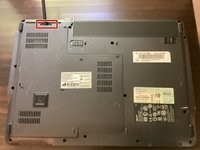
  1. Acer Extensa 4420 RAM Replacement, Battery: 手順 1、 2の画像 1 Acer Extensa 4420 RAM Replacement, Battery: 手順 1、 2の画像 2
    • First, make sure that the battery lock is turned off.

    • The battery lock makes it so the battery doesn't accidentally fall out of your computer while it is running.

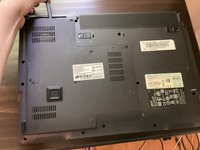
  2. Acer Extensa 4420 RAM Replacement: 手順 2、 3の画像 1 Acer Extensa 4420 RAM Replacement: 手順 2、 3の画像 2 Acer Extensa 4420 RAM Replacement: 手順 2、 3の画像 3
    • Then, slide the other battery lock while pulling the battery out.

  3. Acer Extensa 4420 RAM Replacement, Back Panel: 手順 3、 1の画像 1
    この手順で使用する道具:
    Phillips #00 Screwdriver
    $5.49
    • Unscrew all five screws on the back panel with a Phillips #00 screwdriver

    • The screws will stay in the back panel, so when you remove it, you don't have to worry about organizing the screws.

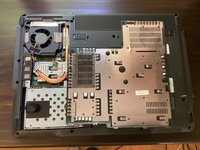
  4. Acer Extensa 4420 RAM Replacement: 手順 4、 3の画像 1 Acer Extensa 4420 RAM Replacement: 手順 4、 3の画像 2 Acer Extensa 4420 RAM Replacement: 手順 4、 3の画像 3
    この手順で使用する道具:
    Spudger
    $3.99
    • Take a spudger and start to pry open the back panel. Finish prying it open with your hands.

    • Be extra careful and try not to break any clips in this process.

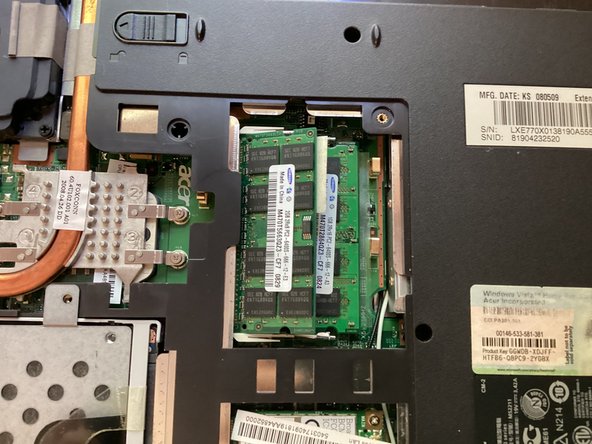
  5. Acer Extensa 4420 RAM Replacement, RAM: 手順 5、 3の画像 1 Acer Extensa 4420 RAM Replacement, RAM: 手順 5、 3の画像 2 Acer Extensa 4420 RAM Replacement, RAM: 手順 5、 3の画像 3
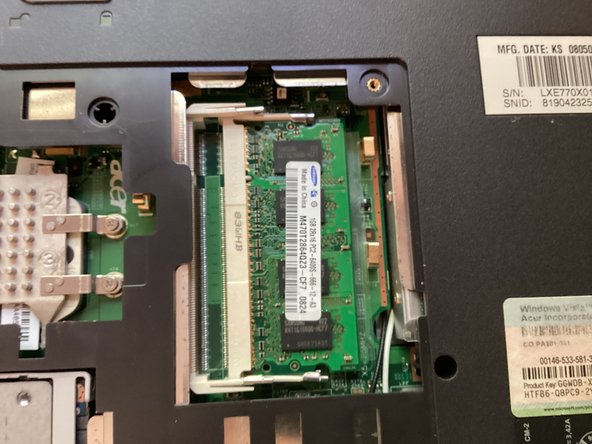
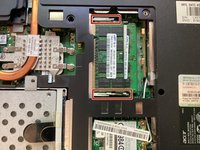
    • Push the clips in red towards the outside. Doing so will release the RAM. Pull the RAM out.

    • Do this for both RAM modules

終わりに

To reassemble your device, follow these instructions in reverse order.

ある他の人がこのガイドを完成しました。

作成者

1人の作成者と共同作成されました。

TheMasterG

メンバー登録日: 07/19/24

1,369 ポイント

12のガイドは作成済み

0件のガイドコメント

コメントを追加

統計データ:

過去 24時間: 0

過去 7 日: 2

過去 30 日: 8

今までの合計 101