メインコンテンツにスキップ
リペアコミュニティに参加 - アカウントの作成

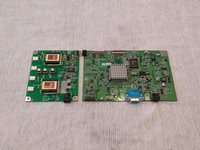
Acer AL1714 Video Display Board

必要な工具と部品

    1. Acer AL1714 Video Display Board, Video Display Board: 手順 1、 2の画像 1 Acer AL1714 Video Display Board, Video Display Board: 手順 1、 2の画像 2
      • Turn the monitor face-down.

      • Unscrew the 5 screws holding back cover on.

      • (This may require flipping the monitor over and shaking the screws loose once they're already unscrewed)

      FixBotに聞いてみる

      コメントを追加

    2. Acer AL1714 Video Display Board: 手順 2、 3の画像 1 Acer AL1714 Video Display Board: 手順 2、 3の画像 2 Acer AL1714 Video Display Board: 手順 2、 3の画像 3
      • Take the edge tool or a metal ruler and insert it into the bezel.

      • Apply pressure and push down.

      • Do the same to the right side.

      • Once the side of the bezel facing you is decoupled, take the back cover and pry it loose.

      FixBotに聞いてみる

      コメントを追加

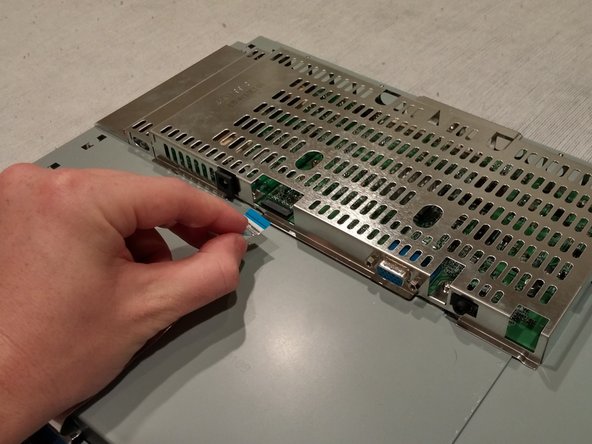
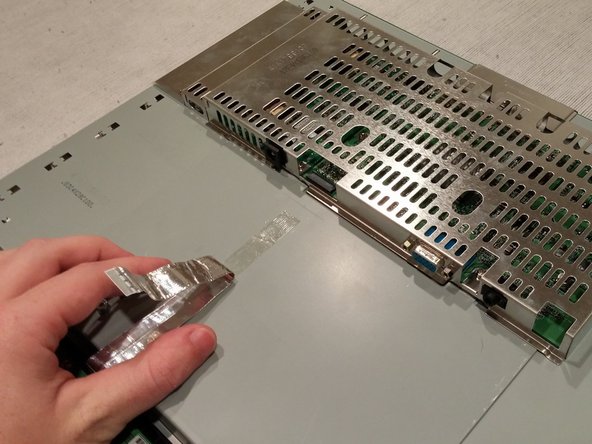
    3. Acer AL1714 Video Display Board: 手順 3、 3の画像 1 Acer AL1714 Video Display Board: 手順 3、 3の画像 2 Acer AL1714 Video Display Board: 手順 3、 3の画像 3
      • Remove the Flat Flex Cable from the Power Supply board located under the metal cage.

      • Pull the cord back and out of the way.

      • (It may be stuck down with adhesive)

      FixBotに聞いてみる

      コメントを追加

    4. Acer AL1714 Video Display Board: 手順 4、 3の画像 1 Acer AL1714 Video Display Board: 手順 4、 3の画像 2 Acer AL1714 Video Display Board: 手順 4、 3の画像 3
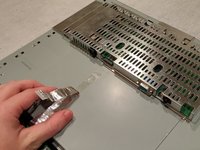
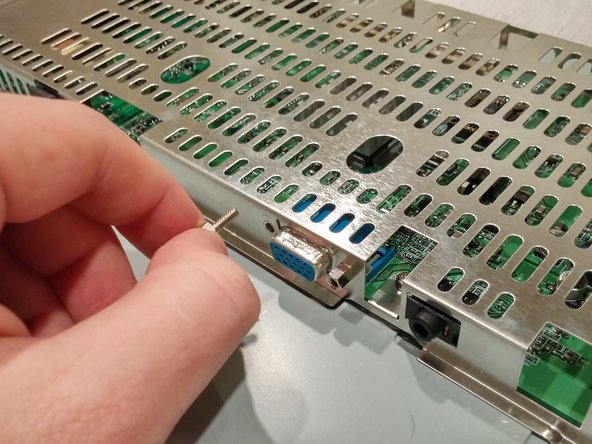
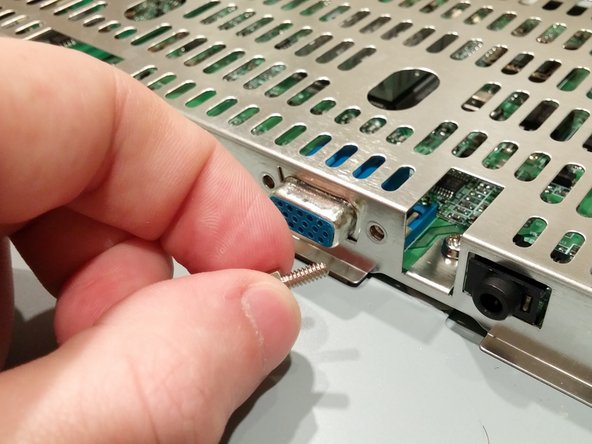
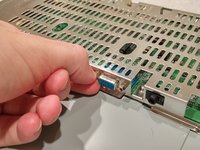
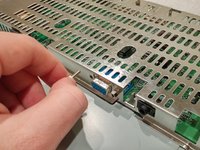
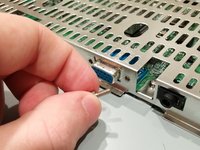
      • Unscrew the cord anchors for the VGA port.

      • (Use needle nose pliers if they're too tight for removal by hand)

      FixBotに聞いてみる

      コメントを追加

    5. Acer AL1714 Video Display Board: 手順 5、 2の画像 1 Acer AL1714 Video Display Board: 手順 5、 2の画像 2
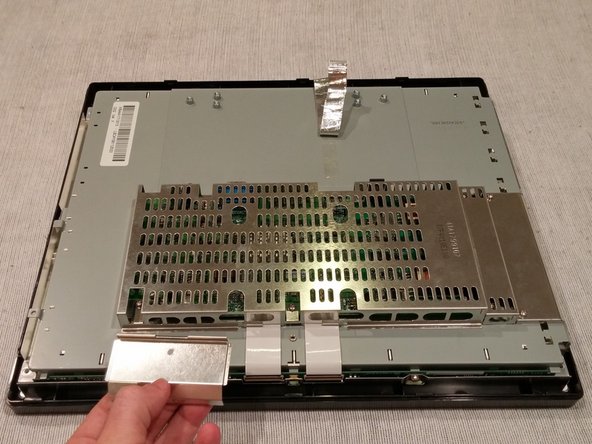
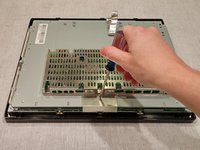
      • Turn the monitor around.

      • Unscrew the 1 screw holding the Flat power Cable cover on.

      • Lift up and remove the Flat Power Cable cover.

      • (Careful: this may be sharp)

      FixBotに聞いてみる

      コメントを追加

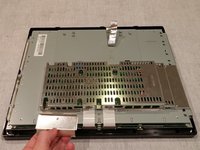
    6. Acer AL1714 Video Display Board: 手順 6、 1の画像 1
      • Unscrew the 5 screws holding the metal cage on.

      FixBotに聞いてみる

      コメントを追加

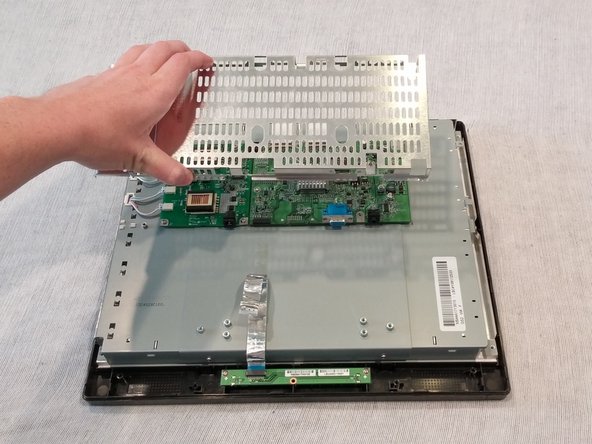
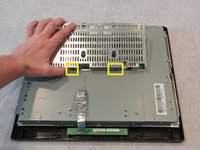
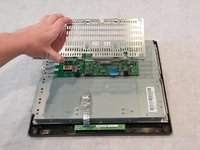
    7. Acer AL1714 Video Display Board: 手順 7、 2の画像 1 Acer AL1714 Video Display Board: 手順 7、 2の画像 2
      • Turn the monitor around.

      • Lift the back of the metal cage slightly.

      • Pull the cage toward self.

      • (Must be careful to free the cover of the VGA port and the power supply input)

      FixBotに聞いてみる

      コメントを追加

    8. Acer AL1714 Video Display Board: 手順 8、 3の画像 1 Acer AL1714 Video Display Board: 手順 8、 3の画像 2 Acer AL1714 Video Display Board: 手順 8、 3の画像 3
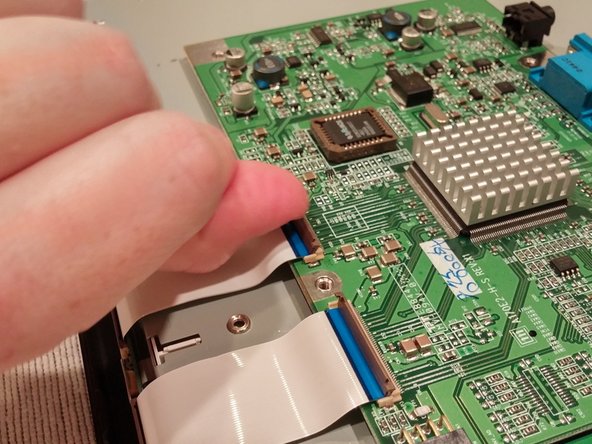
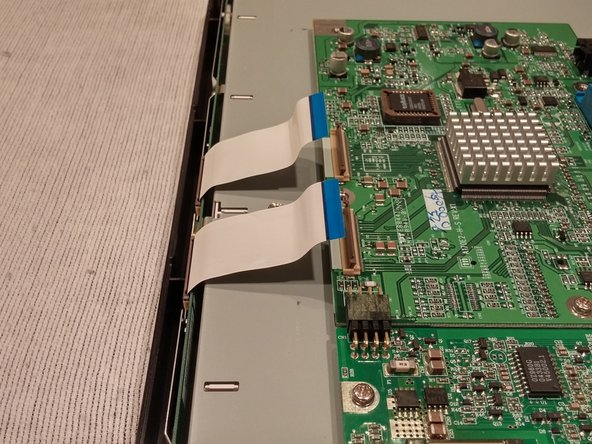
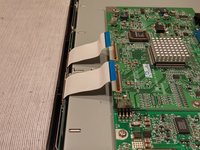
      • Lift the Flat Flex Cable holder tabs to release the cables.

      • Lift up on the Flat Flex Cables and bend them out of the working area.

      FixBotに聞いてみる

      コメントを追加

    9. Acer AL1714 Video Display Board: 手順 9、 3の画像 1 Acer AL1714 Video Display Board: 手順 9、 3の画像 2 Acer AL1714 Video Display Board: 手順 9、 3の画像 3
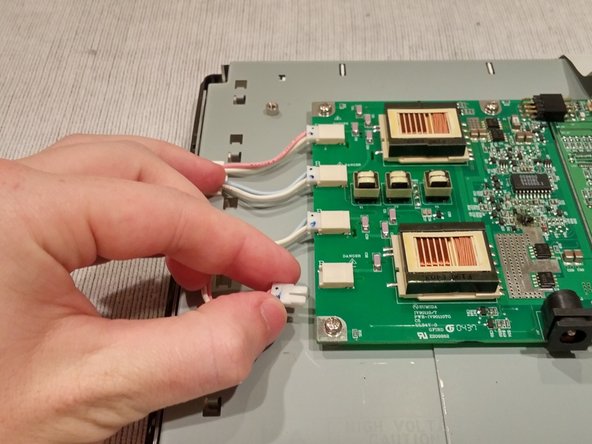
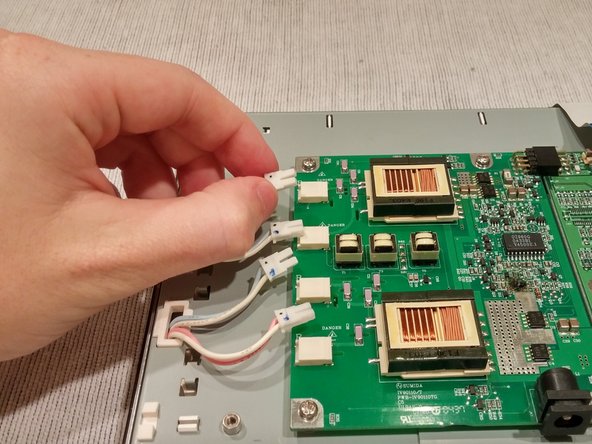
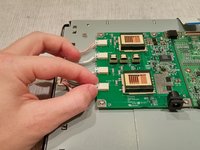
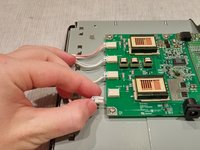
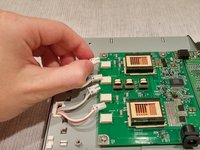
      • Unplug the 4 backlight wires from their ports on the Power Supply Board.

      • (Considering their size, the best way to unplug the backlight wires is by slowly jiggling the wires out of place)

      FixBotに聞いてみる

      コメントを追加

    10. Acer AL1714 Video Display Board: 手順 10、 1の画像 1
      • Unscrew the 5 screws holding the Power Supply and Video Display boards.

      FixBotに聞いてみる

      コメントを追加

    11. Acer AL1714 Video Display Board: 手順 11、 2の画像 1 Acer AL1714 Video Display Board: 手順 11、 2の画像 2
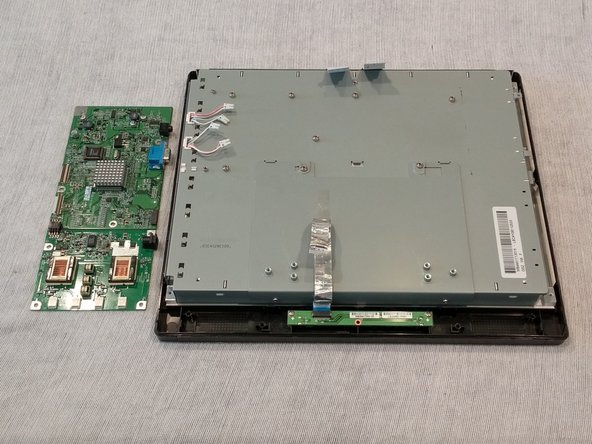
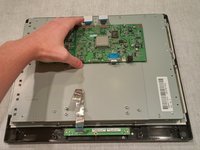
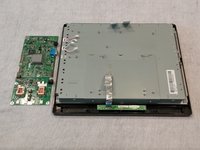
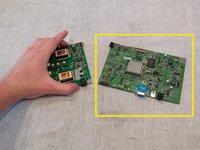
      • Lift and remove the joined boards.

      FixBotに聞いてみる

      コメントを追加

    12. Acer AL1714 Video Display Board: 手順 12、 3の画像 1 Acer AL1714 Video Display Board: 手順 12、 3の画像 2 Acer AL1714 Video Display Board: 手順 12、 3の画像 3
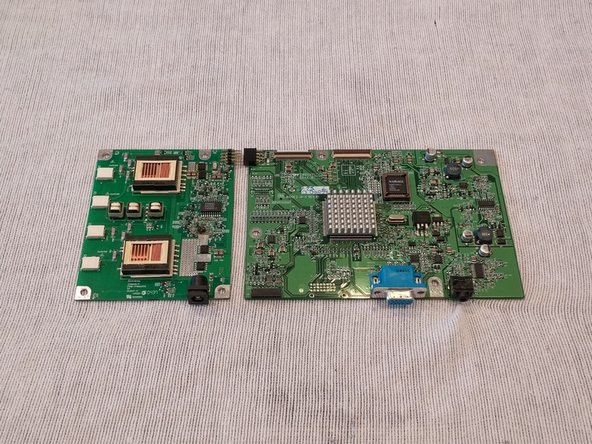
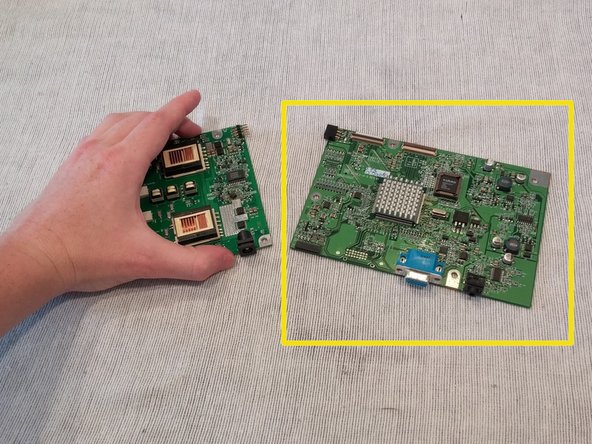
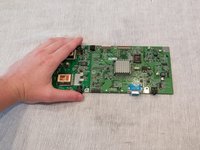
      • Carefully detach the two boards at their connector joint.

      • Replace outlined part.

      FixBotに聞いてみる

      コメントを追加

終わりに

To reassemble your device, follow these instructions in reverse order.

キャンセル: このガイドを終了できませんでした。

2 の人々がこのガイドを完成させました。

作成者

3人の作成者と共同で作成されました。

Christopher Kelly

メンバー登録日: 09/25/14

590 ポイント

4のガイドは作成済み

チーム

USF Tampa, Team 1-3, Brown Fall 2014 USF Tampa, Team 1-3, Brown Fall 2014人のメンバー

USFT-BROWN-F14S1G3

3 メンバー

5のガイドは作成済み

0件のガイドコメント

コメントを追加

統計データ:

過去 24時間: 1

過去 7 日: 6

過去 30 日: 41

今までの合計 1,287