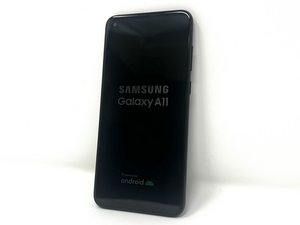

Poor: my Samsung camera doesn't work
Any time I click on my camera it always shows that security policy restricts use of camera and I can't use it.
評価: 862.2千
 1.5千
1.5千
 980
980
 2.4千
2.4千
@favourvincent this is commonly caused by the camera apps permission has been blocked within your device settings; you can check and adjust this by going to your phone's settings, navigating to "Privacy" or "Security," and then ensuring the "Camera" permission is toggled to "Allow" for the apps you want to use the camera with.
You can also try going to Settings -> "Biometrics and security" -> "Other security settings" -> "Device admin apps" you can see which apps may be blocking the use of the camera. If you still are unable to use the camera, put your phone in safe mode and check if you can access the camera without the error. If so, you know that this is caused by a third party app. You will have to uninstall that App.
To place your phone in Safe mode use the instructions from the Samsung Site
このアンサーは役に立ちましたか?
評価: 484
5
1
Uninstall all the apps you recently downloaded on your device, I tried it with my phone and it worked.
このアンサーは役に立ちましたか?
過去 24時間: 1
過去 7 日: 9
過去 30 日: 18
今までの合計 276


