
 2
2  1
1 Fixing Micro USB-Port without replacing/soldering
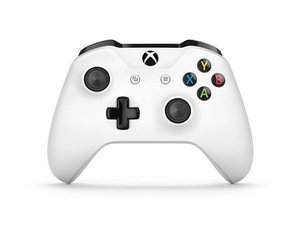
Hi there! I have an Xbox Controller with a not reliably working Micro USB Port. If I push the inserted connector of the cable up, the controller loses connection. If The cable is inserted normally without touching, the controller works 100% fine.
This is an common issue on the xbox controllers and I know how to replace the port. The thing is, I am getting to tired of completely desoldering the port, getting angry if I accidentally strip traces, repairing the traces and soldering on a new one port. It is a minor issue and the port works , if connected "properly. The issue is somewhere in the connection between the port and the plug. Do you know a way to fix it without replacing the whole port? Disassembling the controller is not a problem at all.
Thank you

 14
14 