
メインコンテンツにスキップ
リペアコミュニティに参加 - アカウントの作成

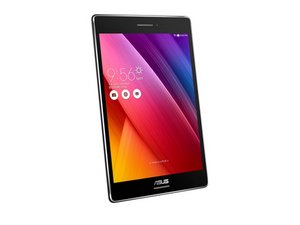
The Asus ZenPad S8 is an 8-inch Android tablet by Asus. Released in June of 2015. Model number: Z580CA.

Replaced broken screen but touchscreen doesn't work

Hello,

I've recently replaced the screen of a Asus Zenpad Z580CA. Haven't glued the screen on yet, just connected all the cables and booted it to see if it works. No issues with the screen itself, everything looks fine. But I have no response to touch. Anywhere i press there is no response, it's not a few dead zones, the whole screen isn't working. Should I replace the screen again or could it be that something is badly connected? And if so what cables/circuitboards manage the touchscreen?

Thanks in advance for the help!

Update (07/16/2017)

Block Image

I have no idea what else I can try...

Help would be greatly appreciated

この質問に回答する 同じ問題があります

この質問は役に立ちましたか?

スコア 2
コメントを追加

2件の回答

change your screan and try again

このアンサーは役に立ちましたか?

スコア 0
コメントを追加

did you insert the touch screen flexible correctly?

このアンサーは役に立ちましたか?

スコア 0

4 件のコメント:

I assume so.

Which ribboncable is the one that connects the touchscreen?

さんによる

i 'm not sure about the position of the cable itself usually every cable must be fit to the socket just make sure it is well positioned and locked

さんによる

Refitted all cables a few times now, cleaned all contacts as well. Both no luck

さんによる

are you sure the touchscreen is not broken? try another touch screen module hope work

さんによる

コメントを追加

回答を追加する

Ziyedm さん、ありがとうございました!
統計データ:

過去 24時間: 1

過去 7 日: 10

過去 30 日: 16

今までの合計 431