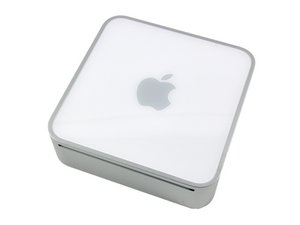

How do you eject discs?
How are you supposed to eject the discs out?

評価: 689.3千
 3.8千
3.8千
 1.1千
1.1千
 2.6千
2.6千
Usually on a Mac, you can drag one to the trash or click on it once to activate it and hit the eject key in the upper right hand corner of the keyboard.
このアンサーは役に立ちましたか?
Unfortunately it is not wired in through a monitor, it is connected to a TV and it does have a keyboard. I can not figure out how to eject and insert a new disc!!!!
Turn the power off. While the power is off, plug in a mouse, and hold the mouse button down. Keep holding it down, press the power button to turn the Mac on; after you hold the mouse button for about 15 more seconds, it should eject the disc.
過去 24時間: 0
過去 7 日: 3
過去 30 日: 4
今までの合計 1,322

