メインコンテンツにスキップ

Rexing V1P Plus Screen Replacement

必要な工具と部品

  1. Rexing V1P Plus Screen Replacement, Front Camera: 手順 1、 3の画像 1 Rexing V1P Plus Screen Replacement, Front Camera: 手順 1、 3の画像 2 Rexing V1P Plus Screen Replacement, Front Camera: 手順 1、 3の画像 3
    • Begin by orienting the device with the LCD screen facing down.

    • Remove the four 6 mm screws, located on the backside of the device, using the Phillips #00 screwdriver.

  2. Rexing V1P Plus Screen Replacement: 手順 2、 3の画像 1 Rexing V1P Plus Screen Replacement: 手順 2、 3の画像 2 Rexing V1P Plus Screen Replacement: 手順 2、 3の画像 3
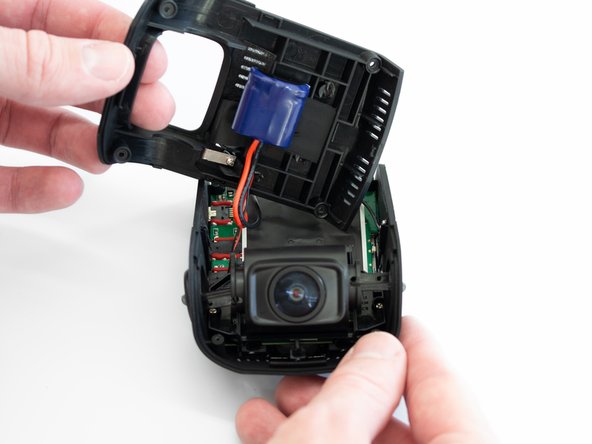
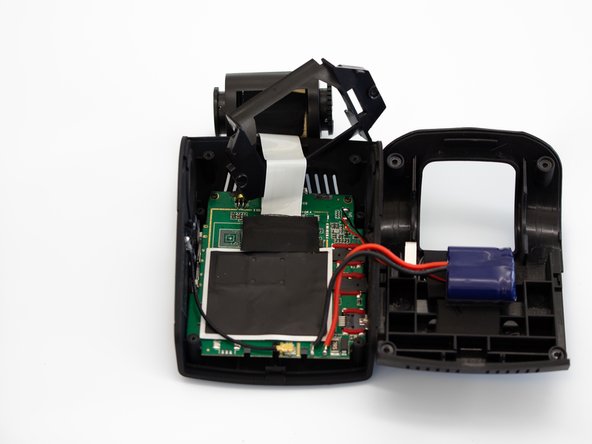
    • Remove the back cover of the device and place it to the side.

    • Rotate the device 180 degrees to where the camera is facing you.

  3. Rexing V1P Plus Screen Replacement: 手順 3、 3の画像 1 Rexing V1P Plus Screen Replacement: 手順 3、 3の画像 2 Rexing V1P Plus Screen Replacement: 手順 3、 3の画像 3
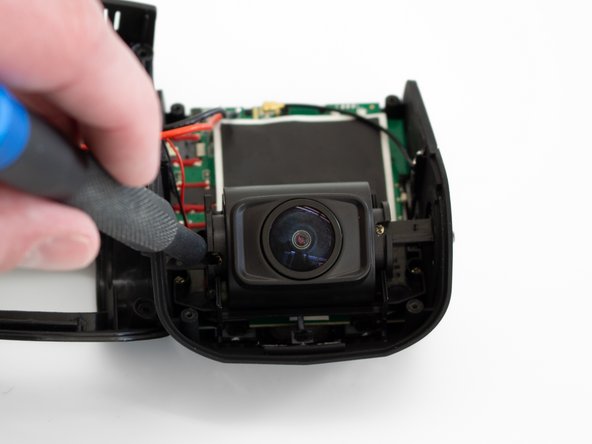
    • Remove the two 5 mm screws next to the lens using the Phillips #00 screwdriver.

  4. Rexing V1P Plus Screen Replacement: 手順 4、 3の画像 1 Rexing V1P Plus Screen Replacement: 手順 4、 3の画像 2 Rexing V1P Plus Screen Replacement: 手順 4、 3の画像 3
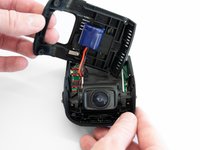
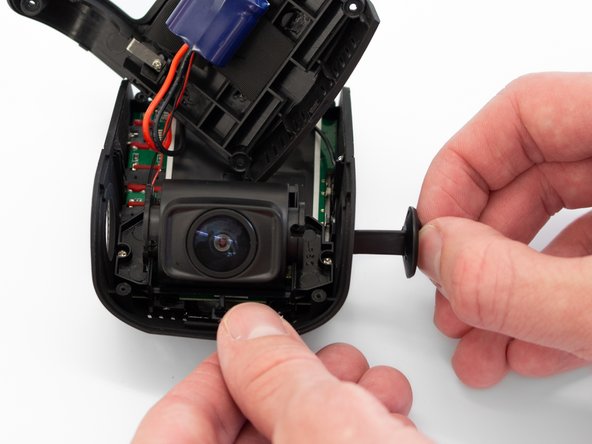
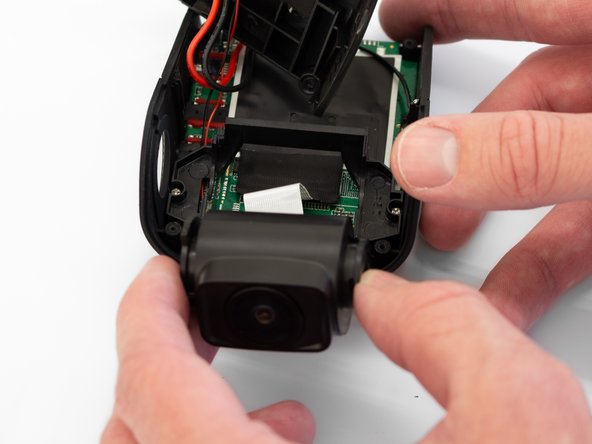
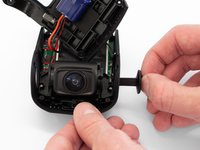
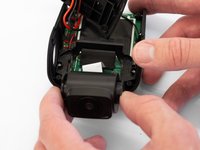
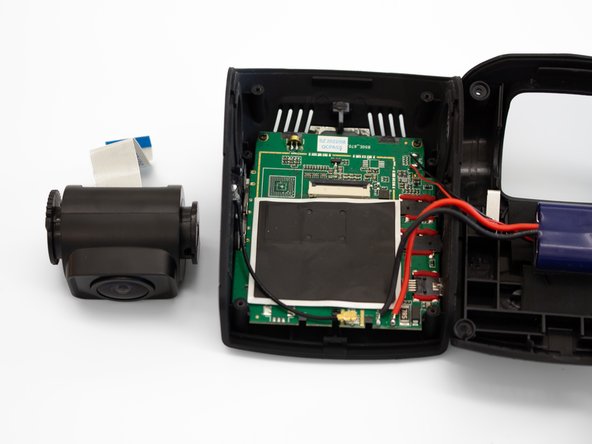
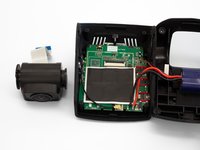
    • Remove the two camera angle adjusters from the side of the device and carefully pull out the lens.

  5. Rexing V1P Plus Screen Replacement: 手順 5、 3の画像 1 Rexing V1P Plus Screen Replacement: 手順 5、 3の画像 2 Rexing V1P Plus Screen Replacement: 手順 5、 3の画像 3
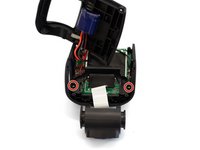
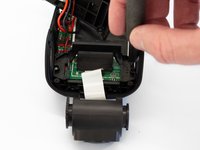
    • Remove the two 5mm screws securing the camera support bracket using the Phillips #00 screwdriver.

  6. Rexing V1P Plus Screen Replacement: 手順 6、 3の画像 1 Rexing V1P Plus Screen Replacement: 手順 6、 3の画像 2 Rexing V1P Plus Screen Replacement: 手順 6、 3の画像 3
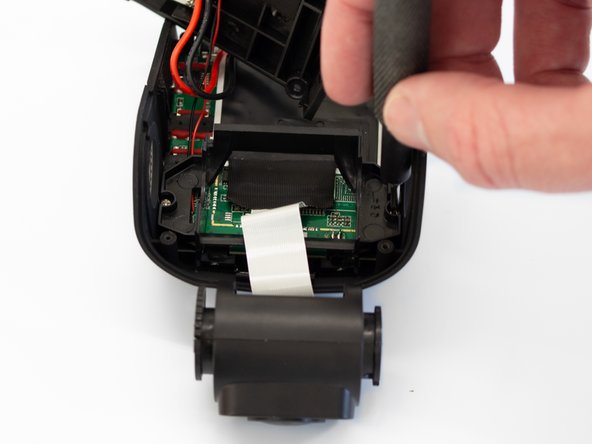
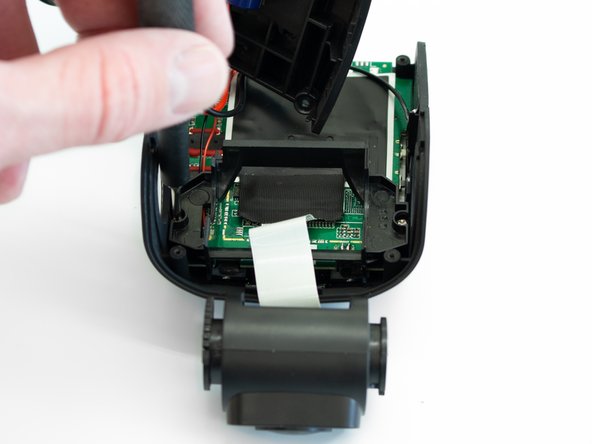
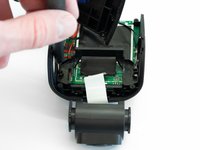
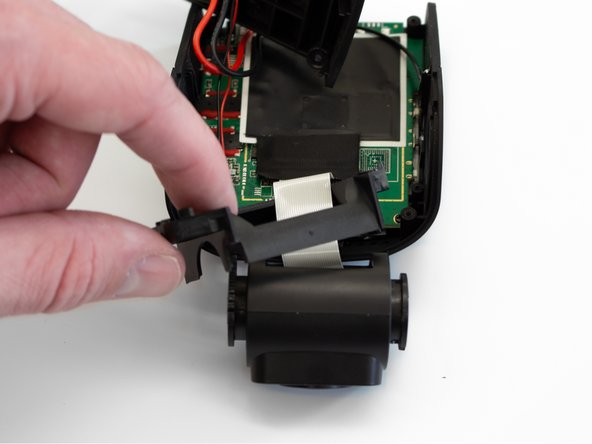
    • Carefully remove the plastic frame piece from its previously secured position on the motherboard.

    • It will rest loosely around the white camera ribbon.

    • Rotate the device 180 degrees to where the camera is facing away from you.

  7. Rexing V1P Plus Screen Replacement: 手順 7、 3の画像 1 Rexing V1P Plus Screen Replacement: 手順 7、 3の画像 2 Rexing V1P Plus Screen Replacement: 手順 7、 3の画像 3
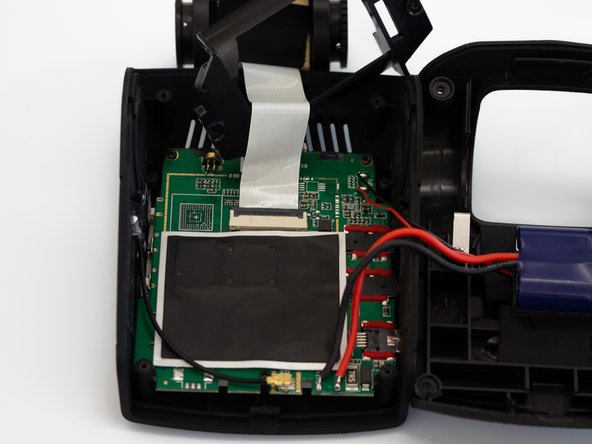
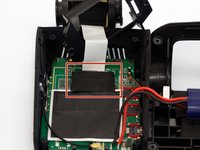
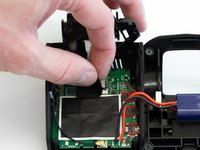
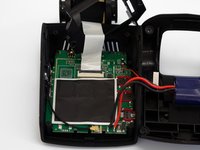
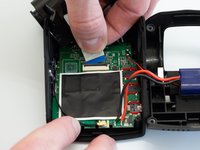
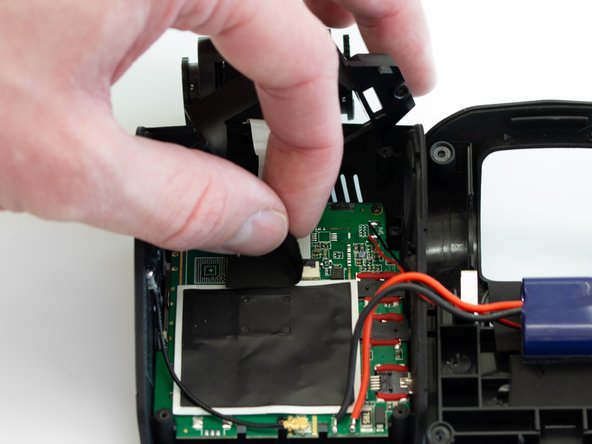
    • Carefully peel back the adhesive material covering the ribbon cable connection.

  8. Rexing V1P Plus Screen Replacement: 手順 8、 3の画像 1 Rexing V1P Plus Screen Replacement: 手順 8、 3の画像 2 Rexing V1P Plus Screen Replacement: 手順 8、 3の画像 3
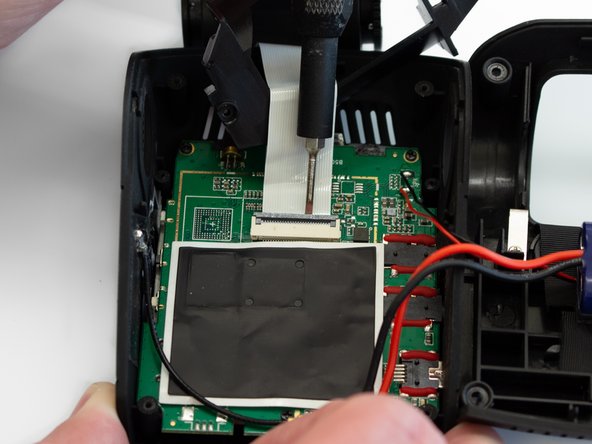
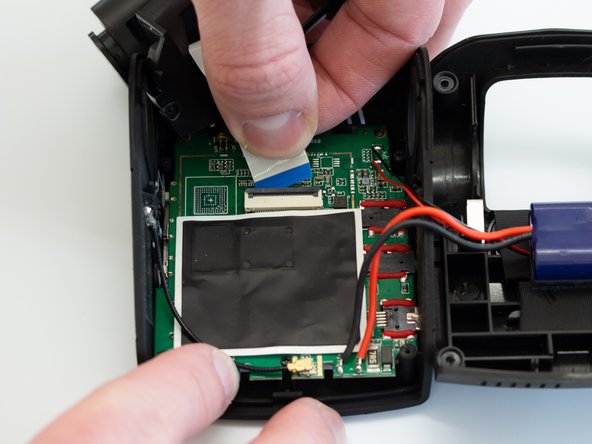
    • Using the Flathead 1.5mm screwdriver, or another pry tool, gently flip up the black ZIF connector locking flap to free the ribbon cable.

    • Once the connector is open, slide the ribbon cable out to remove it.

  9. Rexing V1P Plus Screen Replacement, Motherboard: 手順 9、 3の画像 1 Rexing V1P Plus Screen Replacement, Motherboard: 手順 9、 3の画像 2 Rexing V1P Plus Screen Replacement, Motherboard: 手順 9、 3の画像 3
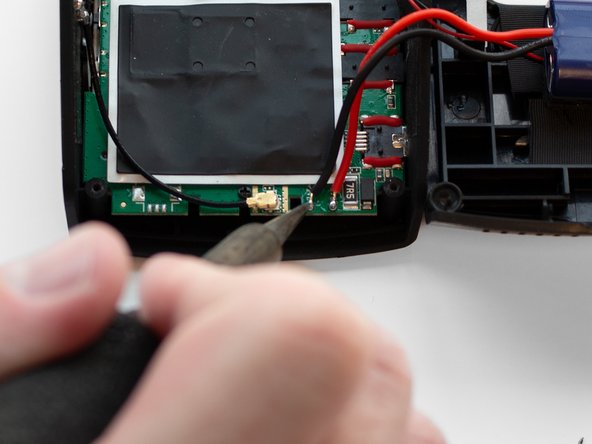
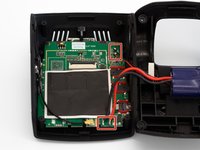
    • Using a soldering iron, disconnect the four wires connected to the motherboard.

  10. Rexing V1P Plus Screen Replacement: 手順 10、 3の画像 1 Rexing V1P Plus Screen Replacement: 手順 10、 3の画像 2 Rexing V1P Plus Screen Replacement: 手順 10、 3の画像 3
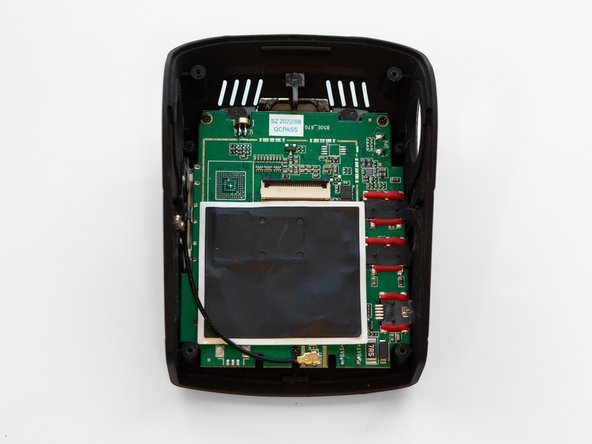
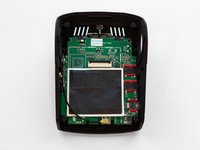
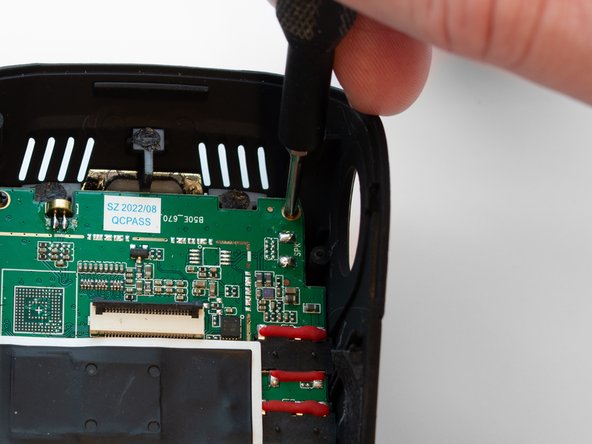
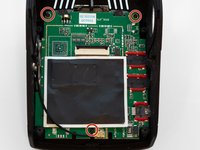
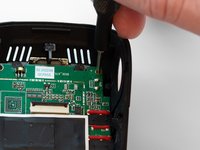
    • Using the Phillips #00 screwdriver, remove the three 3.5 mm screws securing the motherboard to the case.

  11. Rexing V1P Plus Screen Replacement: 手順 11、 3の画像 1 Rexing V1P Plus Screen Replacement: 手順 11、 3の画像 2 Rexing V1P Plus Screen Replacement: 手順 11、 3の画像 3
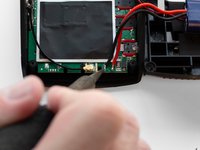
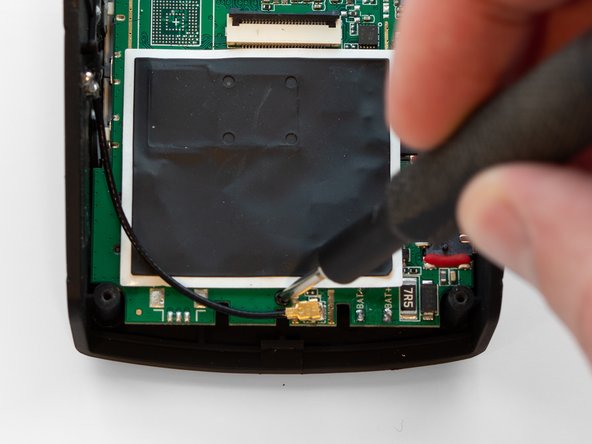
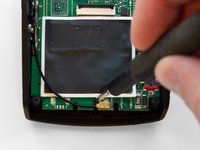
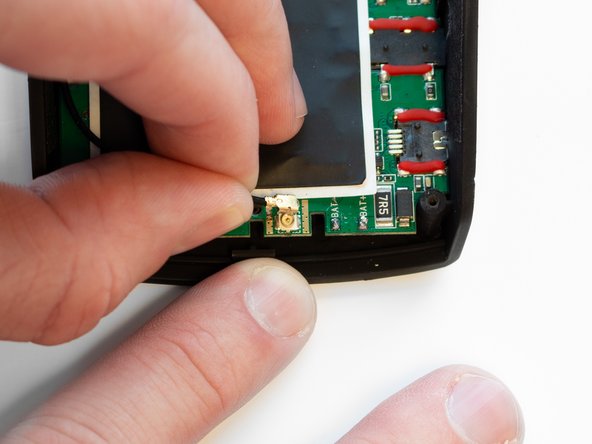
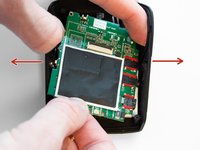
    • Pull the black antenna wire with the gold cap straight up to disconnect it from the motherboard.

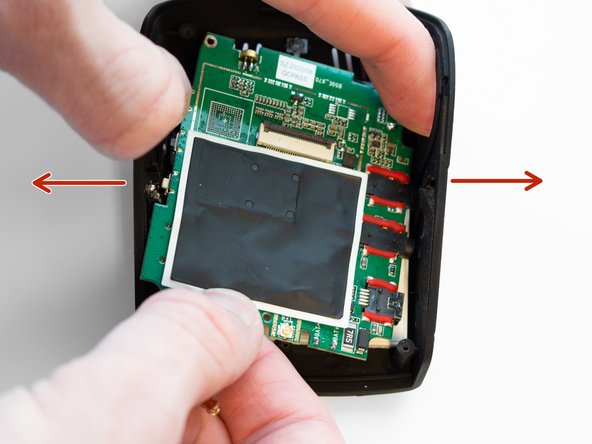
    • Using your fingers, spread the case apart to provide space for the motherboard to be removed.

    • This must be done to free the connected ports from their mounting locations in the case.

  12. Rexing V1P Plus Screen Replacement, Screen: 手順 12、 2の画像 1 Rexing V1P Plus Screen Replacement, Screen: 手順 12、 2の画像 2
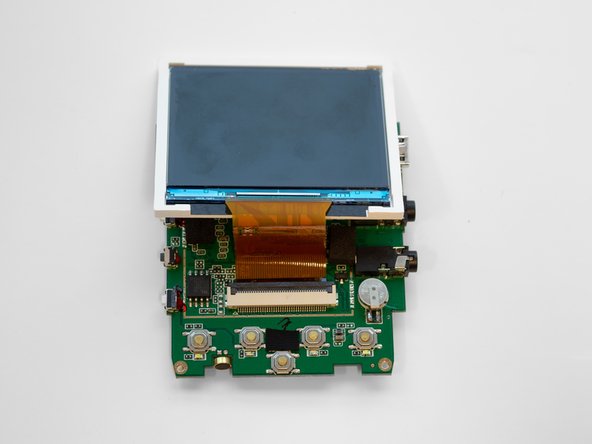
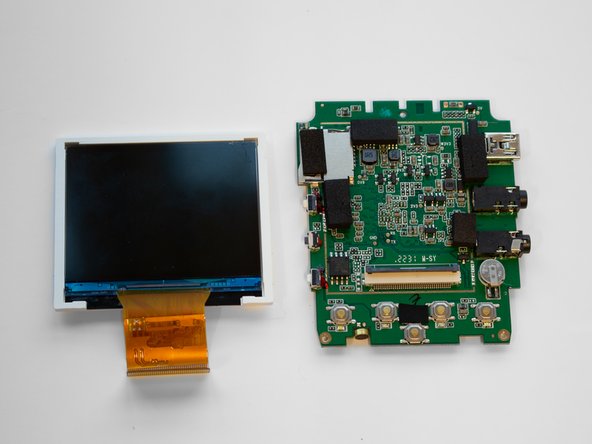
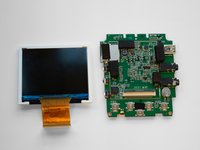
    • Once separated from the case, flip the motherboard over so the screen faces upward.

    • Rotate the motherboard so that the screen hangs over the top of the motherboard, as seen in the second image.

  13. Rexing V1P Plus Screen Replacement: 手順 13、 3の画像 1 Rexing V1P Plus Screen Replacement: 手順 13、 3の画像 2 Rexing V1P Plus Screen Replacement: 手順 13、 3の画像 3
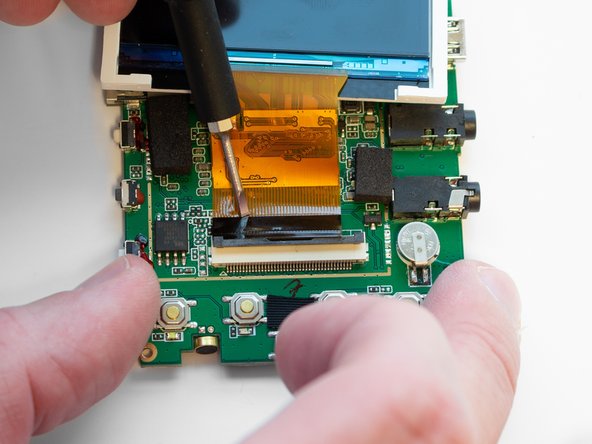
    • Using the Flathead 1.5mm screwdriver, flip up the black ZIF connector locking flap to free the ribbon cable.

    • Slide the ribbon cable out to remove it.

終わりに

To reassemble your device, follow these instructions in reverse order.

ある他の人がこのガイドを完成しました。

作成者

2人の作成者と共同で作成されました。

Tyler Anderson

メンバー登録日: 02/14/23

94 ポイント

1ガイドが承認済み

チーム

Western Carolina University, Team 1-1, Virtue Spring 2023 Western Carolina University, Team 1-1, Virtue Spring 2023人のメンバー

WCU-VIRTUE-S23S1G1

4 メンバー

5のガイドは作成済み

1件のガイドコメント

Where do I find the replacement screen?

Cesar Perez - 返信
コメントを追加

統計データ:

過去 24時間: 1

過去 7 日: 4

過去 30 日: 14

今までの合計 261