はじめに
Use this guide to replace the charging board in your Nexus 6P smartphone. When reassembling your phone apply new adhesive where it is necessary.
必要な工具と部品
-
-
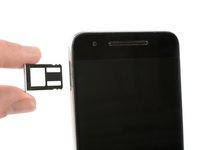
Use a SIM card eject tool, to pop out and remove the SIM card tray.
-
Use an iOpener to loosen the adhesive underneath the small plastic cover at the bottom of the phone.
-
-
-
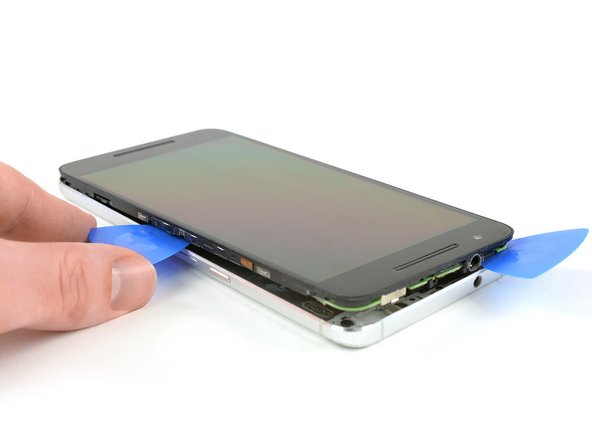
Use an iOpener to loosen the adhesive underneath the glass cover at the top of the phone.
-
Insert a knife between the phone and the glass cover. Pry up the glass cover until you can insert an opening pick.
-
-
-
-
Insert a razor knife between the metal back cover and the front glass to create a gap. Insert an opening pick into the gap and slide it to the top right corner.
-
Insert a second opening pick and slide it to the top left corner.
-
Slide the opening picks along the edges to seperate the plastic clips, holding back cover and midframe together.
-
Remove the rear cover.
-
-
この手順で使用する道具:Tweezers$4.99
-
Remove the Philipps #000 screw.
-
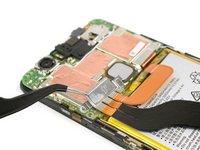
Use tweezers to remove the metal plate.
-
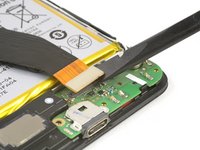
Use the flat end of a spudger, to disconnect the battery flex cable.
-
-
この手順で使用する道具:Tweezers$4.99
-
Disconnect the main flex cable with a spudger.
-
Use tweezers to unplug the antenna cable.
-
Remove the Phillips #000 screw.
-










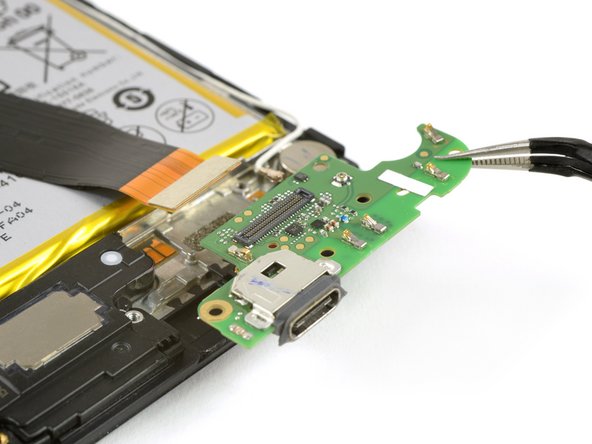
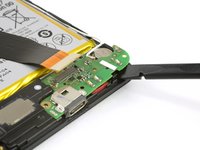

To reassemble your device, follow these instructions in reverse order. When reassembling your phone apply new adhesive where it is necessary.
11 の人々がこのガイドを完成させました。



2件のガイドコメント
Hello geniuses, I will be very grateful if anyone could help me out on this, I have a nexus 6p I am having a unique issue, in which when I am connecting my charger it's showing a charging sign but the charging percentage isn't increasing a bit, I have changed chargers, batteries and even the charging port, but the issue is still there and when I am going on the battery section through settings it's showing "charger connected, can't charge right now".
Please help me out.
