はじめに
The following steps in this guide explains how to replace the LED lights in the MODAL WORCSS6 wine opener. The LED lights are important to be able to see where the corkscrew is when approaching the wine bottle. The LEDs also create a nice visual display for guest or the user. This guide will require soldering, so check out this soldering guide if you are unfamiliar with the process.
必要な工具と部品
-
-
Put on Electrostatic Discharge (ESD) bracelet. Hold the device with the transparent plastic casing on the top.
-
Using the jimmy tool, carefully pry off the black plastic ring.
-
Remove the spring assembly from inside the transparent plastic tube.
 FixBotに聞いてみる
-
-
-
Using a Phillips #1 screwdriver, unscrew each of the four 12.7 mm screws inside and at the bottom of the plastic tube.
-
Take the plastic tube off of the metal casing.
-
-
-
-
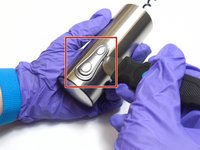
Place the jimmy tool blade between the button assembly and the metal casing. Gently pry off the button assembly; it should pop out.
-
With the button assembly removed, slide off the metal casing.
-
-
-
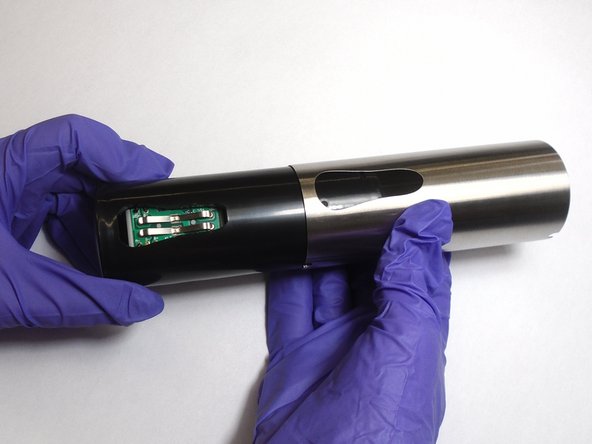
Unscrew the two 6.4 mm screws in the black plastic body using the Phillips #1 screwdriver.
-
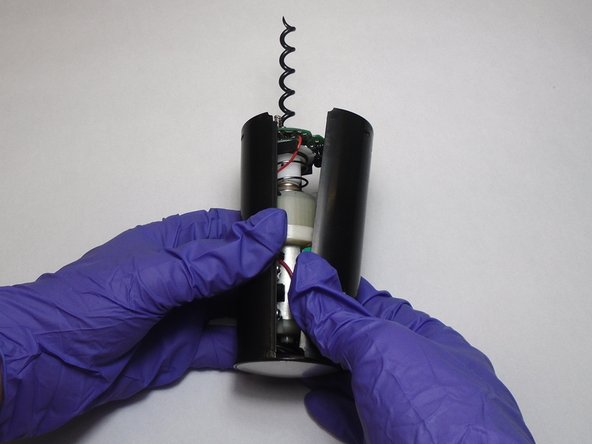
Separate the two halves of the plastic body. Keep the half containing the motor facing up.
-
-
この手順で使用する道具:Tweezers$4.99
-
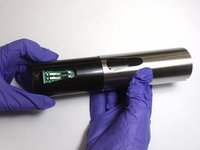
Slide the circuit board out of its slot.
-
Remove the LEDs by clipping off their connections with a pair of tweezers.
-
Attach the new LEDs by soldering the ends of the LEDS to their corresponding connections on the circuit board.
-



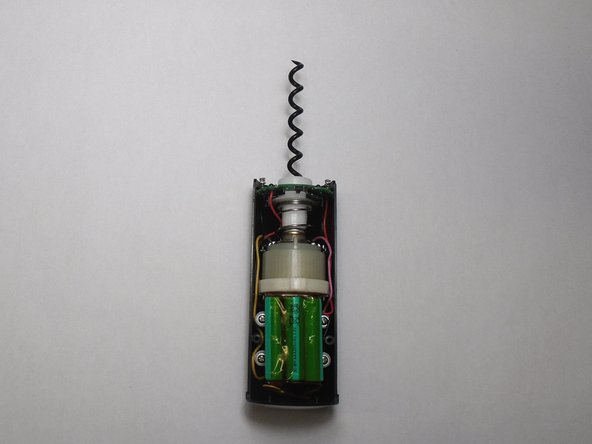
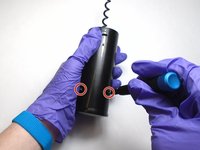
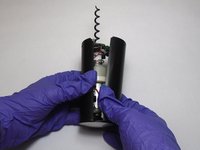


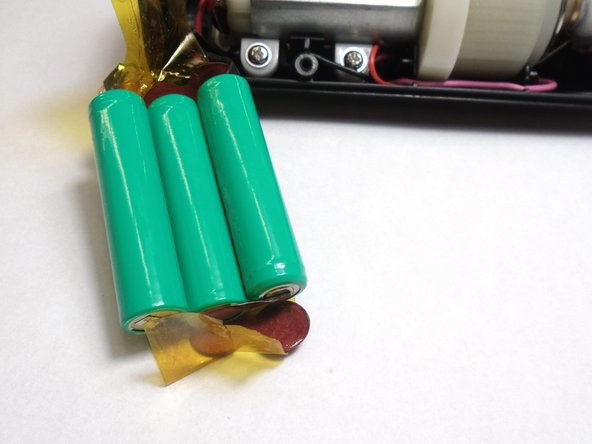
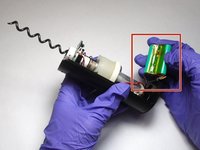
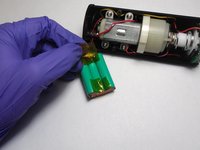


To reassemble your device, follow these instructions in reverse order.
ある他の人がこのガイドを完成しました。

チーム

The Citadel Military College of South Carolina, Team S3-G13, Eggleston Fall 2019 The Citadel Military College of South Carolina, Team S3-G13, Eggleston Fall 2019人のメンバー
CMCSC-EGGLESTON-F19S3G13
3 メンバー
8のガイドは作成済み
