メインコンテンツにスキップ

Logitech G Cloud Left Joystick Replacement

必要な工具と部品

  1. Logitech G Cloud Left Joystick Replacement, Case: 手順 1、 2の画像 1 Logitech G Cloud Left Joystick Replacement, Case: 手順 1、 2の画像 2
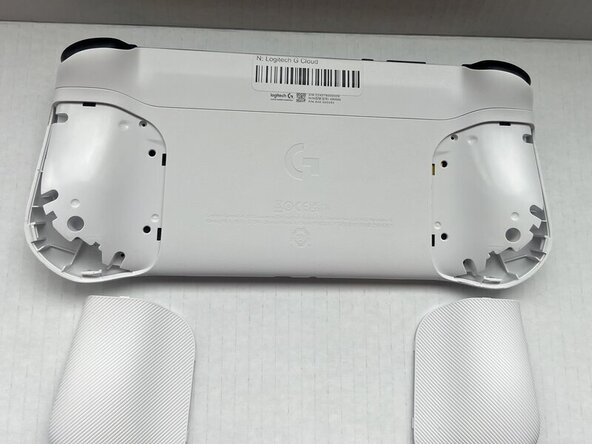
    • Power the device off and turn it over so the screen is face down.

    • Insert an opening pick into the seam between the back plate and left handguard.

    • Pry around the entire perimeter until the handguard fully releases.

    • Remove the handguard.

    • Repeat the previous three bullets on the right handguard.

  2. Logitech G Cloud Left Joystick Replacement: 手順 2、 1の画像 1
    • Use a Phillips #00 screwdriver to remove all eight 10 mm screws from the rear case located under where the handguards were.

  3. Logitech G Cloud Left Joystick Replacement: 手順 3、 2の画像 1 Logitech G Cloud Left Joystick Replacement: 手順 3、 2の画像 2
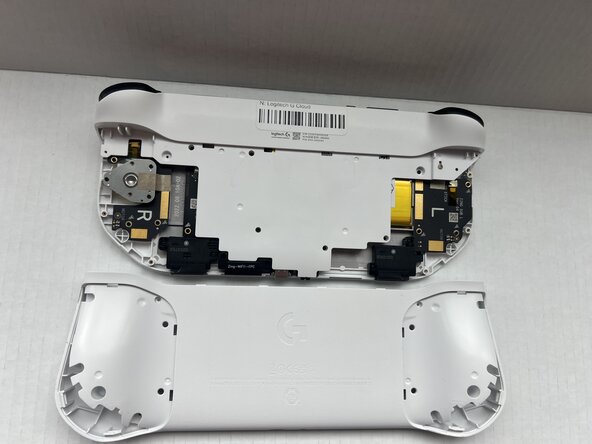
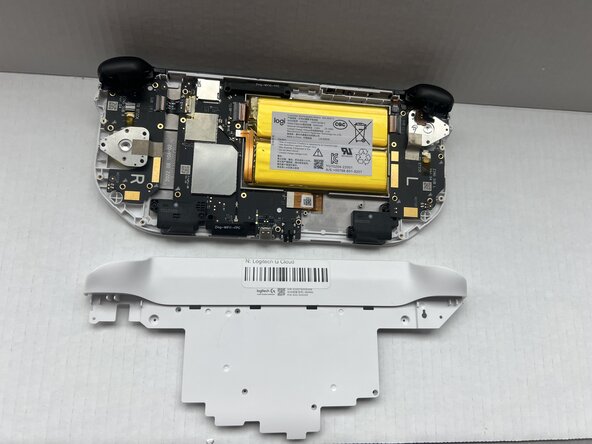
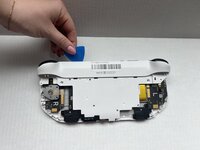
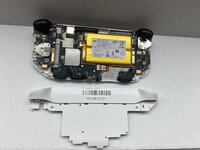
    • Insert an opening pick into the seam between the midframe and rear case.

    • Gently pry the rear case upwards to separate it from the midframe.

  4. Logitech G Cloud Left Joystick Replacement: 手順 4、 1の画像 1
    • Use a Phillips #00 screwdriver to remove all seven 10 mm screws that secure the midframe.

  5. Logitech G Cloud Left Joystick Replacement: 手順 5、 2の画像 1 Logitech G Cloud Left Joystick Replacement: 手順 5、 2の画像 2
    • Insert an opening pick into the seam between the midframe and front case at the top of the device to separate the interior plating.

    • Gently pry out the midframe by lifting an opening pick.

    • You may hear loud popping noises when you remove the interior plating. That's the sound of the retaining clips disengaging.

  6. Logitech G Cloud Left Joystick Replacement, Left Joystick: 手順 6、 2の画像 1 Logitech G Cloud Left Joystick Replacement, Left Joystick: 手順 6、 2の画像 2
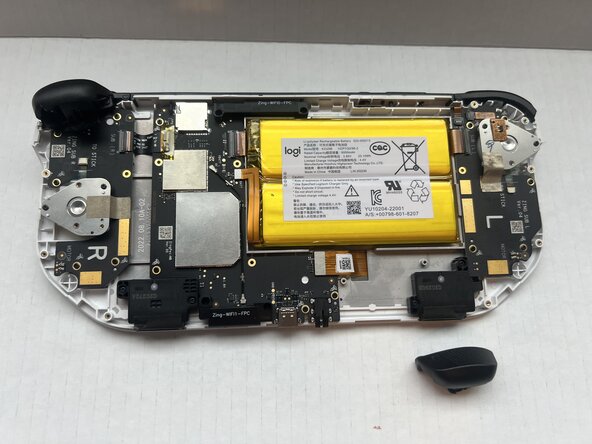
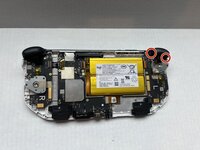
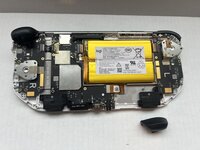
    • Use a Phillips #00 screwdriver to remove the two 10 mm screws that secure the L2 trigger.

    • Pop the L2 trigger out with your fingers.

  7. Logitech G Cloud Left Joystick Replacement: 手順 7、 3の画像 1 Logitech G Cloud Left Joystick Replacement: 手順 7、 3の画像 2 Logitech G Cloud Left Joystick Replacement: 手順 7、 3の画像 3
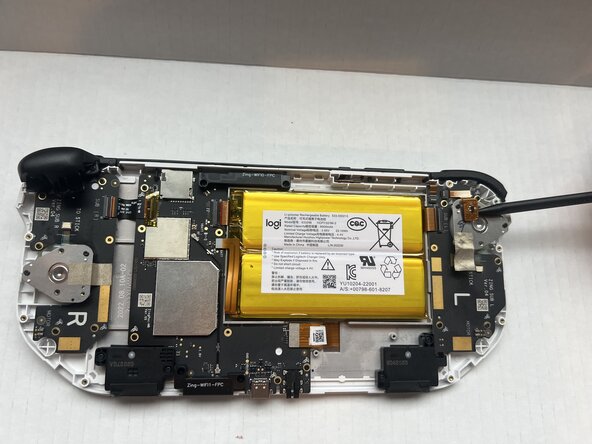
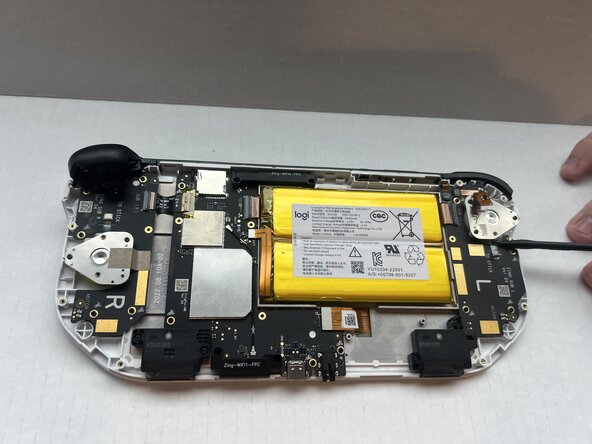
    • Use a spudger to lift upwards and disconnect the metallic sticker from the console.

    • The sticker should stay attached to the joystick plate.

    • Insert the flat end of a spudger under the joystick press connector and lift upwards to disconnect it.

    • Use a spudger to remove the L2 trigger sensor from the joystick plate; it should stay attached to the console.

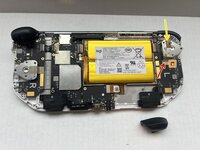
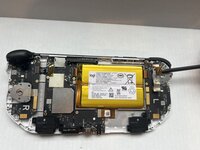
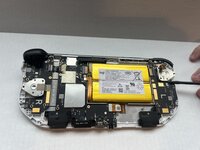
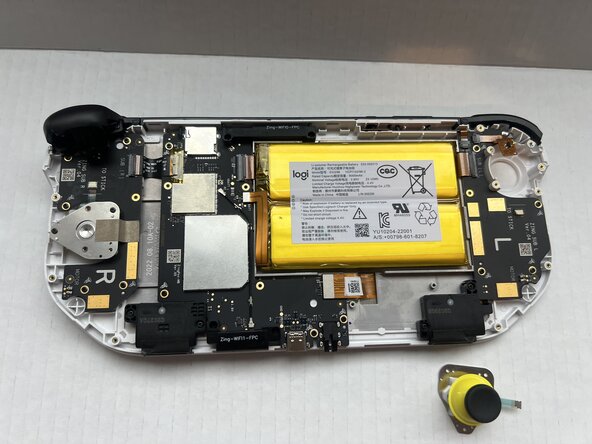
  8. Logitech G Cloud Left Joystick Replacement: 手順 8、 2の画像 1 Logitech G Cloud Left Joystick Replacement: 手順 8、 2の画像 2
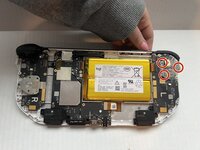
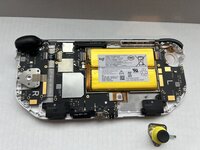
    • Use a Phillips #00 screwdriver to remove all three 10 mm screws that secure the joystick assembly.

    • Pop the joystick out with your fingers.

終わりに

To reassemble your device, follow the above steps in reverse order.
Take your e-waste to an R2 or e-Stewards certified recycler.
Repair didn’t go as planned? Try some basic troubleshooting or ask our Answers community for help.

作成者

3人の作成者と共同で作成されました。

Spencer Davis

メンバー登録日: 01/23/25

517 ポイント

6のガイドは作成済み

チーム

Western Carolina University, Team 1-1, Virtue Spring 2025 Western Carolina University, Team 1-1, Virtue Spring 2025人のメンバー

WCU-VIRTUE-S25S1G1

4 メンバー

6のガイドは作成済み

0件のガイドコメント

コメントを追加

統計データ:

過去 24時間: 0

過去 7 日: 11

過去 30 日: 45

今までの合計 304