メインコンテンツにスキップ

GameStop Universal System Selector MotherBoard Replacement

必要な工具と部品

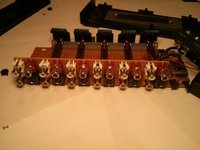
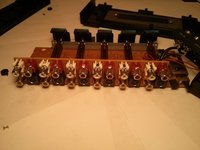
  1. GameStop Universal System Selector MotherBoard Replacement, Circuit Board: 手順 1、 1の画像 1
    • Disconnect the DC 6V IN power cable from the device.

    • Remove the 3 front panel screws on the bottom of the device using the Phillips #00 screwdriver.

  2. GameStop Universal System Selector MotherBoard Replacement: 手順 2、 1の画像 1
    • Use an opening tool to carefully pry off the front panel of the device.

  3. GameStop Universal System Selector MotherBoard Replacement: 手順 3、 1の画像 1
    • Pop off the front two rubber footings from the bottom of the device, revealing 2 hidden main panel screws.

  4. GameStop Universal System Selector MotherBoard Replacement: 手順 4、 1の画像 1
    • Use a Phillips #00 to remove the seven remaining screws from the bottom of the device.

    • Ensure the screws are placed in a secure area so they can not be lost.

  5. GameStop Universal System Selector MotherBoard Replacement: 手順 5、 1の画像 1
    • Position the device so that its bottom is on your work surface, and its top is facing up.

    • Slowly remove the lid by placing both hand on the shorter sides of the device and lift from only one side.

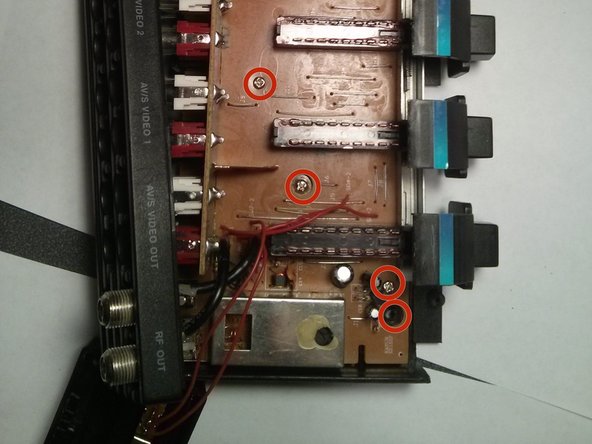
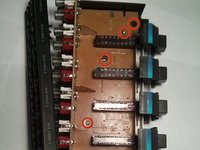
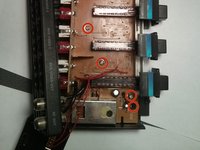
  6. GameStop Universal System Selector MotherBoard Replacement: 手順 6、 2の画像 1 GameStop Universal System Selector MotherBoard Replacement: 手順 6、 2の画像 2
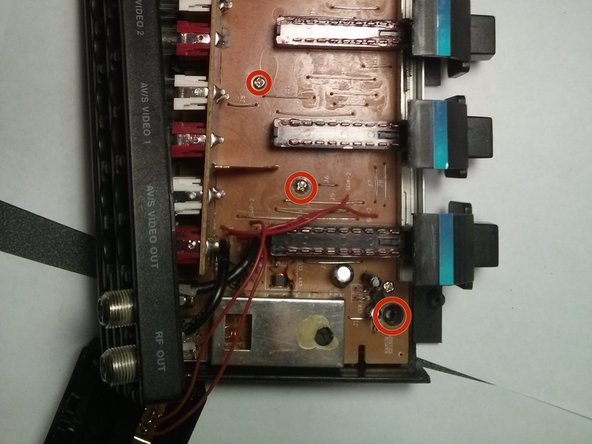
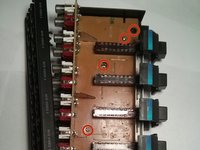
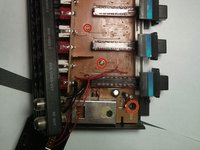
    • Remove all six screws from the circuit board with a Phillips #00 screwdriver.

    • These screws look similar to others already removed, therefor ensure they are placed in a secured area.

  7. GameStop Universal System Selector MotherBoard Replacement: 手順 7、 2の画像 1 GameStop Universal System Selector MotherBoard Replacement: 手順 7、 2の画像 2
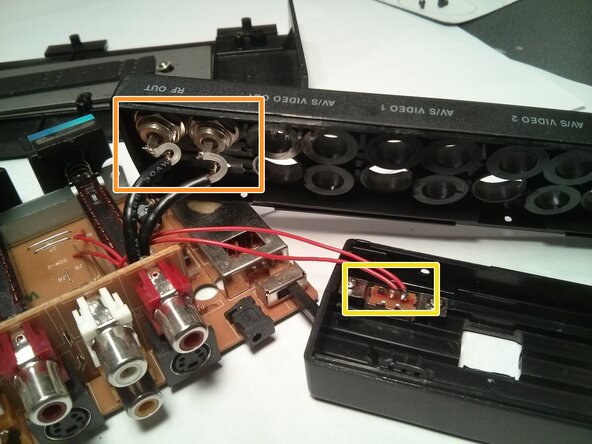
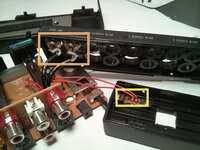
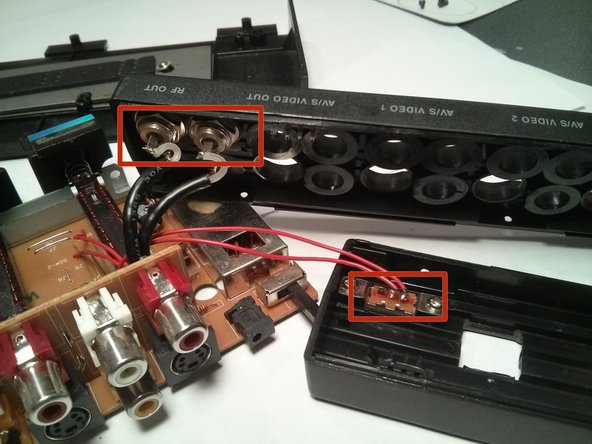
    • Now the circuit board should be able to be removed from the casing of the device except for two wires that are attached to the casing.

    • Detach the black wires from the casing, by carefully pulling them out of the cable ports.

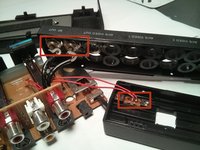
    • Using pliers or a similar tool, detach the red wires from the small circuit board that is attached to the case of the device.

  8. GameStop Universal System Selector MotherBoard Replacement: 手順 8、 2の画像 1 GameStop Universal System Selector MotherBoard Replacement: 手順 8、 2の画像 2
    • Now it's time to replace the old circuit board with the new one.

    • Push the two black wire's ends into the cable ports on the back panel of the casing.

    • Solder the ends of the two red wires onto the small circuit board on the front panel of the device.

  9. GameStop Universal System Selector MotherBoard Replacement: 手順 9、 2の画像 1 GameStop Universal System Selector MotherBoard Replacement: 手順 9、 2の画像 2
    • Correctly place the circuit board back into the case of the device and replace all six screws on the circuit board with the screwdriver.

  10. GameStop Universal System Selector MotherBoard Replacement: 手順 10、 1の画像 1
    • Using the same method when detaching the panles, carefully lower it back down onto the mother board

    • Snap the front and back panels back into place and screw the corresponding screws into their original place on the back of the device.

    • If you want to put the rubber footies back on, try using a liquid glue.

終わりに

The device should now be working properly. If the device does not function properly the replacement motherboard may be faulty, or the wires may not have been properly connected.

Take your e-waste to an R2 or e-Stewards certified recycler.

ある他の人がこのガイドを完成しました。

作成者

8人の作成者と共同で作成されました。

Jared

メンバー登録日: 10/28/13

201 ポイント

2のガイドは作成済み

チーム

UMass Dartmouth, Team 4-6, Vijaybhaskar Fall 2013 UMass Dartmouth, Team 4-6, Vijaybhaskar Fall 2013人のメンバー

UMASSD-VIJAYBHASKAR-F13S4G6

4 メンバー

2のガイドは作成済み

0件のガイドコメント

コメントを追加

統計データ:

過去 24時間: 1

過去 7 日: 4

過去 30 日: 18

今までの合計 599