はじめに
このガイドでは、DualShock 4 (CUH-ZCT1U)コントローラーの中にある3.7Vリチウムイオンバッテリーを交換します。
必要な工具と部品
-
-
コントローラーの背面に記載されている型番を確認してください。この修理ガイドは、モデルCUH-ZCT1Uを使用して作成されています。他の機種をお使いの場合は、ガイドの手順や交換部品が若干異なる場合があります。
-
-
この手順で使用する道具:Microfiber Cleaning Cloths$3.99
-
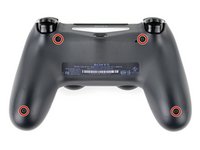
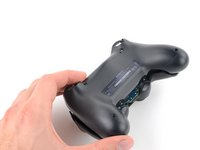
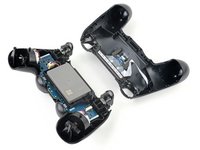
プラスドライバーを使って、リアケースを固定している、長さ6.4mmネジを4本外します。
-
-
-
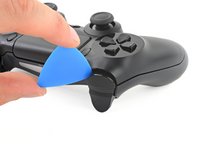
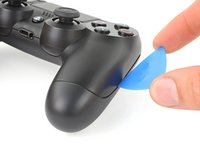
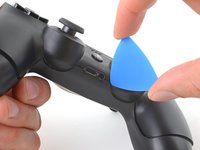
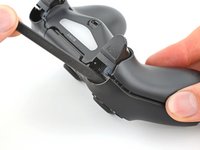
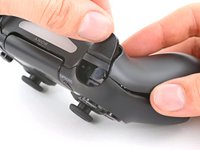
フロントケースとリアケースの間、ハンドルとアクションボタンの中間に、オープニングピックを斜め下に差し込みます。
-
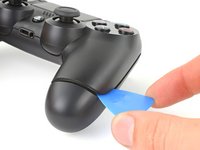
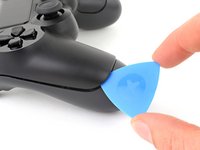
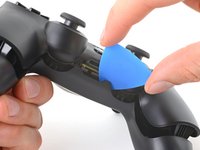
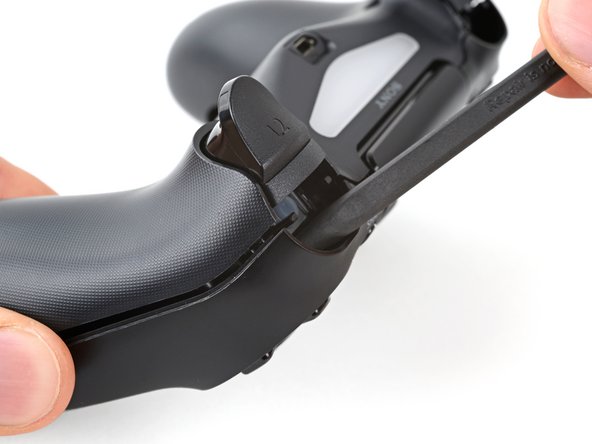
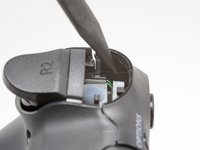
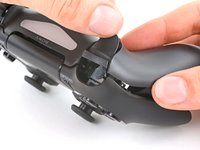
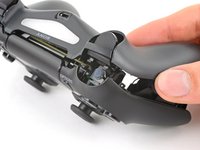
ピックをハンドル方向にスライドさせ、こじ開けると最初のクリップが外れます。
-
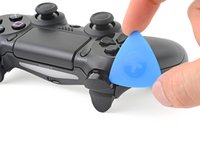
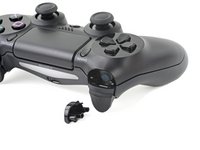
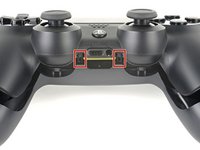
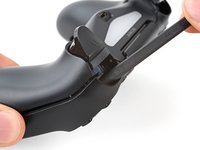
この手順をコントローラーの反対側でも繰り返し、2つ目のクリップを外します。
-
-











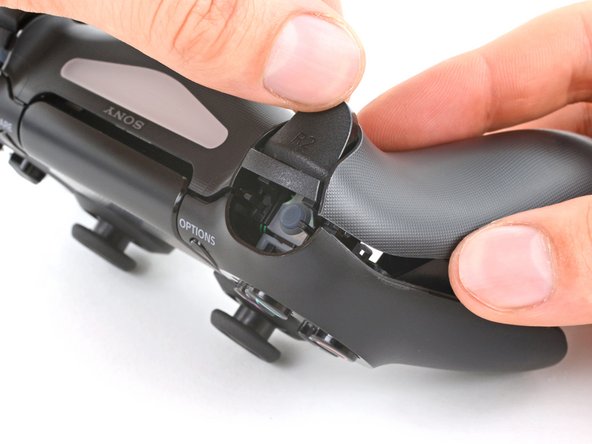
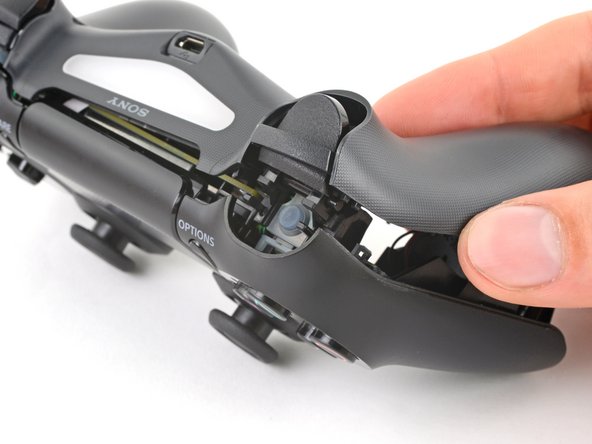


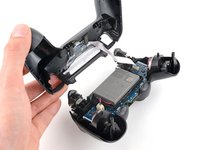
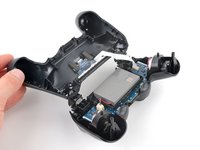


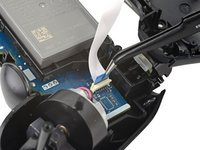
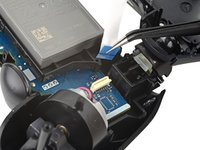


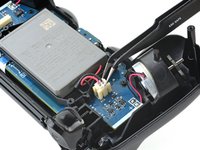
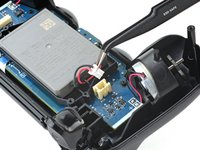

デバイスを再度組み立てるには、この説明書の逆の順番で組み立ててください。
e-wasteを処理する場合は、認可済みリサイクルセンターR2を通じて廃棄してください。
修理がうまく進みませんか?ベーシックなトラブルシューティングを試してみるか、このモデルのアンサーコミュニティに尋ねてみましょう。
222 の人々がこのガイドを完成させました。
以下の翻訳者の皆さんにお礼を申し上げます:
100%


これらの翻訳者の方々は世界を修理する私たちのサポートをしてくれています。 あなたも貢献してみませんか?
翻訳を始める ›


31件のガイドコメント
My Dualshock 4 wont turn on after the battery replacement.
Any idea on why this happened?
have you tried to charge it?
I found a replacement battery here, you have to mod the tray a little, but it works like a champ and doubles the life.
The x button on my controller want working properly so I ordered new rubber mounts. I followed the guide, taking my time to make sure I didn't damage anything.
With the new rubber in place I put everything back together and the controller was working fine but now I've realised it doesn't charge. The battery goes completely dead and switches off. If I then connect it with usb cable it doesn't charge but will turn on the controller for maybe 10 seconds before switching off again.
Anyone any idea what is going on? Thanks.
