はじめに
This guide shows how to remove the base from your Xbox Series X (Digital Edition) when the back panel is already off.
必要な工具と部品
-
-
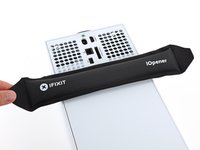
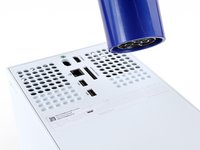
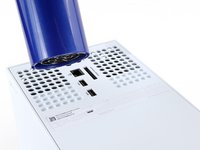
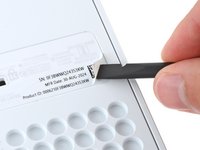
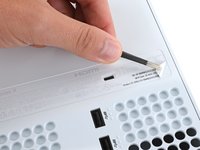
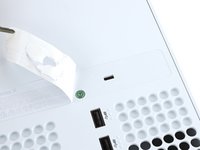
Heat an iOpener and lay it on the smaller sticker near the bottom of the back panel for two minutes.
-
-
-
この手順で使用する道具:Magnetic Project Mat$19.95
-
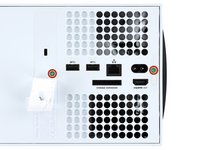
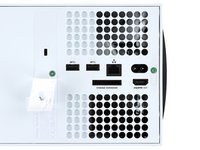
Use a T8 Torx driver to remove the two 7.4 mm‑long screws securing the back panel.
-
-
-
Insert the flat end of a spudger into the gap between the back panel and the shell, near the left side of the base.
-
Pry up the back panel to release it from the locking clips.
-
-
-
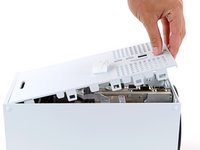
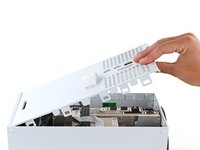
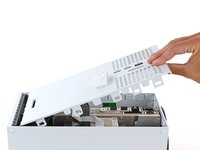
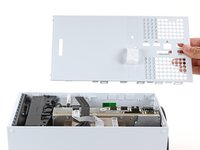
Grip the back panel at the opening you just created and pull it up and away from the shell to unclip the long edges.
-
-
-
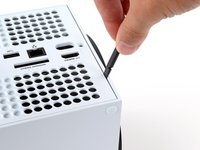
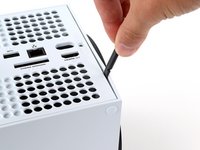
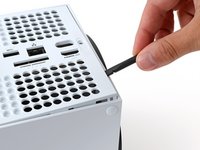
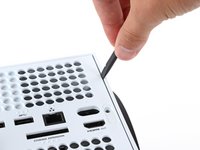
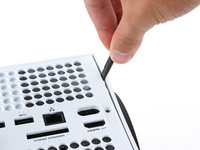
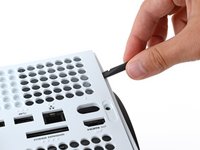
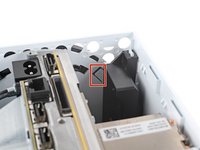
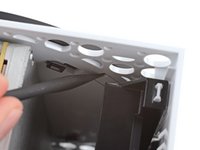
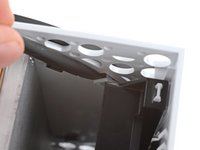
Use the flat end of a spudger to pry up the locking tab holding the base to the shell.
-
Keep the locking tab held open for the next step.
-
-
-
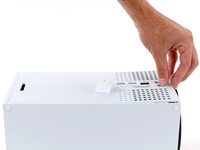
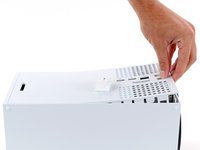
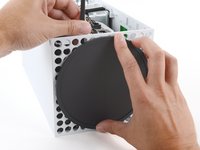
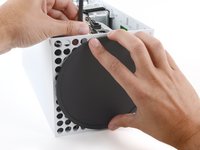
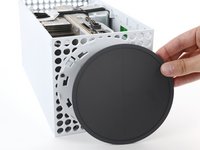
With the locking tab held open, grip the base and rotate it counterclockwise to unlock it from the shell.
-
Remove the base.
-


















To reassemble your device, follow these instructions in reverse order.
Repair didn’t go as planned? Try some basic troubleshooting, or ask our Answers community for help.



