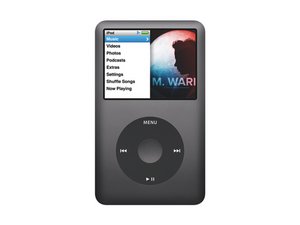

How to unlock the iPod
how to unlock the ipod classic
Update
ipod just ask for a code i cant remember it i need help

評価: 843.1千
 1.4千
1.4千
 946
946
 2.4千
2.4千
serenity pond, connect the iPod to the computer it was originally configured on, and open iTunes. When you disconnect iPod from the computer, it should be no longer be locked. If you don’t have access to the original computer or it just does not work, “restore your iPod to factory settings.” This will erase all data on your iPod and take you back to the original settings. You will have to resync your music etc. then there is a way on a Windows computer :-) anyhow you plug in your iPod in, open My Computer (or Computer for Vista). Click on Folder options and enable to view hidden files. Next go to iPod_control and click on the folder named Device. If your iPod is locked, there will be a file _locked . Rename the file to _unlocked. Remove your iPod and it will be cleared, again not sure if it works for a disabled one. Just thought of something else. Make sure you have your library backed up.
Also check what Apple has to say about that on here http://support.apple.com/kb/HT1808
Hope this helps, good luck.
このアンサーは役に立ちましたか?
過去 24時間: 0
過去 7 日: 0
過去 30 日: 0
今までの合計 758
