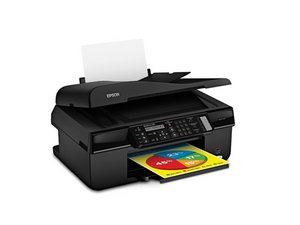

Red and Yellow not working
I have topped up the ink, changed to a new ink waste cartridge, cleaned the nozzles and done many print head cleaning runs and still no yellow and red. Black and blue are good. What to do next?

評価: 321
 6
6
 2
2
Hey Mate!
I would suggest removing the print heads. Dab them on a piece of tissue and you should get a thick blue stripe, thick red stripe, and thick yellow stripe. If the nozzles are clogged, it will show as a dotted line, indicating where the ink is not flowing. Make sure to not touch the nozzles or the contacts. If this is the case, you need to clean your nozzles. If they are letting ink out fine, then you have a deeper problem.
I would suggest making a dish of fairly warm water and placing the nozzles into it and letting it sit for a little while. This will hopefully clear out the clogs. Dry the nozzles and fire the printheads a fair bit with the 'print head cleaning' to purge out the watered-down ink.
If this improves but is still and issue, use isopropyl or cleaning alcohol, pour it in a dish and let it sit.
If there is no improvement, then you might have not plugged in something properly or there is a fault, because in this situation it is unlikely to be a clogged print head.
Might you please provide the model of the printer? Are you using replacement cartridges or are you refilling the cartridges; if so are they meant to be refilled or are you reusing single use cartridges(I do this)?
Cheers,
Falcon
このアンサーは役に立ちましたか?
過去 24時間: 0
過去 7 日: 1
過去 30 日: 3
今までの合計 34
