
 1
1 Workaround? No keyboard and touchpad after logic board replacement
Hello
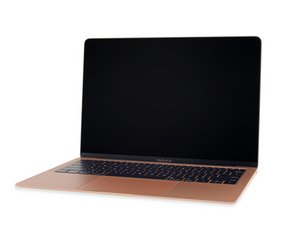
I have a Macbook Air 2018 13” with heavy logic board damage (coffee spill, corrosion, with previous repair attempt by someone else).
I’ve purchased a logic board for it with touch ID from Aliexpress, which boots, works but does not recognize the keyboard and touchpad.
I now realize, that the touchpad flex is causing is.
Is there a workaround to marry the mismatched logic board - touchpad flex as my new logic board did not come with its own?
Currently the machine works with a magic keyboard-mouse combo, but this is basically a small iMac with an integrated UPS. Not too practical…
Thanks for any help
Joseph

 338
338  974
974 
