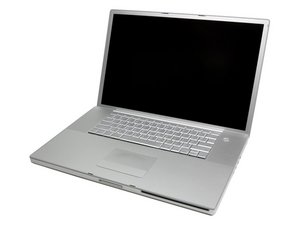

Want to connect external monitor
I made a newbie mistake... putting the screws back into the side of my computer where the ethernet port, firewire and the connection I use for hooking to my large monitor is, I inadvertently put the screw into the hole beside the monitor plug in... Instead of the screws hole.
I have tried everything to get the screw out, from magnets, to silly putty, etc... I cannot find any directions for taking this part out and replacing it or even what to call the part.
I know it's not essential to hooking up my monitor, but I'd like it to be right. Any suggestions? If I need to simply replace the plug in for the monitor, I will, but don't know how or what to order.
この質問は役に立ちましたか?
スコア
0

 3.8千
3.8千  1.1千
1.1千  2.6千
2.6千 
