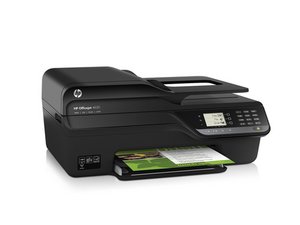

printer feeder not working
I have a HP OfficeJet Pro 8500 a plus
printer is asking me to load paper I load the paper but the feeder is not picking up the paper to feed it through how can I fix this ?

評価: 3.5千
 6
6
 5
5
 1
1
It is either a paper jam or dirty paper pick rollers. Remove all the paper and look for scraps of paper that may be jammed. If no jam then try cleaning the paper pick rollers with a lint free cloth dampened with rubbing alcohol. It is a tight fit underneath the paper pick roller. Make sure the roller is dry before putting the paper back in to print. There is a sensor flag that detects if paper is loaded, you can make sure it moves freely and hangs down when tray is empty.
このアンサーは役に立ちましたか?
過去 24時間: 0
過去 7 日: 0
過去 30 日: 1
今までの合計 513
