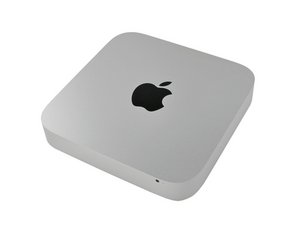

Bluetooth and WIFI problems after SSD Install
Hello everybody!
I was install SSD to my Mac Mini 2011. Everything goes fine, cause ifixit install guide is awesome.
But after assembling my Mac and power on it, I can't use bluetooth and wifi. Mac reports Bluetooth: Not Available in upper bar.
System Profiler says nothing about bluetooth adapter installed. In WiFi (under Network section) I see WiFi Airport.
I think all cables installed and connected properly, but Mac don't think like that. SMC and NVRAM reset doesn't help me after all.
Any thoughts? Maybe airport/bluetooth plate was broken?
Thanks a lot for any help! (sorry for my english)
この質問は役に立ちましたか?
スコア
0

 35
35  338
338  974
974 