
Cannot install El Capitan via USB Bootable Pendrive
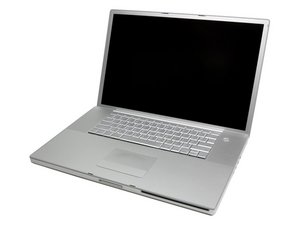
Hi guys, I have a problem with my MacBook pro. Last time I reformatted the whole HDD partition with Windows 7 ( I've deleted original Apple partition and make it as 1 partition). Now the problem I faced is when I tried to reinstall OSX El Capitan ( by pressing Option key while booting up ) the mouse cursor was hanged and jumped to HDD to boot it up. The installer pendrive I made is using diskmaker x. It make me crazy because I have no ideas how to solved it. So if anyone having same problem like I faced and successfully solve it, please share it here.
Thank you and forgive me if my English is not good.

 35
35  339
339  974
974 
Please tell us your exact model and processor, you may not be able to go to El Capitan.
mayer さんによる
MacBook Pro 17" 2.33 GHz Core 2 Duo (A1212)
Karen Cisco さんによる