
メインコンテンツにスキップ

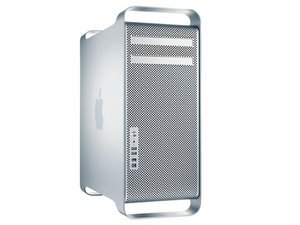
初代Mac ProはIntel Xeonをベースにしたワークステーションコンピューターです。初代モデルには2006年から2008年のデバイスも含まれます。

Removing the processor drawer ..early 2009 Mac Pro

Is removing the processor drawer as simple as unlatching it and pulling it out or are their connectors to disconnect first.

I think I need to pull it to add the tiny WiFi card to the mother board. I can see it and install the card but hooking up the antenna is going to require removing the processor drawer (??).

回答がありました! 回答を表示 同じ問題があります

この質問は役に立ちましたか?

スコア 0
コメントを追加

1 件の回答

ベストアンサー

Lynn Bennett, here are the steps the remove the processor tray:

First Steps

Open computer and lay it down with access side facing up. Note: Processor tray includes processor heatsink(s), processor(s), DIMMs, processor board, and processor tray support plate.

Removal

1 Press down and release 2 latches on front of processor tray.

2 Holding tray by latches, lift it out of computer.

3 Place tray DIMM side up on soft, clean cloth.

Tools

• ESD wrist strap

• Soft, clean cloth

Hope this helps, good luck.

このアンサーは役に立ちましたか?

スコア 1
コメントを追加

回答を追加する

Lynn Bennett さん、ありがとうございました!
統計データ:

過去 24時間: 0

過去 7 日: 0

過去 30 日: 1

今までの合計 242
