必要な工具と部品
-
-
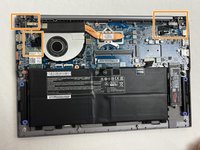
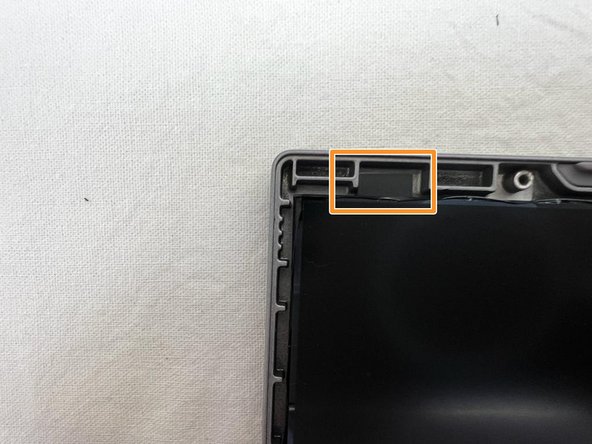
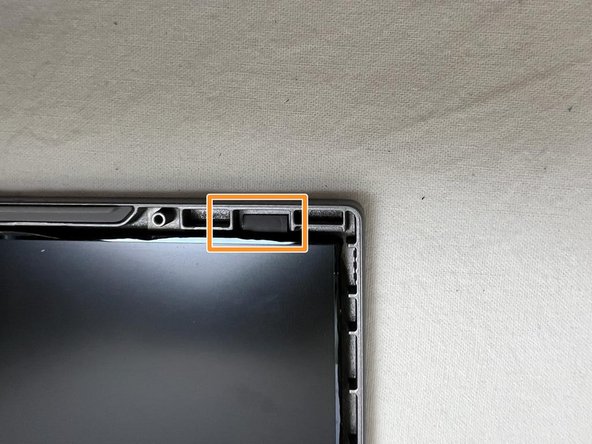
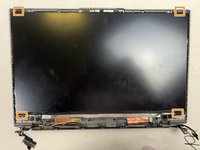
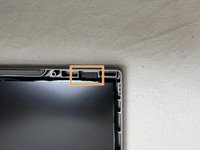
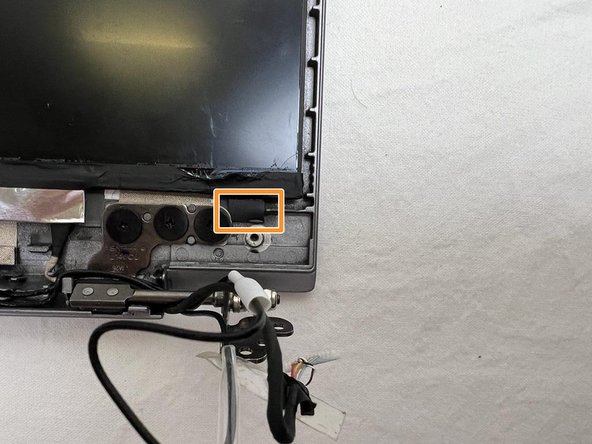
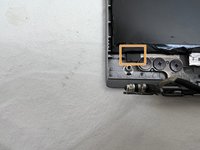
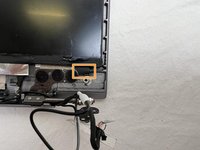
The orange squares indicate the zones we will focus on.
-
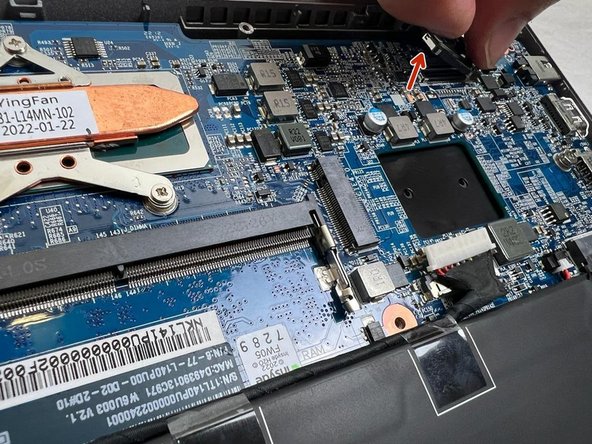
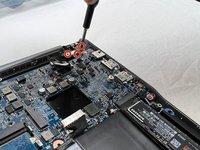
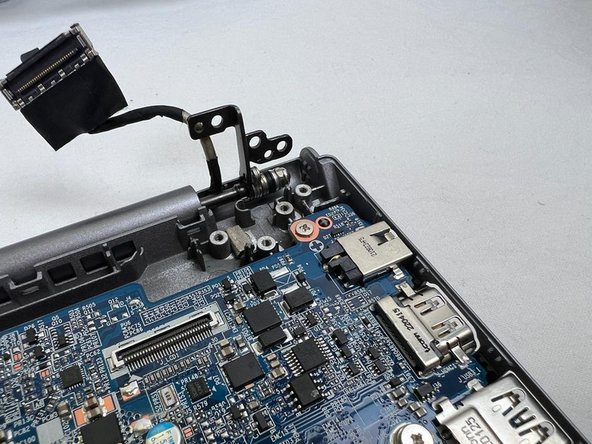
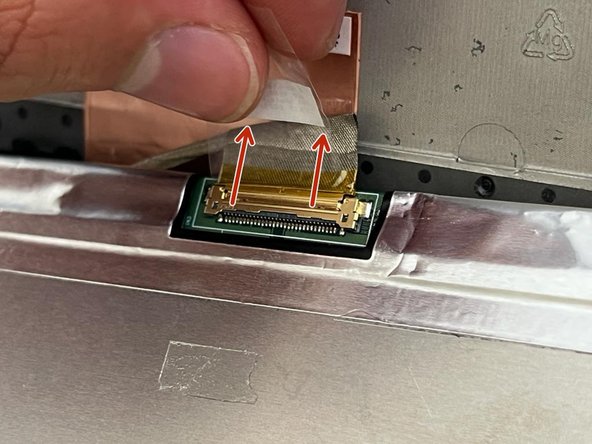
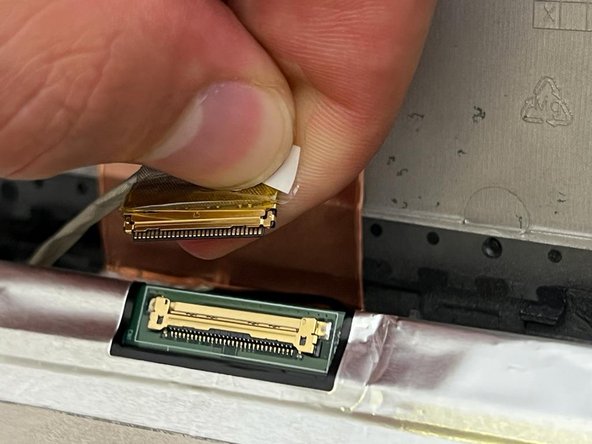
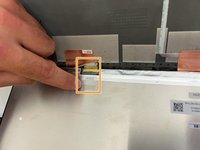
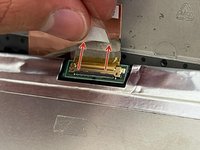
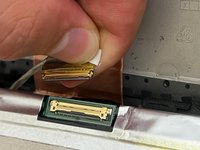
Unplug the screen cable.
-
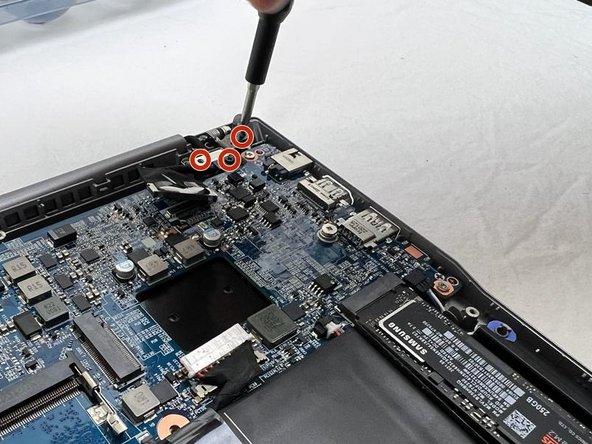
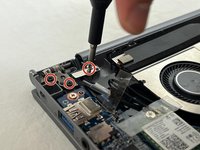
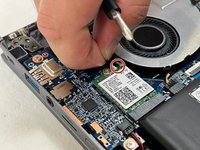
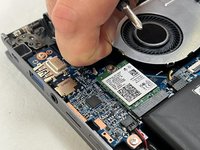
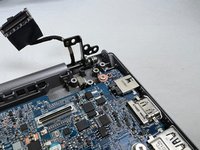
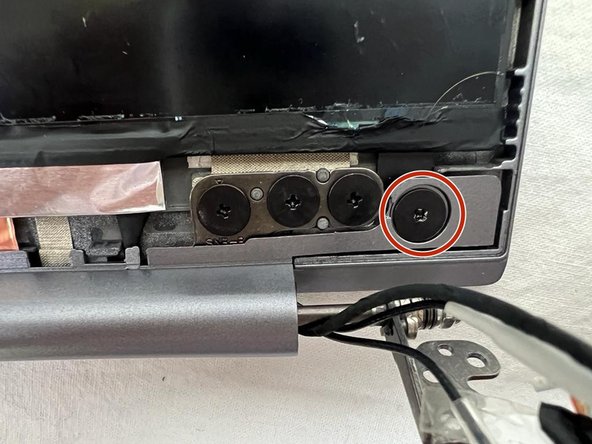
Unscrew the screw of the cover and those of the hinge. Remove the cover.
-
-
-
Unscrew the screw of the cover, and those of the hinge. Remove the cover.
-
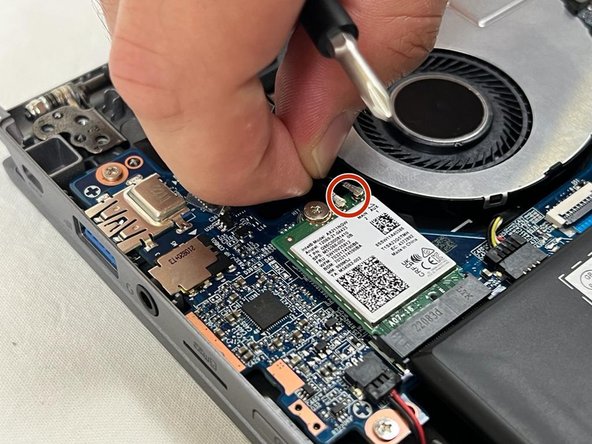
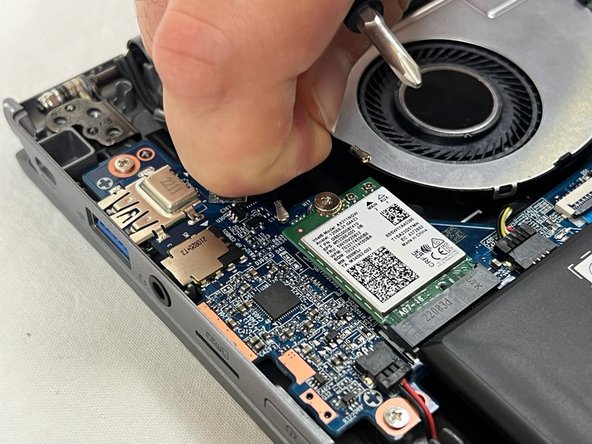
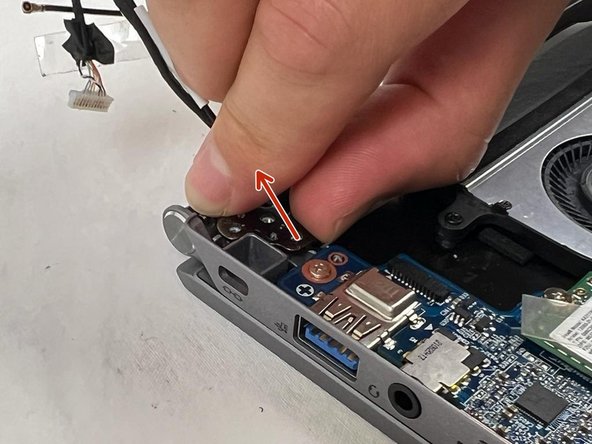
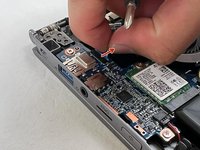
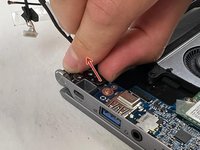
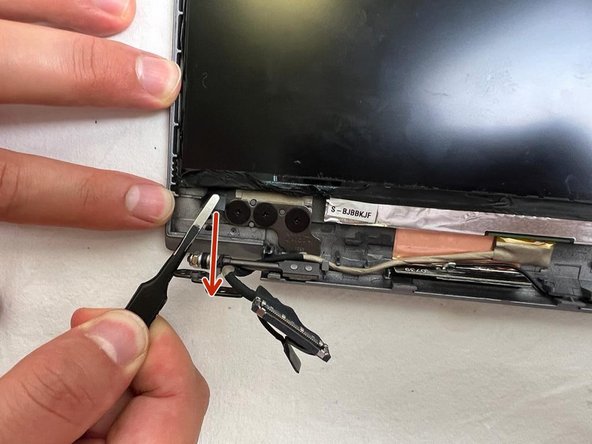
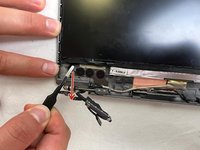
Unplug the Wifi cables.
-
-
-
-
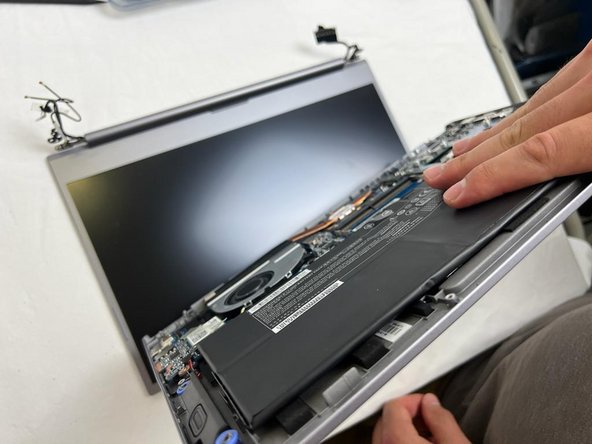
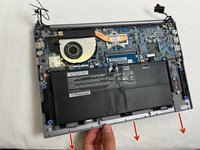
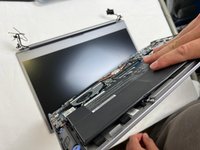
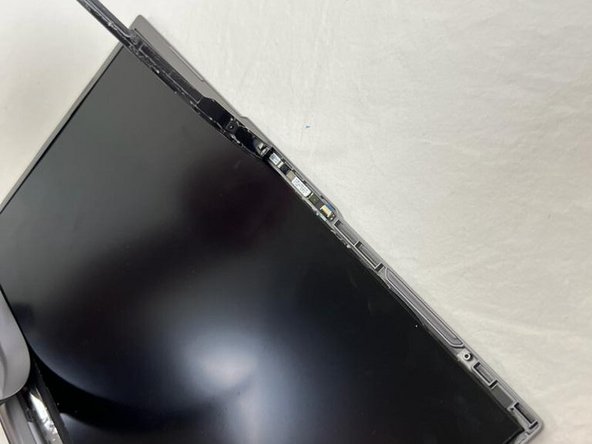
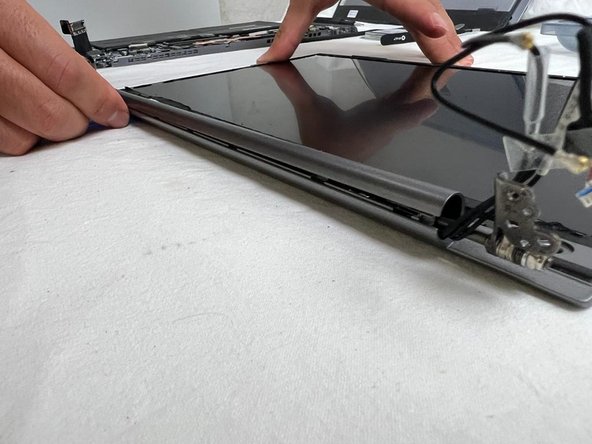
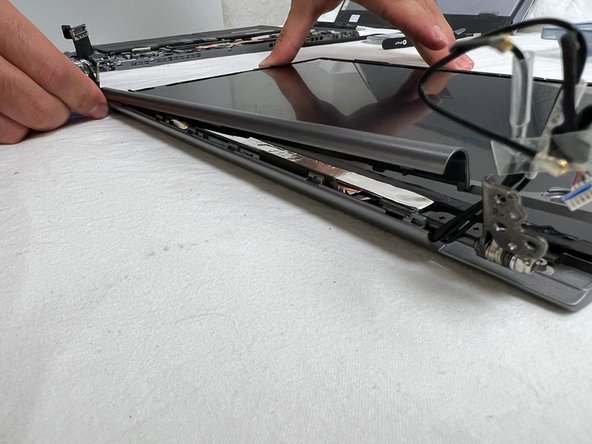
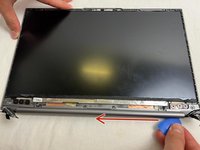
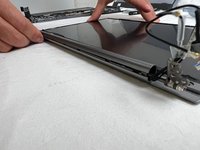
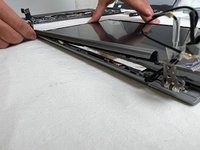
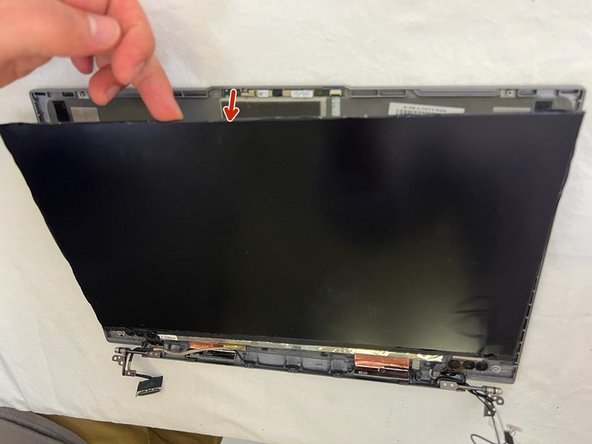
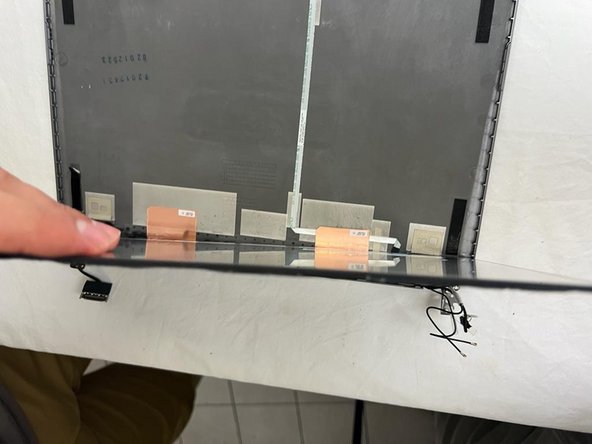
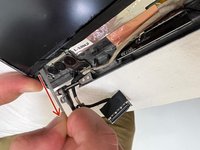
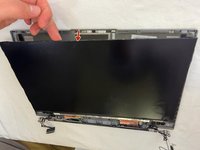
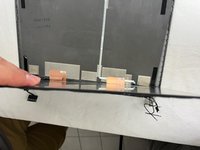
Remove the upper case, separating it from the screen.
-
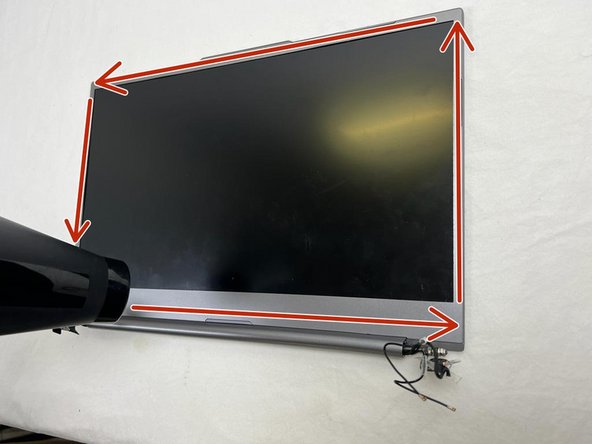
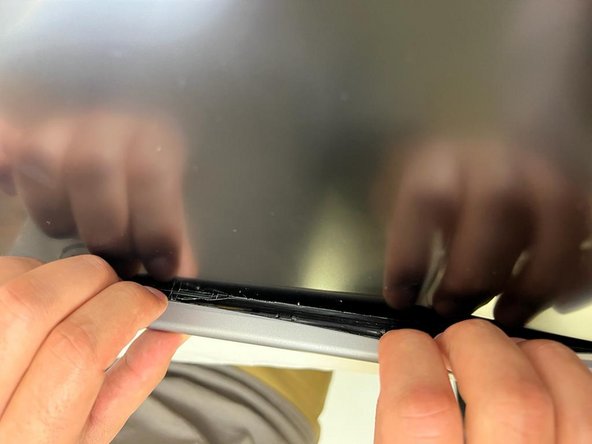
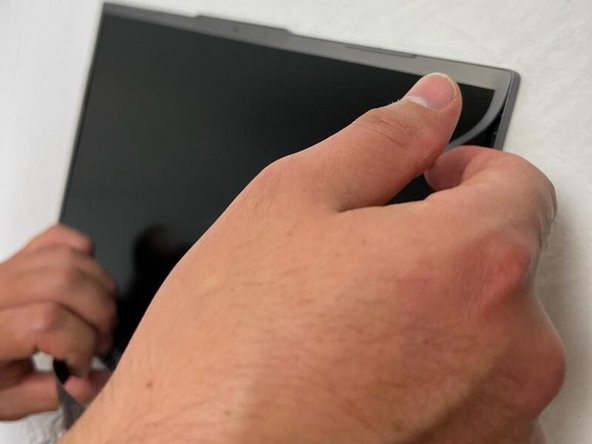
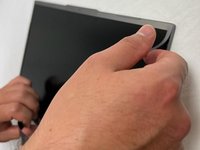
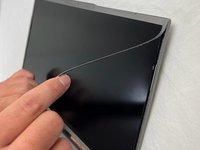
Using a hair dryer, blow hot air around the screen to soften the frame's adhesive.
-













終わりに
To reassemble your device, follow the steps in reverse order.
以下の翻訳者の皆さんにお礼を申し上げます:
fr en
100%


これらの翻訳者の方々は世界を修理する私たちのサポートをしてくれています。 あなたも貢献してみませんか?
翻訳を始める ›



