メインコンテンツにスキップ

why! L140/1PU SSD 1 replacement

必要な工具と部品

  1. why! L140/1PU SSD 1 replacement, Back cover: 手順 1、 2の画像 1 why! L140/1PU SSD 1 replacement, Back cover: 手順 1、 2の画像 2
    • Remove the screws.

    • Lift the cover.

  2. why! L140/1PU SSD 1 replacement, Disconnection: 手順 2、 2の画像 1 why! L140/1PU SSD 1 replacement, Disconnection: 手順 2、 2の画像 2
    • For safety reasons, the battery must be disconnected before each intervention.

    • Disconnect the battery your fingers.

    • Other components can now be replaced safely.

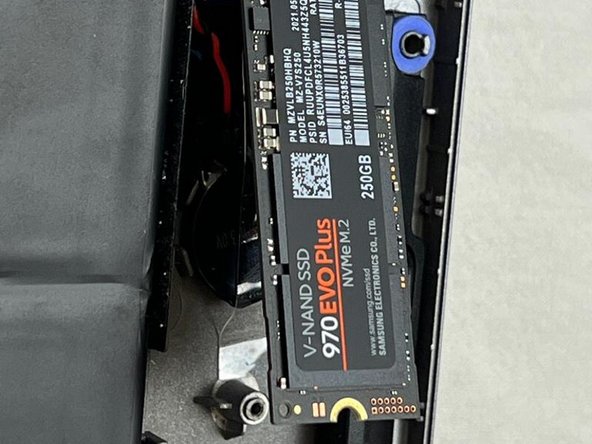
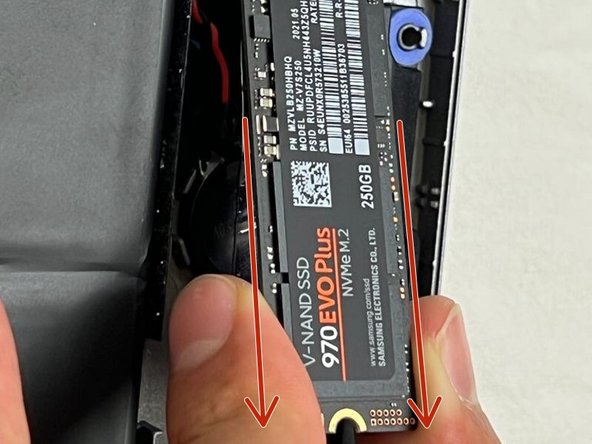
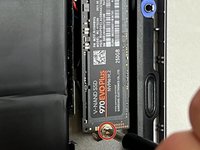
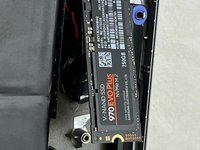
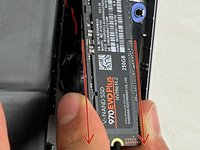
  3. why! L140/1PU SSD 1 replacement, SSD1: 手順 3、 3の画像 1 why! L140/1PU SSD 1 replacement, SSD1: 手順 3、 3の画像 2 why! L140/1PU SSD 1 replacement, SSD1: 手順 3、 3の画像 3
    • Unscrew the screw.

    • The SSD will lift by itself.

    • Remove the SSD.

終わりに

To reassemble your device, follow the steps in reverse order.

以下の翻訳者の皆さんにお礼を申し上げます:

fr en

100%

これらの翻訳者の方々は世界を修理する私たちのサポートをしてくれています。 あなたも貢献してみませんか?
翻訳を始める ›

作成者

1人の作成者と共同作成されました。

Felice Suglia

メンバー登録日: 06/15/13

33,538 ポイント

283のガイドは作成済み

0件のガイドコメント

コメントを追加

統計データ:

過去 24時間: 0

過去 7 日: 2

過去 30 日: 4

今までの合計 155