メインコンテンツにスキップ

Zebra GK420t Platten Rollers Replacement

  1. Zebra GK420t Platten Rollers Replacement, Removing The Roller: 手順 1、 2の画像 1 Zebra GK420t Platten Rollers Replacement, Removing The Roller: 手順 1、 2の画像 2
    • Power Off the device and open the main cover

    • locate the 2 tabs on either side of the roller and push them outwards to release them

    • Pull up on both tabs to release the roller from the printer

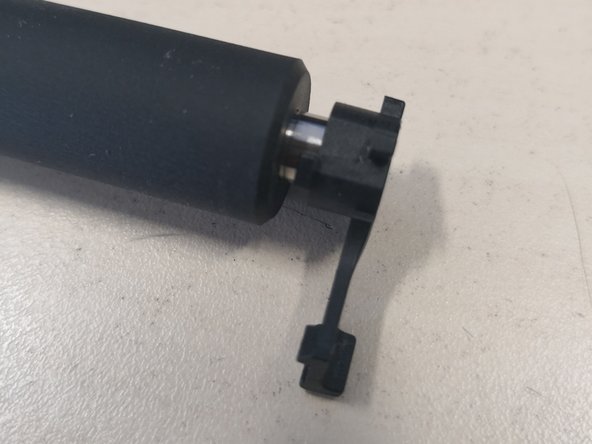
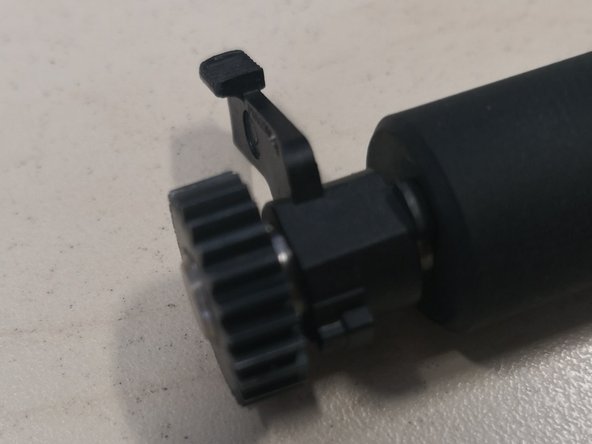
  2. Zebra GK420t Platten Rollers Replacement, Building the New Roller: 手順 2、 3の画像 1 Zebra GK420t Platten Rollers Replacement, Building the New Roller: 手順 2、 3の画像 2 Zebra GK420t Platten Rollers Replacement, Building the New Roller: 手順 2、 3の画像 3
    • The new Roller will be packaged in separate sections in the order that it needs building

    • Starting on the right the shorter side of the roller place 1 tab

    • On the left side of the roller place the other tab and then the cog to secure the tab in place

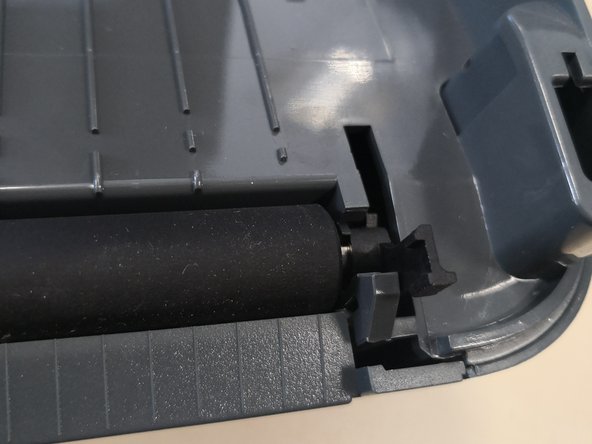
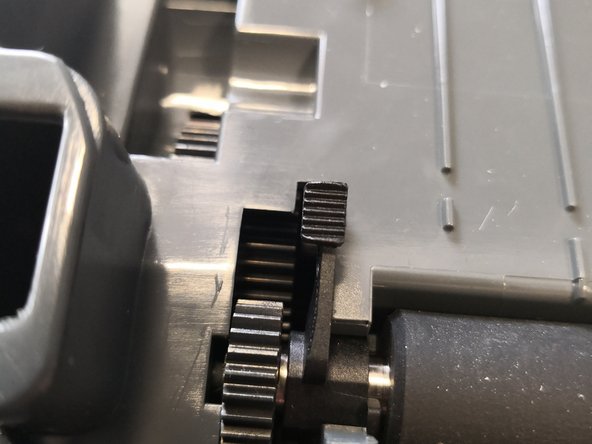
  3. Zebra GK420t Platten Rollers Replacement, Fitting the Roller: 手順 3、 3の画像 1 Zebra GK420t Platten Rollers Replacement, Fitting the Roller: 手順 3、 3の画像 2 Zebra GK420t Platten Rollers Replacement, Fitting the Roller: 手順 3、 3の画像 3
    • Make sure the printer is clear of debris

    • Insert the roller keeping the tabs up

    • Once inserted push the tabs down to lock in place with the body of the printer

終わりに

To reassemble your device, follow these instructions in reverse order.

作成者

2人の作成者と共同で作成されました。

IT Asset Team

メンバー登録日: 03/20/19

147 ポイント

1ガイドが承認済み

0件のガイドコメント

コメントを追加

統計データ:

過去 24時間: 0

過去 7 日: 3

過去 30 日: 21

今までの合計 728