はじめに
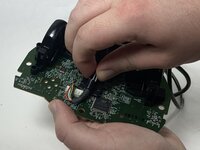
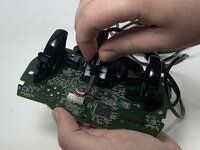
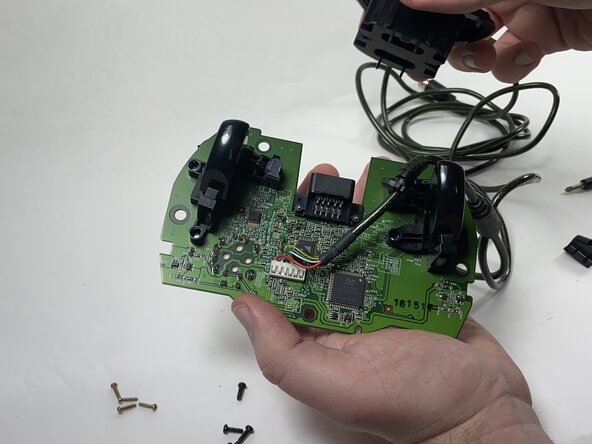
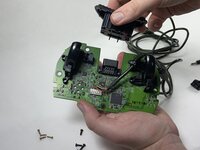
If your Xbox Duke Controller isn't registering input of any kind or the console doesn't recognize that the controller is plugged in, use this guide to replace the 6-pin cable connected to the controller.
Before using this guide, check to see if the port on the Xbox console is damaged or needs to be cleaned. Then, check the end of the 6-pin cable to see if the connector itself is damaged or dirty. A small amount of contact cleaner will remove any dirt or debris within the port. If the cable or port show no visible signs of damage, then the Duke will need to be taken apart to disconnect the cable from the motherboard.
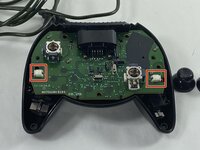
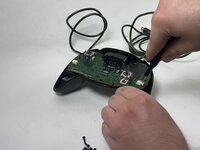
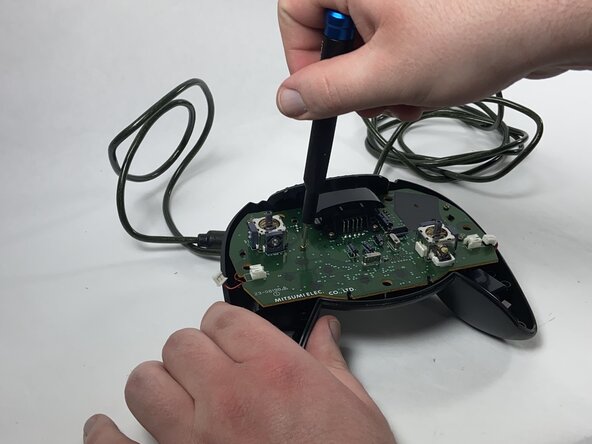
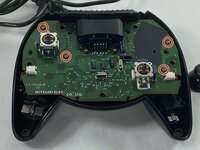
Follow the potentiometer replacement guide up to Step 9 to access the motherboard.
必要な工具と部品
-
-
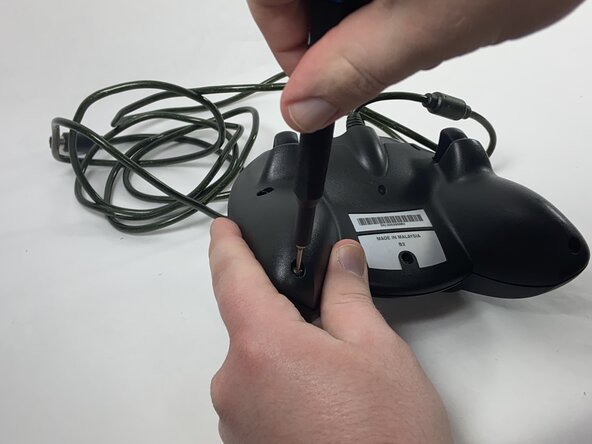
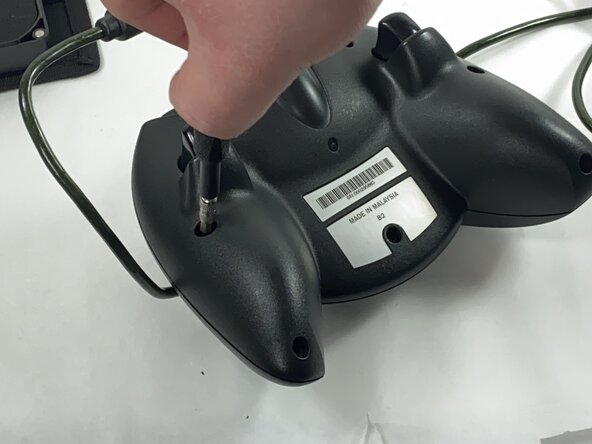
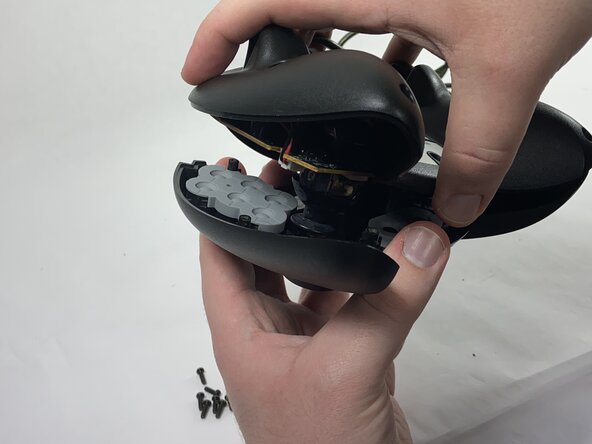
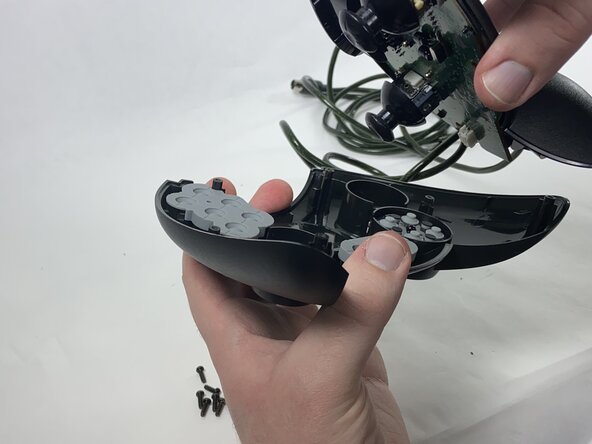
Remove the seven black 8 mm screws holding the two halves of the Duke together using a Phillips #1 screwdriver.
-
-
-
-
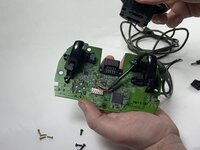
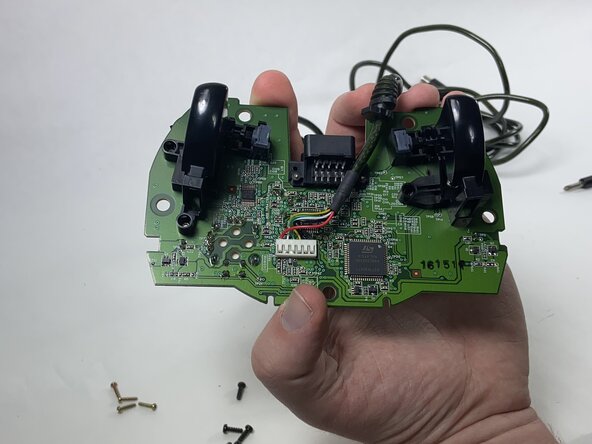
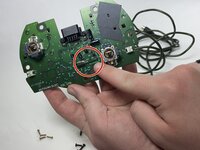
Disconnect the cable from the memory card slot, sliding the black plastic holder out of the slot.
-
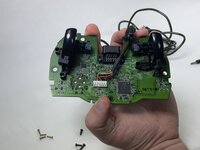
Remove the plastic piece from the cable.
-





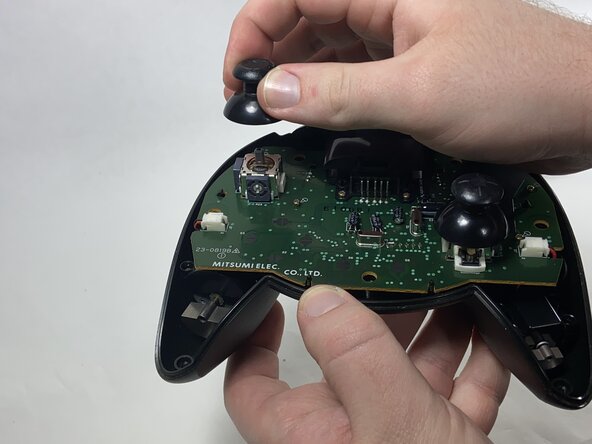
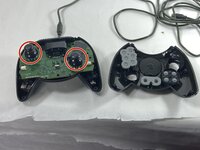

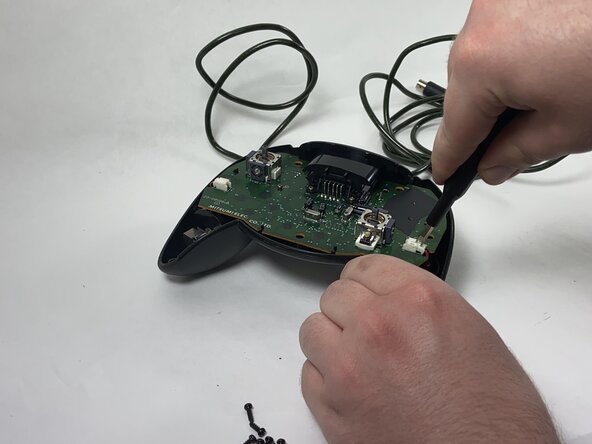

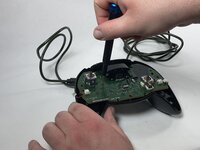

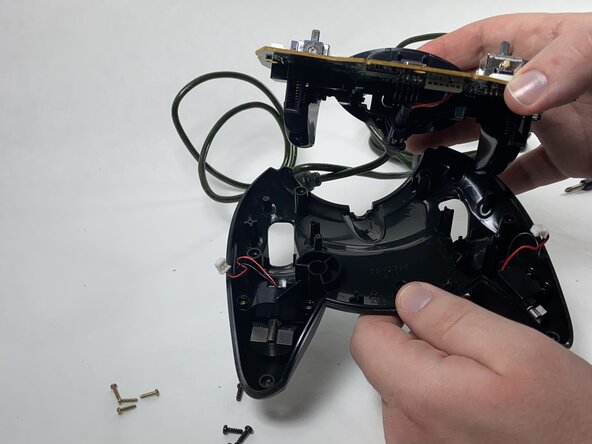
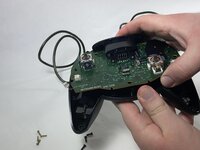
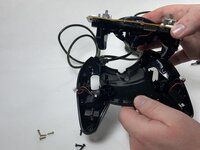

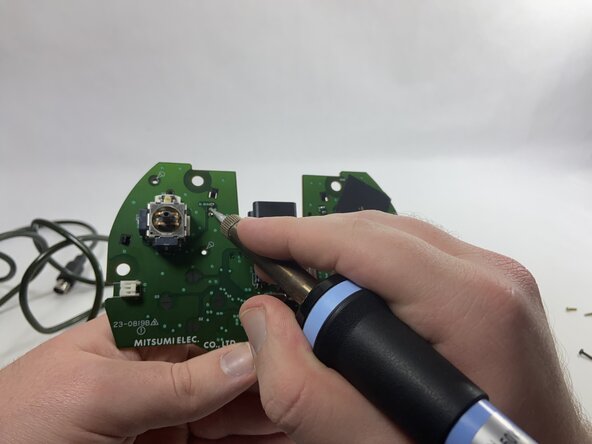
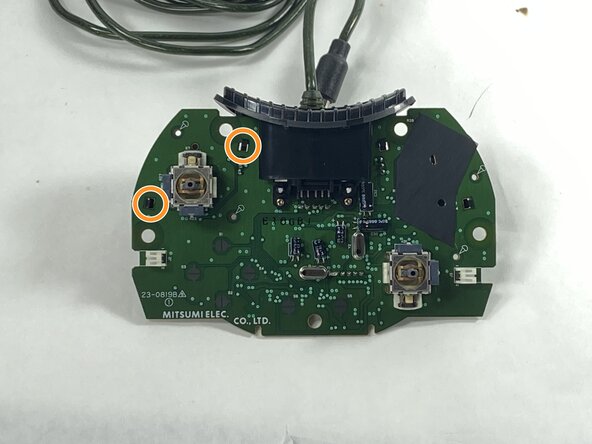
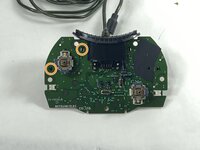


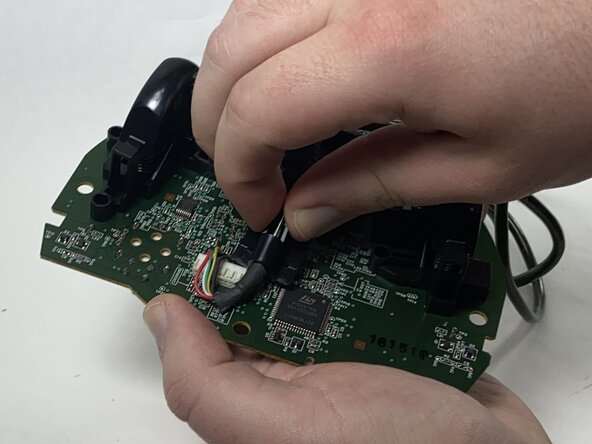
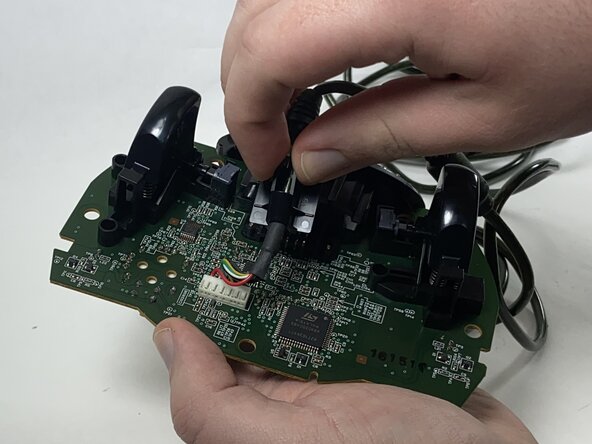


To reassemble your device, follow these instructions in reverse order.
2 の人々がこのガイドを完成させました。


チーム

UMass Dartmouth, Team 1-1, Gulbrandsen Spring 2025 UMass Dartmouth, Team 1-1, Gulbrandsen Spring 2025人のメンバー
UMASSD-GULBRANDSEN-S25S1G1
1 メンバー
4のガイドは作成済み
