メインコンテンツにスキップ
リペアコミュニティに参加 - アカウントの作成

VTech Baby's Learning Laptop Mode Switch Replacement

必要な工具と部品

    1. VTech Baby's Learning Laptop Mode Switch Replacement, Battery and Rear Panel: 手順 1、 1の画像 1
      • To remove the battery door, loosen the screw shown using a Phillips #2 screwdriver.

      • A coin can also be used to loosen the screw.

      FixBotに聞いてみる

      コメントを追加

    2. VTech Baby's Learning Laptop Mode Switch Replacement: 手順 2、 1の画像 1
      • Remove the battery door.

      • Take out the batteries.

      FixBotに聞いてみる

      コメントを追加

    3. VTech Baby's Learning Laptop Mode Switch Replacement: 手順 3、 1の画像 1
      • Remove the rear panel screws using a Phillips #2 screwdriver.

      • Two 21.6mm (Long)

      • One 9.8mm (Short)

      • Five 13.8mm (Medium)

      FixBotに聞いてみる

      コメントを追加

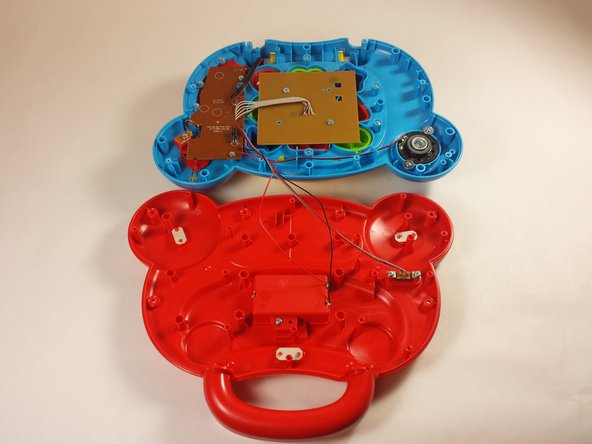
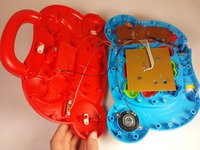
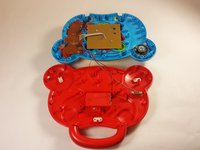
    4. VTech Baby's Learning Laptop Mode Switch Replacement: 手順 4、 2の画像 1 VTech Baby's Learning Laptop Mode Switch Replacement: 手順 4、 2の画像 2
      • Gently pull up on the rear panel.

      • Be careful not to pull on the wire connections.

      • Rest the laptop open on the table.

      FixBotに聞いてみる

      コメントを追加

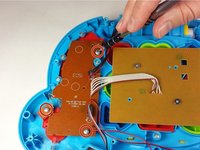
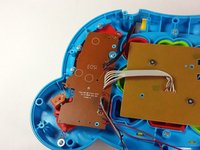
    1. VTech Baby's Learning Laptop Mode Switch Replacement, Mode Switch: 手順 5、 2の画像 1 VTech Baby's Learning Laptop Mode Switch Replacement, Mode Switch: 手順 5、 2の画像 2
      • Using a Phillips #0 screwdriver, remove the three 7.3mm screws.

      FixBotに聞いてみる

      コメントを追加

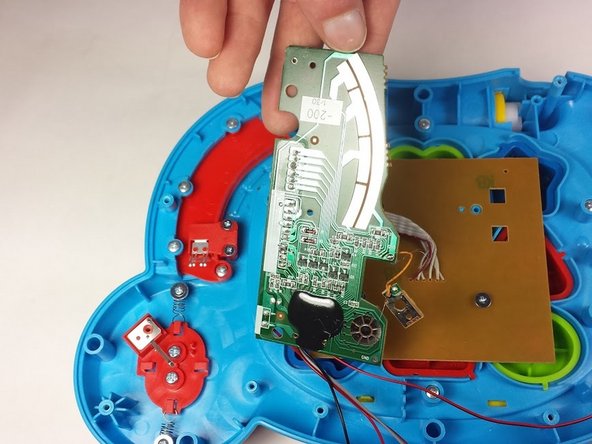
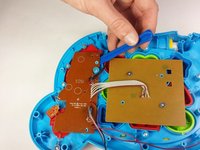
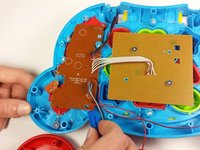
    2. VTech Baby's Learning Laptop Mode Switch Replacement: 手順 6、 3の画像 1 VTech Baby's Learning Laptop Mode Switch Replacement: 手順 6、 3の画像 2 VTech Baby's Learning Laptop Mode Switch Replacement: 手順 6、 3の画像 3
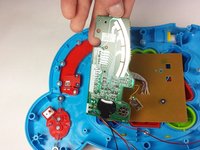
      • Once the screws have been removed from the board, use a plastic opening tool to gently pry up the board and expose the mode switch assembly underneath.

      • Lay the board down gently and out of the way.

      • Take care not to damage any of the wires or the board itself.

      FixBotに聞いてみる

      コメントを追加

    3. VTech Baby's Learning Laptop Mode Switch Replacement: 手順 7、 1の画像 1
      • Using a Phillips #0 screwdriver, remove the seven screws securing the mode switch assembly to the device.

      • Five 7.3mm

      • Two 6.0mm

      FixBotに聞いてみる

      コメントを追加

    4. VTech Baby's Learning Laptop Mode Switch Replacement: 手順 8、 1の画像 1
      • Once the screws have been removed, the mode switch assembly can be removed easily.

      • Take care not to misplace the spring indicated in the picture.

      • You need this spring to find a matching replacement if it is in anyway damaged.

      FixBotに聞いてみる

      コメントを追加

終わりに

To reassemble your device, follow these instructions in reverse order.

キャンセル: このガイドを終了できませんでした。

作成者

3人の作成者と共同で作成されました。

Scott Parkinson

メンバー登録日: 09/09/15

113 ポイント

1ガイドが承認済み

チーム

USF Tampa, Team 12-2, Blackwell Fall 2015 USF Tampa, Team 12-2, Blackwell Fall 2015人のメンバー

USFT-BLACKWELL-F15S12G2

4 メンバー

14のガイドは作成済み

0件のガイドコメント

コメントを追加

統計データ:

過去 24時間: 1

過去 7 日: 6

過去 30 日: 19

今までの合計 826