メインコンテンツにスキップ
リペアコミュニティに参加 - アカウントの作成

UTStarcom CDM8945vw Antenna Replacement

  1. UTStarcom CDM8945vw Antenna Replacement, Antenna: 手順 1、 1の画像 1
    • Identify the antenna. It is the extendable plastic component pictured here.

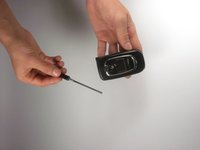
  2. UTStarcom CDM8945vw Antenna Replacement: 手順 2、 1の画像 1
    • Twist the base in a counter-clockwise motion to unscrew the antenna.

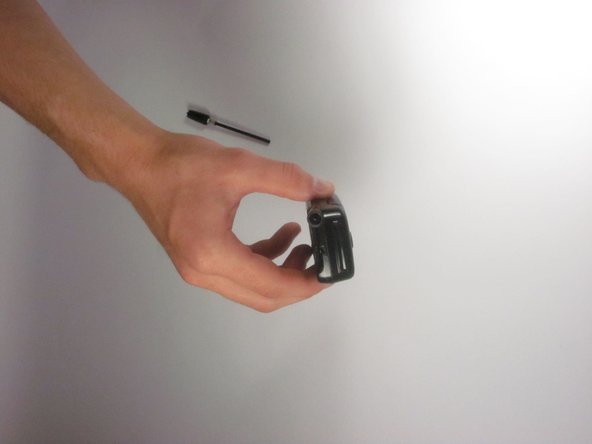
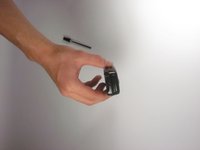
  3. UTStarcom CDM8945vw Antenna Replacement: 手順 3、 2の画像 1 UTStarcom CDM8945vw Antenna Replacement: 手順 3、 2の画像 2
    • The antenna should slide right out of the phone when finished.

終わりに

To reassemble your device, follow these instructions in reverse order.

作成者

6人の作成者と共同で作成されました。

Eli

メンバー登録日: 09/27/12

1 ポイント

2のガイドは作成済み

チーム

Cal Poly, Team 24-26, Regan Fall 2012 Cal Poly, Team 24-26, Regan Fall 2012人のメンバー

CPSU-REGAN-F12S24G26

4 メンバー

10のガイドは作成済み

0件のガイドコメント

コメントを追加

統計データ:

過去 24時間: 2

過去 7 日: 5

過去 30 日: 18

今までの合計 304