メインコンテンツにスキップ

Turtle Beach Recon Controller Motherboard Replacement

必要な工具と部品

  1. Turtle Beach Recon Controller Motherboard Replacement, Back Plate: 手順 1、 3の画像 1 Turtle Beach Recon Controller Motherboard Replacement, Back Plate: 手順 1、 3の画像 2 Turtle Beach Recon Controller Motherboard Replacement, Back Plate: 手順 1、 3の画像 3
    • Use a Phillips #00 screwdriver to remove seven 10 mm screws from the back plate.

    • When replacing the screws, ensure that the screwdriver is perpendicular to the screw in curved areas.

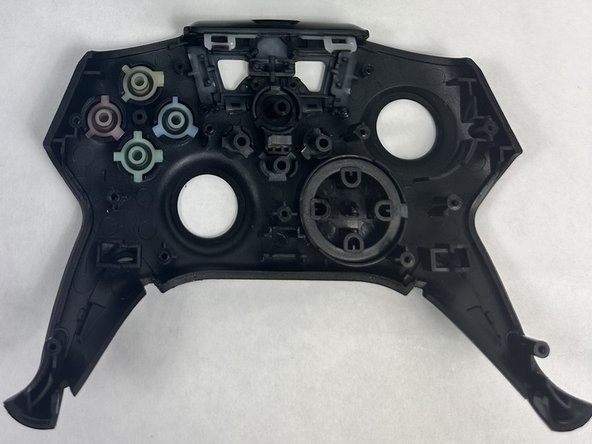
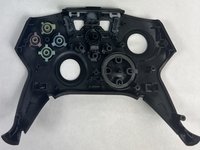
  2. Turtle Beach Recon Controller Motherboard Replacement: 手順 2、 3の画像 1 Turtle Beach Recon Controller Motherboard Replacement: 手順 2、 3の画像 2 Turtle Beach Recon Controller Motherboard Replacement: 手順 2、 3の画像 3
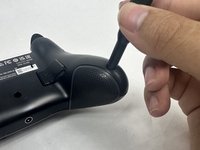
    • Use an opening tool to separate the back plate from the grips of your Turtle Beach Recon.

    • Use your fingers to remove the back plate from the body of your Turtle Beach Recon.

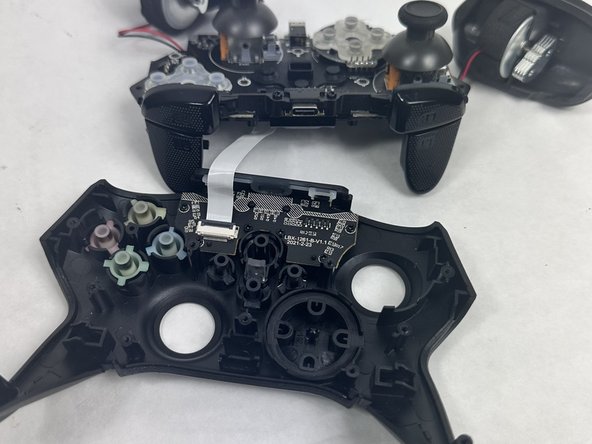
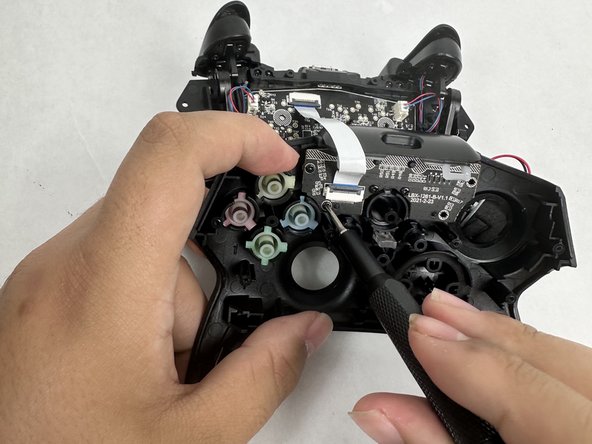
  3. Turtle Beach Recon Controller Motherboard Replacement, Face Plate: 手順 3、 2の画像 1 Turtle Beach Recon Controller Motherboard Replacement, Face Plate: 手順 3、 2の画像 2
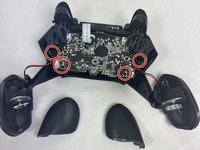
    • Remove the four 10 mm screws from the motherboard using a Phillips #00 screwdriver.

  4. Turtle Beach Recon Controller Motherboard Replacement: 手順 4、 2の画像 1 Turtle Beach Recon Controller Motherboard Replacement: 手順 4、 2の画像 2
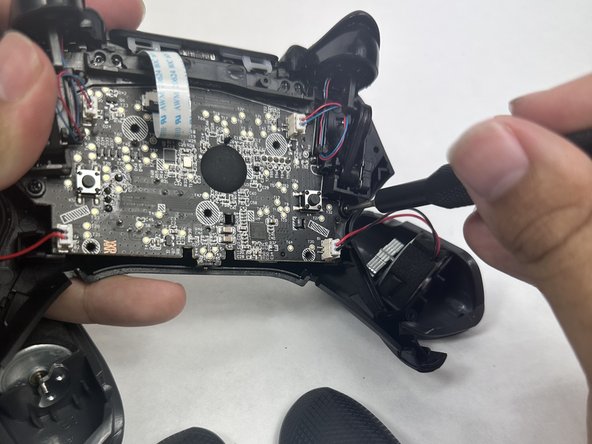
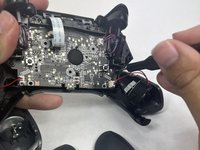
    • Use your fingers to grab the motherboard.

    • Gently pull the motherboard and joystick caps away from the face plate.

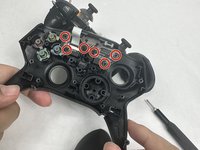
  5. Turtle Beach Recon Controller Motherboard Replacement: 手順 5、 3の画像 1 Turtle Beach Recon Controller Motherboard Replacement: 手順 5、 3の画像 2 Turtle Beach Recon Controller Motherboard Replacement: 手順 5、 3の画像 3
    • Use a Phillips #00 screwdriver to remove six 10 mm screws from the motherboard.

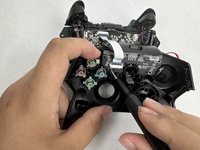
  6. Turtle Beach Recon Controller Motherboard Replacement, Joystick Caps: 手順 6、 2の画像 1 Turtle Beach Recon Controller Motherboard Replacement, Joystick Caps: 手順 6、 2の画像 2
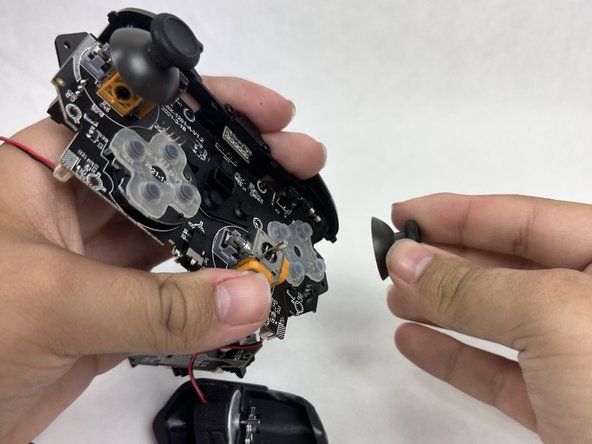
    • Use your fingers to lift both of the joystick caps off of the motherboard.

    • Remove the joystick caps.

  7. Turtle Beach Recon Controller Motherboard Replacement, Motherboard: 手順 7、 1の画像 1
    • Nothing can be further removed from the motherboard. It can now be replaced.

終わりに

To reassemble your device, follow these instructions in reverse order.

2 の人々がこのガイドを完成させました。

作成者

1人の作成者と共同作成されました。

Mary Goodrow

メンバー登録日: 03/22/24

671 ポイント

5のガイドは作成済み

チーム

UMass Dartmouth, Team 6-1, Botvin Spring 2024 UMass Dartmouth, Team 6-1, Botvin Spring 2024人のメンバー

UMASSD-BOTVIN-S24S6G1

3 メンバー

5のガイドは作成済み

1件のガイドコメント

thanks for posting this!

Sean Malter - 返信

コメントを追加

統計データ:

過去 24時間: 1

過去 7 日: 16

過去 30 日: 50

今までの合計 625