はじめに
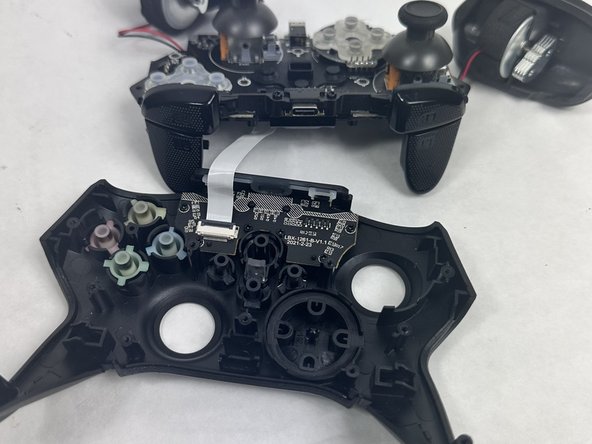
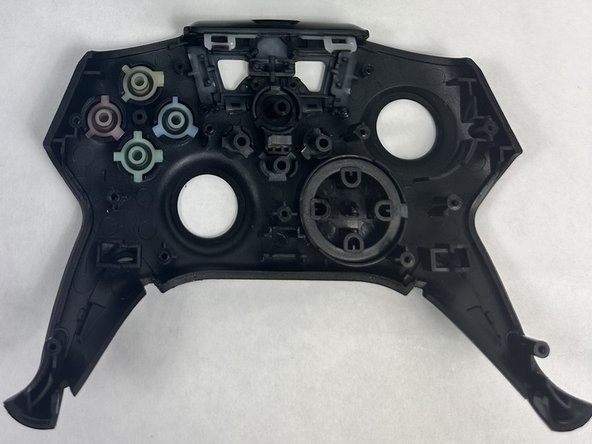
This guide will demonstrate how to remove and replace the face plate of your Turtle Beach Recon.
The face plate supports the front components of your Turtle Beach Recon, including the front buttons and joystick caps. If it appears to be broken or exposed to water, it may need to be removed or replaced.
必要な工具と部品
-
-
-
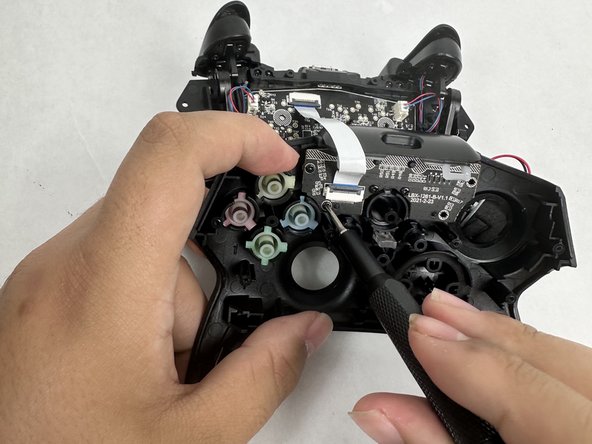
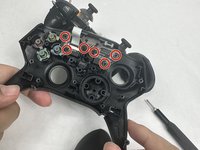
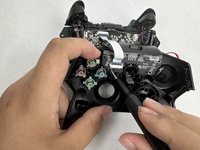
Remove the four 10 mm screws from the motherboard using a Phillips #00 screwdriver.
-


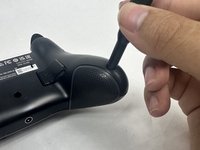


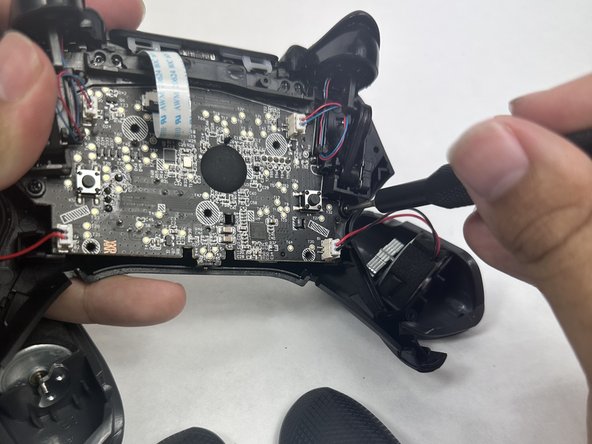
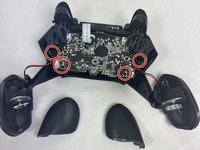
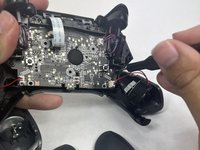


To reassemble your device, follow these instructions in reverse order.
ある他の人がこのガイドを完成しました。


チーム

UMass Dartmouth, Team 6-1, Botvin Spring 2024 UMass Dartmouth, Team 6-1, Botvin Spring 2024人のメンバー
UMASSD-BOTVIN-S24S6G1
3 メンバー
5のガイドは作成済み
