メインコンテンツにスキップ

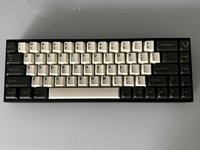
Tofu65 Keyboard PCB Replacement

必要な工具と部品

  1. Tofu65 Keyboard PCB Replacement, Keyboard PCB: 手順 1、 1の画像 1
    • Unplug the power cord.

  2. Tofu65 Keyboard PCB Replacement: 手順 2、 1の画像 1
    • Use a keycap puller to remove the keycaps from the keyboard.

    • Be sure to pull straight up when removing the keycaps to avoid damaging the key switches.

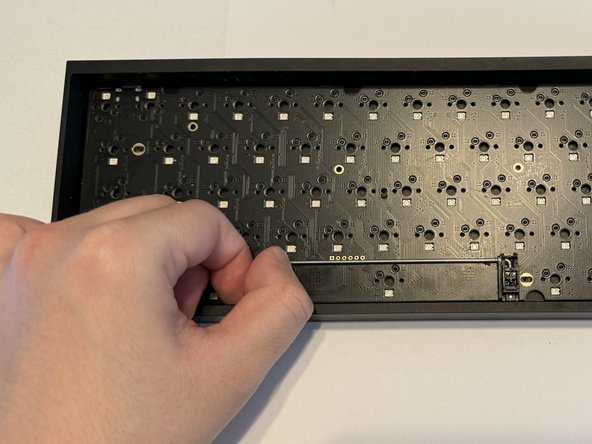
  3. Tofu65 Keyboard PCB Replacement: 手順 3、 1の画像 1
    • Use the switch puller to pinch the switch on the two pins to release the switch from the PCB.

    • Pull straight up when removing the switch. It should not take much force to pull them out.

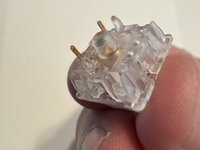
  4. Tofu65 Keyboard PCB Replacement: 手順 4、 2の画像 1 Tofu65 Keyboard PCB Replacement: 手順 4、 2の画像 2
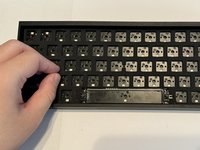
    • Remove the plastic cover that protects the PCB.

  5. Tofu65 Keyboard PCB Replacement: 手順 5、 2の画像 1 Tofu65 Keyboard PCB Replacement: 手順 5、 2の画像 2
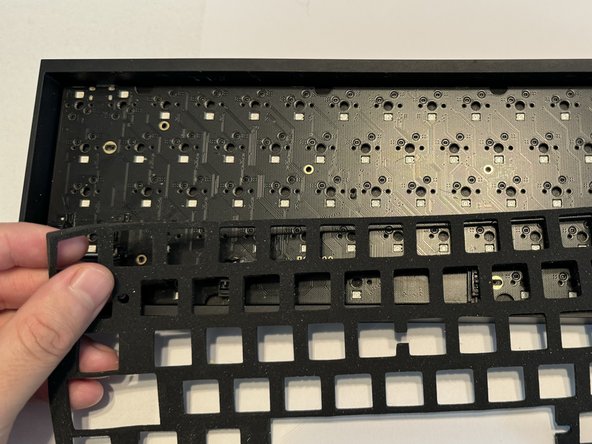
    • Gently remove the foam layer protecting the PCB.

  6. Tofu65 Keyboard PCB Replacement: 手順 6、 3の画像 1 Tofu65 Keyboard PCB Replacement: 手順 6、 3の画像 2 Tofu65 Keyboard PCB Replacement: 手順 6、 3の画像 3
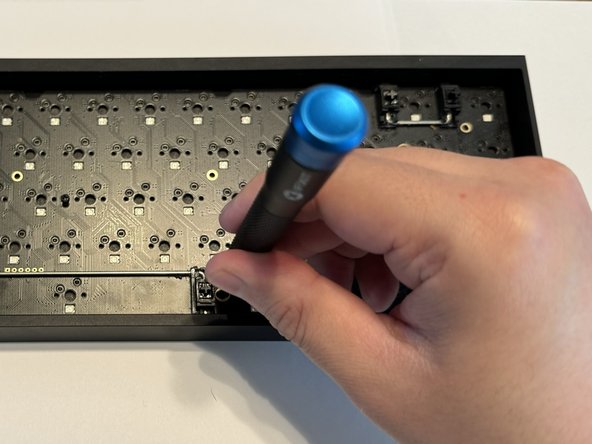
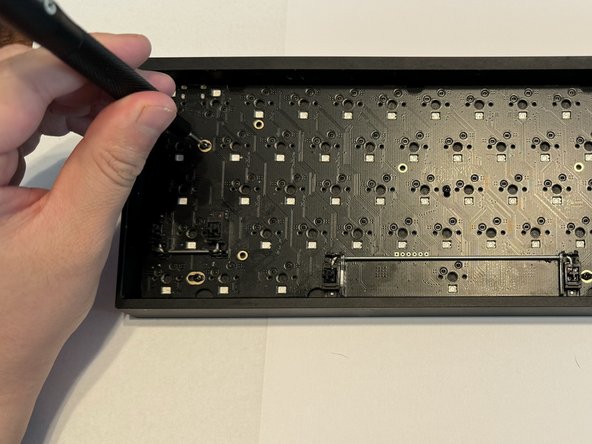
    • Use a Phillips #000 screwdriver to remove the six 5 mm screws keeping the PCB in place.

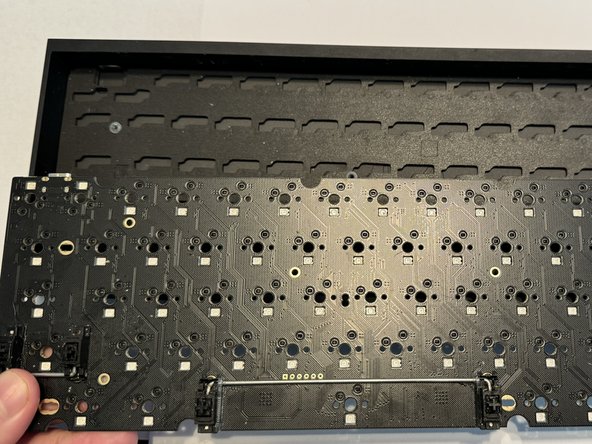
  7. Tofu65 Keyboard PCB Replacement: 手順 7、 2の画像 1 Tofu65 Keyboard PCB Replacement: 手順 7、 2の画像 2
    • Remove the old PCB from the bottom case.

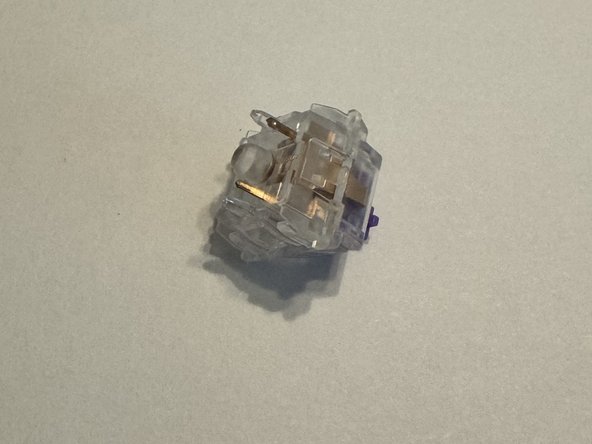
  8. Tofu65 Keyboard PCB Replacement: 手順 8、 2の画像 1 Tofu65 Keyboard PCB Replacement: 手順 8、 2の画像 2
    • Ensure your keyboard switches are in good condition and the golden pins are not bent.

    • If the pins are bent, carefully bend them so they are straight or replace them with new switches.

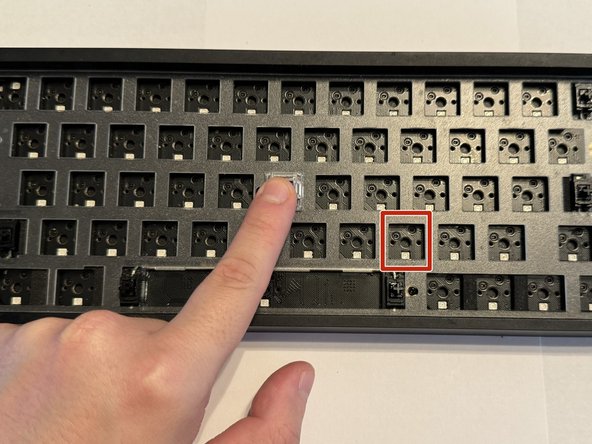
  9. Tofu65 Keyboard PCB Replacement: 手順 9、 3の画像 1 Tofu65 Keyboard PCB Replacement: 手順 9、 3の画像 2 Tofu65 Keyboard PCB Replacement: 手順 9、 3の画像 3
    • Replace your PCB.

    • Place the foam and plastic plate cover back.

    • Line up the key switch pins with the sockets on the PCB before installing them.

    • Install the keyboard switches and apply a small amount of force to ensure they make contact with the PCB.

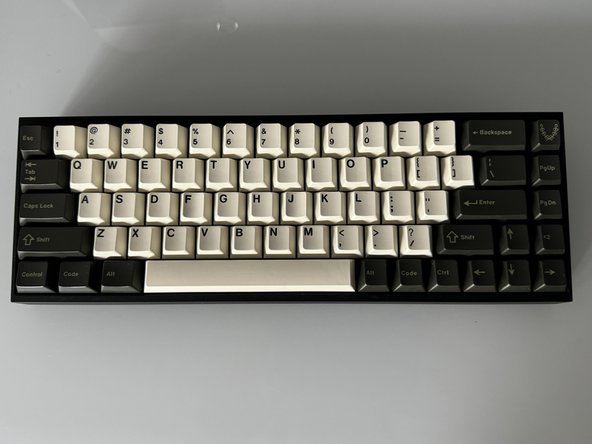
  10. Tofu65 Keyboard PCB Replacement: 手順 10、 2の画像 1 Tofu65 Keyboard PCB Replacement: 手順 10、 2の画像 2
    • Replace each keycaps onto the appropriate switch.

    • Press down firmly on each to ensure they are making contact.

ゴール

ある他の人がこのガイドを完成しました。

作成者

2人の作成者と共同で作成されました。

Daniel Payan

メンバー登録日: 03/05/24

202 ポイント

1ガイドが承認済み

チーム

CSU Los Angeles, Team 2-2, Grodsky Spring 2024 CSU Los Angeles, Team 2-2, Grodsky Spring 2024人のメンバー

CSULA-GRODSKY-S24S2G2

2 メンバー

1のガイドは作成済み

0件のガイドコメント

コメントを追加

統計データ:

過去 24時間: 2

過去 7 日: 21

過去 30 日: 58

今までの合計 788