メインコンテンツにスキップ

Sony Walkman A-45 Battery Replacement

必要な工具と部品
  1. Sony Walkman A-45 Battery Replacement, Battery Replacement: 手順 1、 1の画像 1
    • Turn on your Walkman and allow the battery to discharge below 5% before starting any repairs, as a charged Lithium Battery can be dangerous if accidentally punctured.

    • Turn off the device.

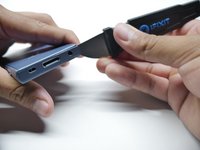
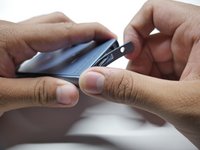
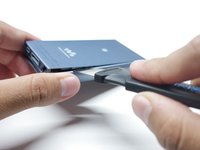
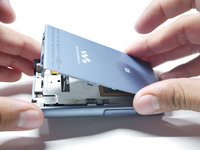
  2. Sony Walkman A-45 Battery Replacement: 手順 2、 3の画像 1 Sony Walkman A-45 Battery Replacement: 手順 2、 3の画像 2 Sony Walkman A-45 Battery Replacement: 手順 2、 3の画像 3
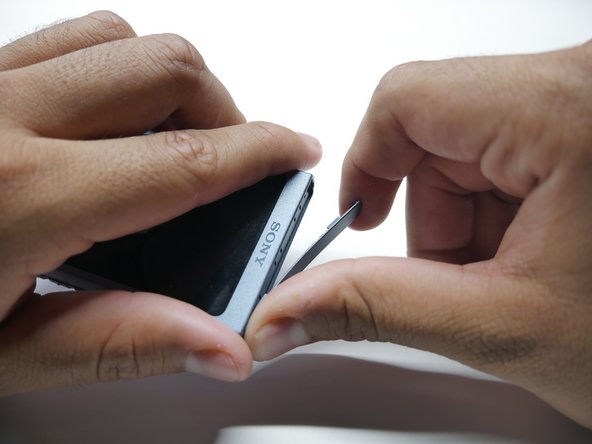
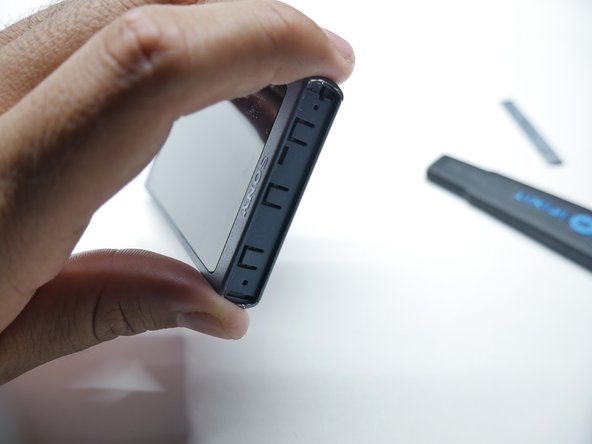
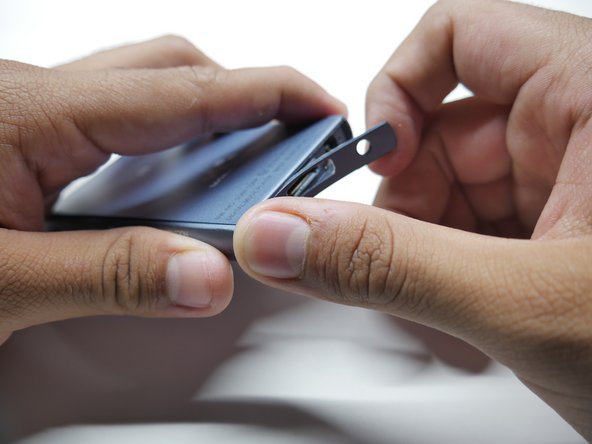
    • Insert a Jimmy into the thin gap between the shell and the side of the top cover, along the edge of one of the panels.

    • Pry up on the top cover to release it from the adhesive.

    • Once the adhesive doesn't stick from one edge, the rest disconnects easily. It will take a couple tries.

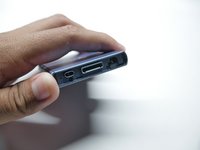
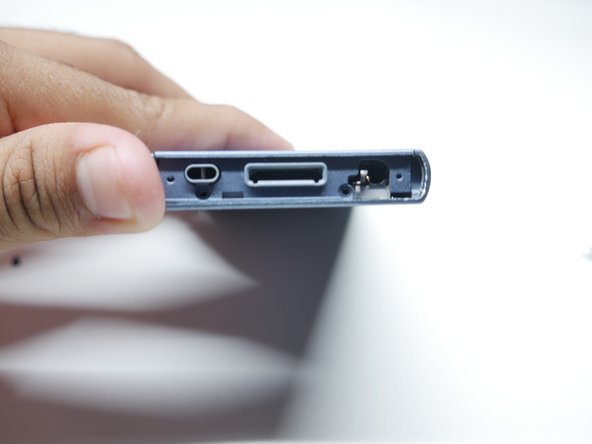
  3. Sony Walkman A-45 Battery Replacement: 手順 3、 3の画像 1 Sony Walkman A-45 Battery Replacement: 手順 3、 3の画像 2 Sony Walkman A-45 Battery Replacement: 手順 3、 3の画像 3
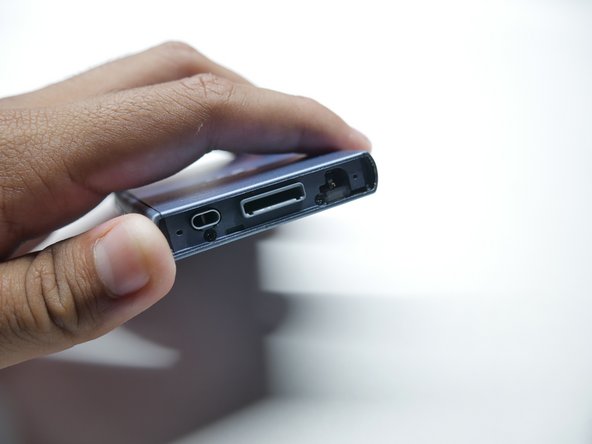
    • Insert a Jimmy into the thin gap between the shell and the side of the bottom cover, along the edge of one of the panels.

    • Pry up on the bottom cover to release it from the adhesive.

    • Once the adhesive doesn't stick from one edge, the rest disconnects easily. It will take a couple tries.

  4. Sony Walkman A-45 Battery Replacement: 手順 4、 2の画像 1 Sony Walkman A-45 Battery Replacement: 手順 4、 2の画像 2
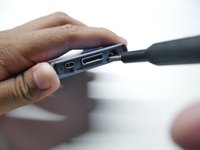
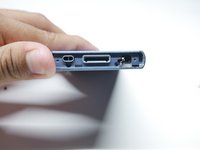
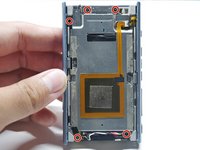
    • Remove the two bottom screws holding the chassis using a Phillips #00 screwdriver.

  5. Sony Walkman A-45 Battery Replacement: 手順 5、 3の画像 1 Sony Walkman A-45 Battery Replacement: 手順 5、 3の画像 2 Sony Walkman A-45 Battery Replacement: 手順 5、 3の画像 3
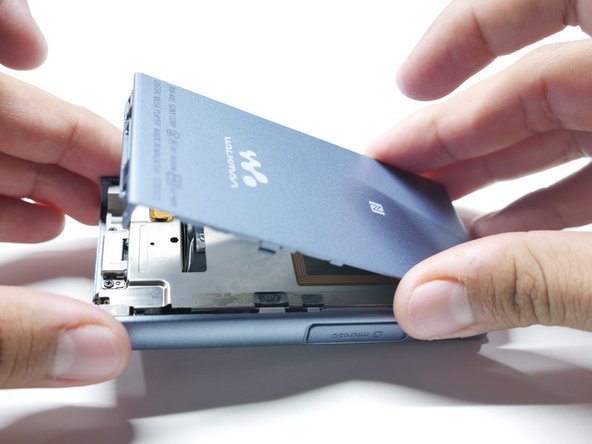
    • Flip the walkman on its screen.

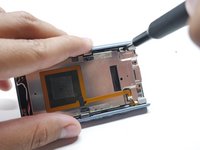
    • Insert a Jimmy into the thin gap between the side panel and shell, along the edge of the panel.

    • Slowly pry up the back cover to release it from its adhesive.

    • If you have difficulty keeping the gap up, insert opening picks to prop it open.

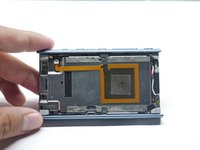
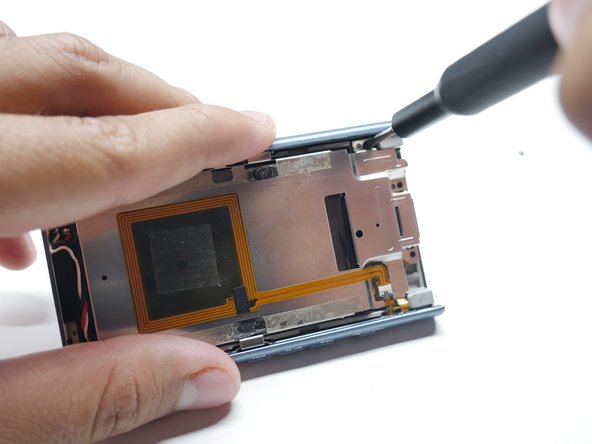
  6. Sony Walkman A-45 Battery Replacement: 手順 6、 3の画像 1 Sony Walkman A-45 Battery Replacement: 手順 6、 3の画像 2 Sony Walkman A-45 Battery Replacement: 手順 6、 3の画像 3
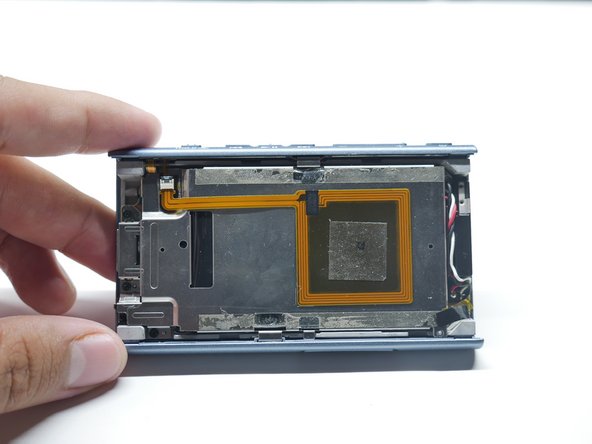
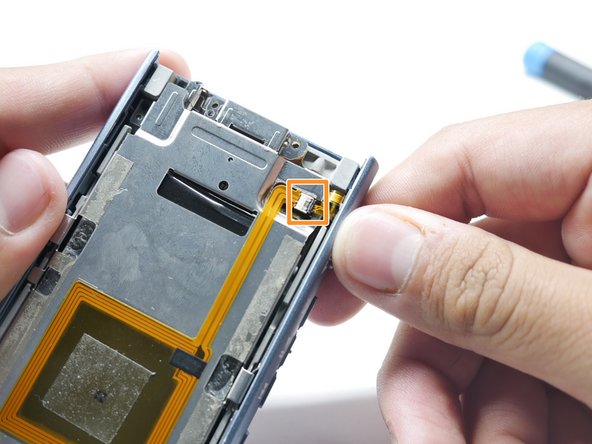
    • Remove the five screws holding down the battery and NFC Module using a Phillips #00 screwdriver.

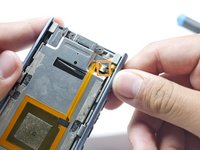
    • Detach the ribbon cable connecting the NFC Module by pulling outward.

    • Don't pull too hard or else the ribbon cable will rip.

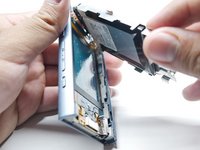
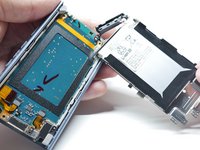
  7. Sony Walkman A-45 Battery Replacement, Remove the Battery: 手順 7、 3の画像 1 Sony Walkman A-45 Battery Replacement, Remove the Battery: 手順 7、 3の画像 2 Sony Walkman A-45 Battery Replacement, Remove the Battery: 手順 7、 3の画像 3
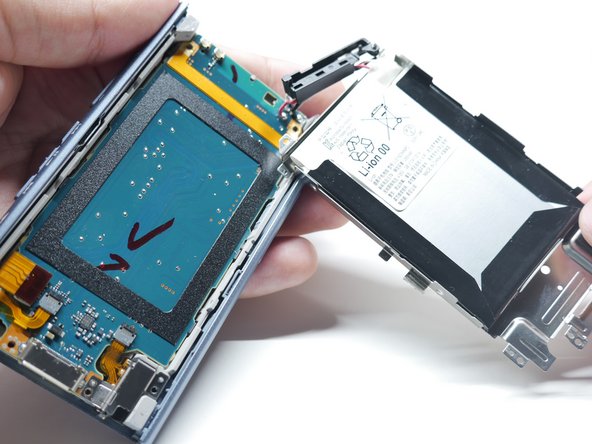
    • Lift up the metal chassis carefully.

    • There will be a block piece which holds the wires. Pull it up carefully and it should come off.

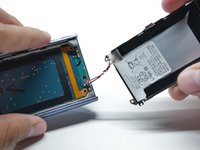
  8. Sony Walkman A-45 Battery Replacement: 手順 8、 3の画像 1 Sony Walkman A-45 Battery Replacement: 手順 8、 3の画像 2 Sony Walkman A-45 Battery Replacement: 手順 8、 3の画像 3
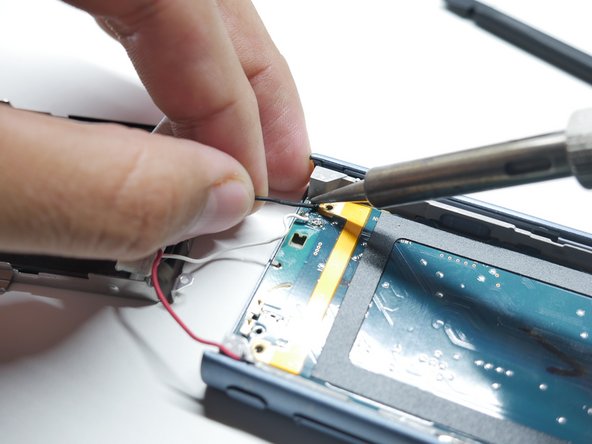
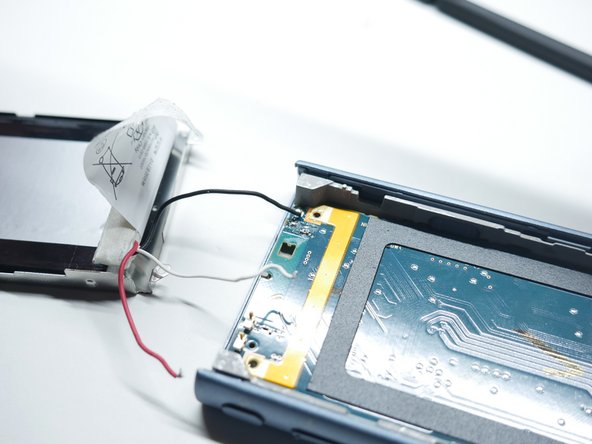
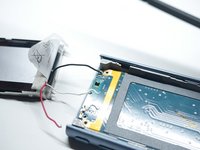
    • Heat a soldering iron to 420 degrees Celsius.

    • Heat up the old solder in the Walkman and remove the wire from its terminal.

    • This process will take time to remove the wires.

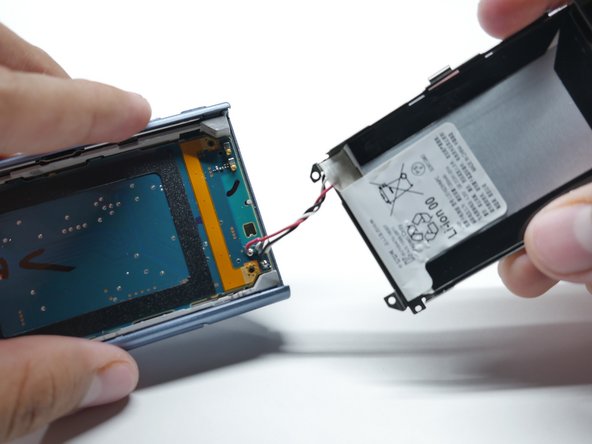
  9. Sony Walkman A-45 Battery Replacement: 手順 9、 1の画像 1
    • Loosen the battery adhesive by using isopropyl alcohol.

    • Use Isopropyl Alcohol 90% or greater.

    • Pry out the battery using plastic cards.

    • Make sure to NOT bend the battery, Take your time during this process.

    • Remove the battery.

終わりに

To reassemble your device, follow these instructions in reverse order.

2 の人々がこのガイドを完成させました。

作成者

2人の作成者と共同で作成されました。

Edwin Ruiz

メンバー登録日: 10/24/24

223 ポイント

1ガイドが承認済み

チーム

CSU Los Angeles, Team 3-86, Harris Fall 2024 CSU Los Angeles, Team 3-86, Harris Fall 2024人のメンバー

CSULA-HARRIS-F24S3G86

2 メンバー

1のガイドは作成済み

0件のガイドコメント

コメントを追加

統計データ:

過去 24時間: 4

過去 7 日: 26

過去 30 日: 146

今までの合計 1,485