メインコンテンツにスキップ
リペアコミュニティに参加 - アカウントの作成

Sony Ericsson W810I Camera Replacement

必要な工具と部品

  1. Sony Ericsson W810I Camera Replacement, Battery: 手順 1、 1の画像 1
    • Place your Sony Ericsson W810I screen side down with the battery cover facing up as shown.

    FixBotに聞いてみる

    コメントを追加

  2. Sony Ericsson W810I Camera Replacement: 手順 2、 1の画像 1
    • Remove the battery cover by applying downward pressure on the Singular Symbol and then shifting the pressure towards the bottom edge of the phone.

    FixBotに聞いてみる

    コメントを追加

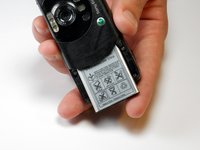
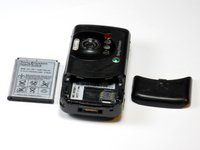
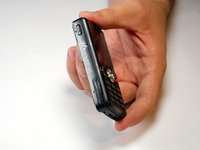
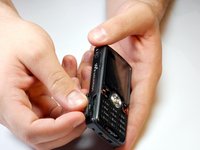
  3. Sony Ericsson W810I Camera Replacement: 手順 3、 2の画像 1 Sony Ericsson W810I Camera Replacement: 手順 3、 2の画像 2
    • Lift the bottom of the battery away from the phone with your thumb and rotate until the opening in the bottom of the case is oriented downward. The battery should slide out.

    FixBotに聞いてみる

    コメントを追加

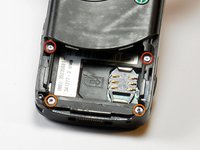
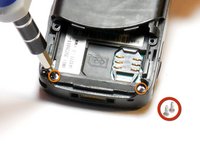
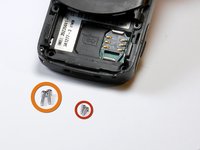
  4. Sony Ericsson W810I Camera Replacement, Case: 手順 4、 3の画像 1 Sony Ericsson W810I Camera Replacement, Case: 手順 4、 3の画像 2 Sony Ericsson W810I Camera Replacement, Case: 手順 4、 3の画像 3
    • Remove the two 3.9mm screws with a Phillips size #00 screwdriver.

    • Remove the two 6.35mm screws with a Torx T6 screwdriver.

    FixBotに聞いてみる

    コメントを追加

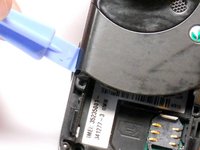
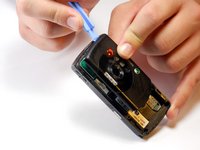
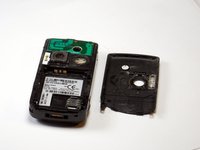
  5. Sony Ericsson W810I Camera Replacement: 手順 5、 3の画像 1 Sony Ericsson W810I Camera Replacement: 手順 5、 3の画像 2 Sony Ericsson W810I Camera Replacement: 手順 5、 3の画像 3
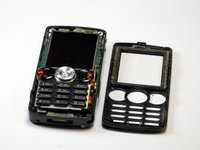
    • Run a plastic opening tool along the edge of the back casing while prying it apart to remove it.

    FixBotに聞いてみる

    コメントを追加

  6. Sony Ericsson W810I Camera Replacement: 手順 6、 3の画像 1 Sony Ericsson W810I Camera Replacement: 手順 6、 3の画像 2 Sony Ericsson W810I Camera Replacement: 手順 6、 3の画像 3
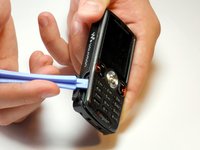
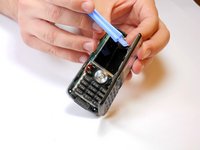
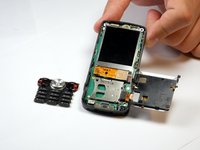
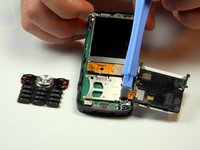
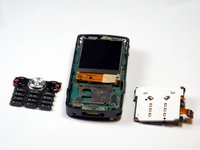
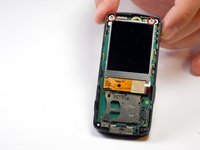
    • Turn the phone over and open the memory stick compartment.

    • Stick a plastic opening tools into the opening and twist it to gain some leverage. This should begin separating the front casing from the interior plastic support frame.

    FixBotに聞いてみる

    コメントを追加

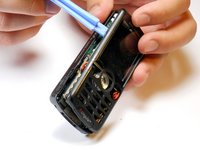
  7. Sony Ericsson W810I Camera Replacement: 手順 7、 3の画像 1 Sony Ericsson W810I Camera Replacement: 手順 7、 3の画像 2 Sony Ericsson W810I Camera Replacement: 手順 7、 3の画像 3
    • Run the plastic opening tool upwards along that side, removing the housing.

    FixBotに聞いてみる

    コメントを追加

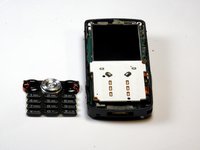
  8. Sony Ericsson W810I Camera Replacement, Key Pad: 手順 8、 3の画像 1 Sony Ericsson W810I Camera Replacement, Key Pad: 手順 8、 3の画像 2 Sony Ericsson W810I Camera Replacement, Key Pad: 手順 8、 3の画像 3
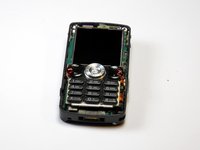
    • Peel the rubber keys away from their backing. Do not slide them off.

    • Set them aside.

    FixBotに聞いてみる

    コメントを追加

  9. Sony Ericsson W810I Camera Replacement: 手順 9、 3の画像 1 Sony Ericsson W810I Camera Replacement: 手順 9、 3の画像 2 Sony Ericsson W810I Camera Replacement: 手順 9、 3の画像 3
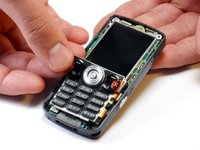
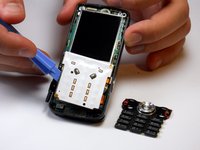
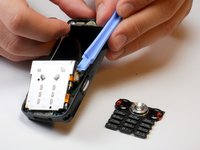
    • Insert a plastic opening tool under the left side of the keypad backing and start to lift.

    • Lift slowly, as you can damage the ribbon cable underneath if you pull the keypad backing away too forcefully.

    FixBotに聞いてみる

    コメントを追加

  10. Sony Ericsson W810I Camera Replacement: 手順 10、 3の画像 1 Sony Ericsson W810I Camera Replacement: 手順 10、 3の画像 2 Sony Ericsson W810I Camera Replacement: 手順 10、 3の画像 3
    • Insert the plastic opening tool under the ribbon cable attachment and give a small push upwards to dislodge it.

    FixBotに聞いてみる

    コメントを追加

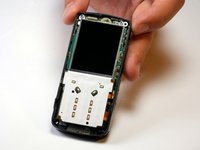
  11. Sony Ericsson W810I Camera Replacement, LCD Screen: 手順 11、 3の画像 1 Sony Ericsson W810I Camera Replacement, LCD Screen: 手順 11、 3の画像 2 Sony Ericsson W810I Camera Replacement, LCD Screen: 手順 11、 3の画像 3
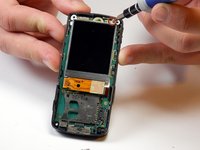
    • Remove the indicated 6.35mm screws with a Torx T6 screwdriver.

    FixBotに聞いてみる

    コメントを追加

  12. Sony Ericsson W810I Camera Replacement: 手順 12、 3の画像 1 Sony Ericsson W810I Camera Replacement: 手順 12、 3の画像 2 Sony Ericsson W810I Camera Replacement: 手順 12、 3の画像 3
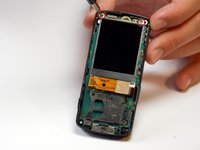
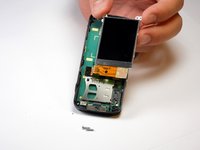
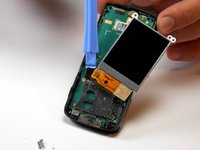
    • Pull LCD screen gently out and the to side. Do not attempt to pull it completely away from the board below it.

    • Push up on the underside of the cable at the point of attachment with a plastic opening tool to detach it. The screen can now be separated.

    FixBotに聞いてみる

    コメントを追加

  13. Sony Ericsson W810I Camera Replacement, Motherboard: 手順 13、 3の画像 1 Sony Ericsson W810I Camera Replacement, Motherboard: 手順 13、 3の画像 2 Sony Ericsson W810I Camera Replacement, Motherboard: 手順 13、 3の画像 3
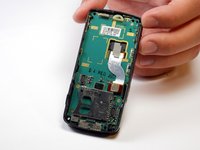
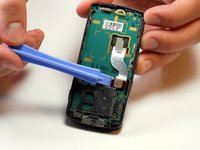
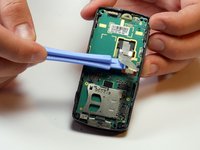
    • Using a plastic opening device, push against the underside of the brown portion of the the ribbon cable to unplug it.

    FixBotに聞いてみる

    コメントを追加

  14. Sony Ericsson W810I Camera Replacement: 手順 14、 1の画像 1
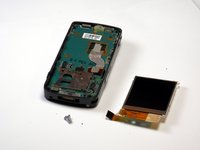
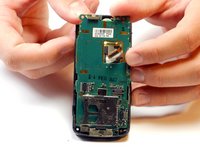
    • Using a plastic opening device, separate the top of the motherboard from the rest of the plastic casing.

    FixBotに聞いてみる

    コメントを追加

  15. Sony Ericsson W810I Camera Replacement: 手順 15、 3の画像 1 Sony Ericsson W810I Camera Replacement: 手順 15、 3の画像 2 Sony Ericsson W810I Camera Replacement: 手順 15、 3の画像 3
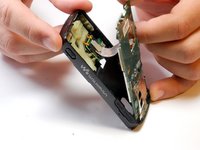
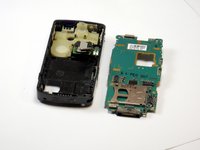
    • Pull forwards slightly on the motherboard so that it starts to fall out of the casing.

    • Thread the ribbon cable through the hole in the motherboard so that it does not become caught.

    FixBotに聞いてみる

    コメントを追加

  16. Sony Ericsson W810I Camera Replacement, Camera: 手順 16、 2の画像 1 Sony Ericsson W810I Camera Replacement, Camera: 手順 16、 2の画像 2
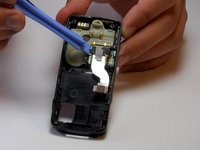
    • Push against the underside of the ribbon cable at the point of attachment with a plastic opening tool until it detaches.

    FixBotに聞いてみる

    コメントを追加

  17. Sony Ericsson W810I Camera Replacement: 手順 17、 1の画像 1
    • Pull the ribbon cable to the side.

    FixBotに聞いてみる

    コメントを追加

  18. Sony Ericsson W810I Camera Replacement: 手順 18、 2の画像 1 Sony Ericsson W810I Camera Replacement: 手順 18、 2の画像 2
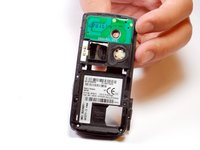
    • Flip over the phone so that the side previously facing you is now facing away.

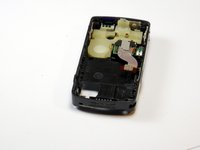
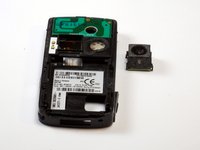
    • Push gently on the camera module from the side currently facing you. The module should fall away from the plastic mount.

    • Insert the new camera module into the now empty space.

    FixBotに聞いてみる

    コメントを追加

終わりに

To reassemble your device, follow these instructions in reverse order.

キャンセル: このガイドを終了できませんでした。

ある他の人がこのガイドを完成しました。

作成者

3人の作成者と共同で作成されました。

Lucy Bowen

メンバー登録日: 09/01/11

473 ポイント

7のガイドは作成済み

チーム

Cuesta, Team 1-7, Zipperian Fall 2011 Cuesta, Team 1-7, Zipperian Fall 2011人のメンバー

CUESTA-ZIPPERIAN-F11S1G7

1 メンバー

14のガイドは作成済み

0件のガイドコメント

コメントを追加

統計データ:

過去 24時間: 2

過去 7 日: 9

過去 30 日: 44

今までの合計 4,319